ZBrushCentral

Keyshot bridge - UVs not going over to keyshot from zbrush

HI

Does anyone else have this problem? Although the uvs work fine when you just use the model that gets sent over to keyshot, but as soon as you want to apply normal map or a different texture map on the model with uv’s it is not working??

Any ideas.

Thanks

Attachments
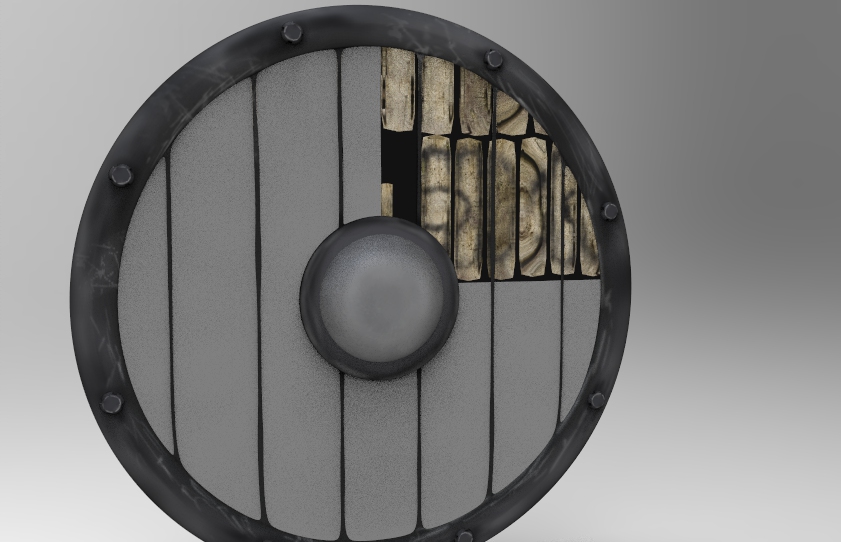
untitled.168.jpg

The bridge doesn’t work!

I have imported the obj manually, and when I apply the texture the uvs work perfectly… What is the point of the bridge then?

See renders, one on the left I manually imported to keyshot… one on the right the plugin.untitled.169.jpg

Sometimes when you wish to add new maps, you need to click on “UV co-ordinates” in the maps drop-down.

Hi dillster, thanks for the reply… I did this that is when I realised the issue… it seems that if I change the texture image by clicking on the folder just below the blocks that show the textures… Not sure if I am making sense but it seems it works but not straight forward… or maybe its just me :rolleyes:

You can also just drag the texture from their location and drop them onto the texture thumbnail. The same for the other maps, just drag & drop.