update
So i managed to find a work around for the blow issue, I tried so many things I can’t even remember what worked now, but now onto the fun part, costume… yay,
But the next problem is, once i’ve applied a noise to a subtol, and clicked apply to mesh, how do i delete it? i select the subtool and go to noisemaker, but ‘delete’ is greyed out. I’m stuck with a texture I don’t want, how do i change.?
Hi Guys
Still very new to Zbrush, been using it for about 3 weeks now, and I haven’t encountered that many problems, but when I do they frustrate the hell out of me, So i’m hoping one of you lovely, smart people can help me with this current frustration.
I have a high poly model, I dynameshed and saved, and naturally all my low sub d’s are gone, I’m trying to get them back, so I have remeshed a low res model, and projected to high res model in incrememnts, so I end up with multiple sub dvisions, low to high.
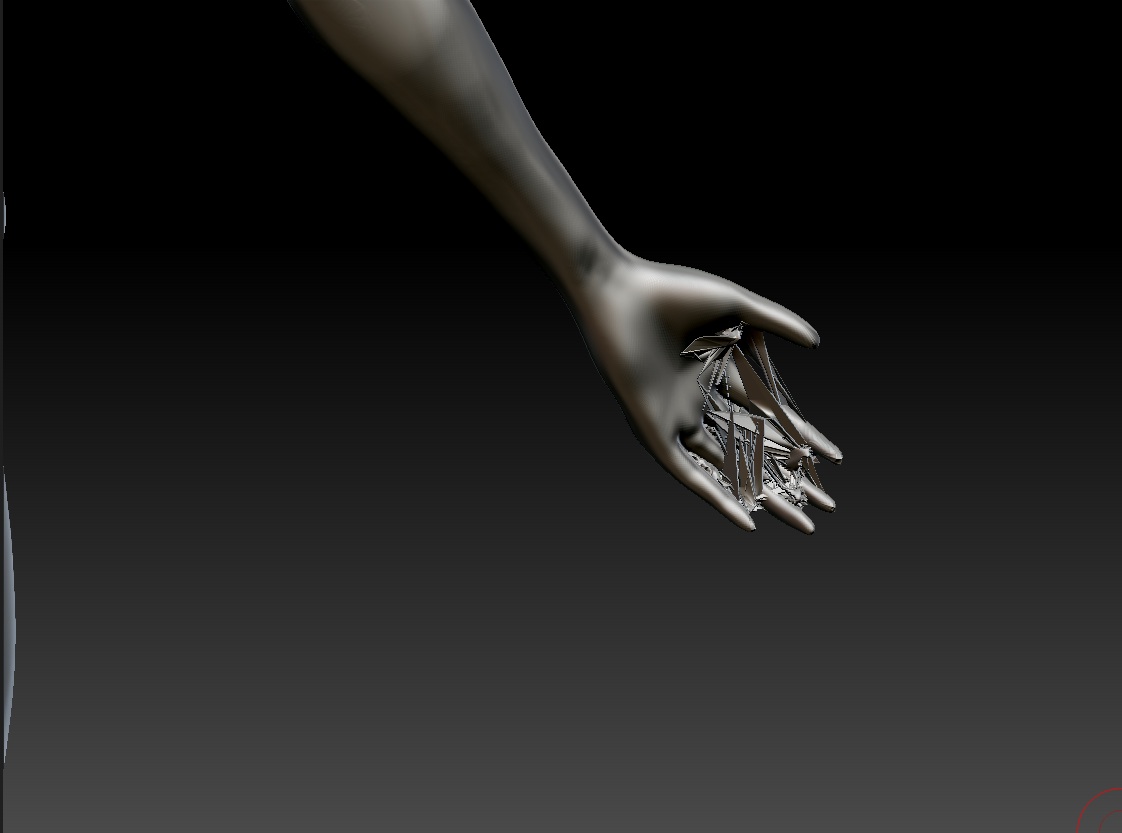
However, whenever i project all, I get terrible results in corners and creases, especially around the hands, how do I resolve this? I have played with projection distance, Mean, and none of them give me a clean projection. I have also stored morph Target, again… no joy.
PLEASE HELP, i’m so excited to get on to the costume stage of my model, but i’m stuck in limbo.
Update
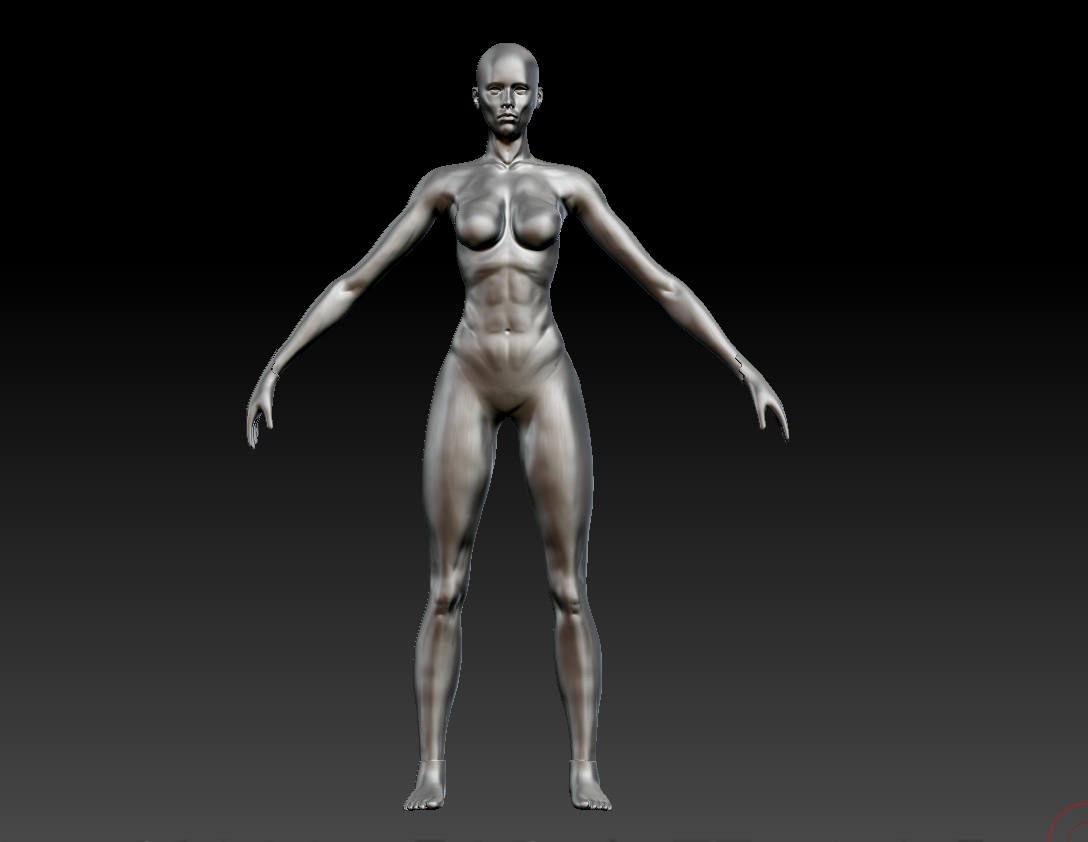
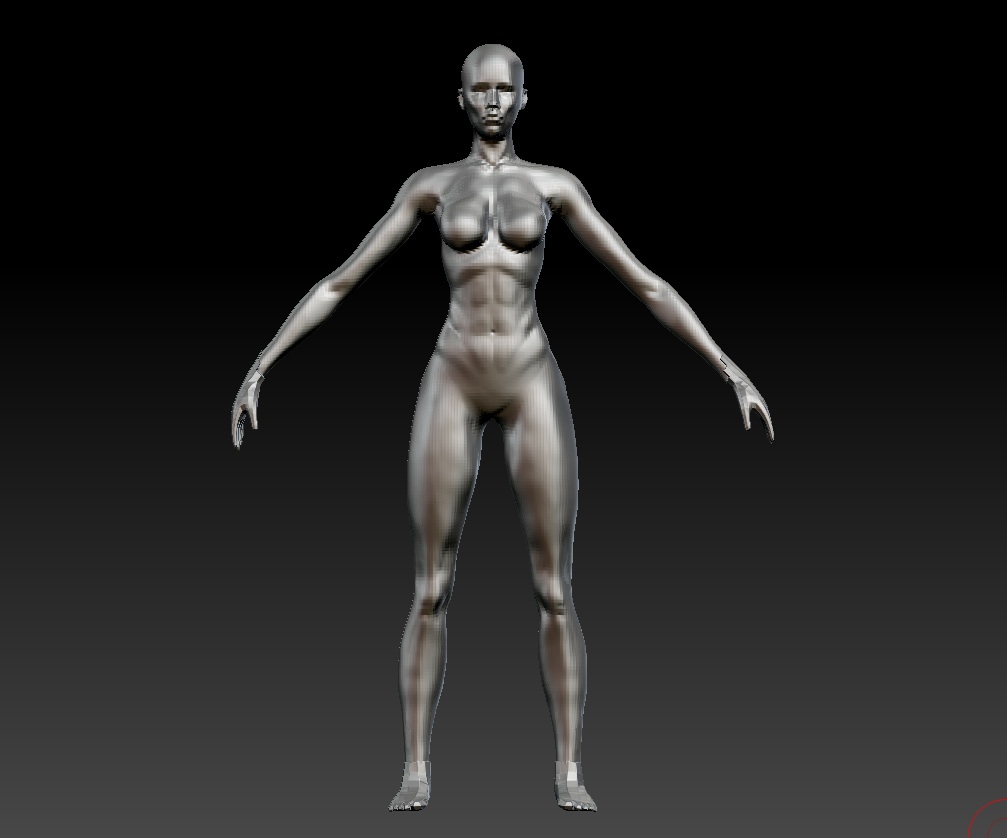
I tried another method i removed the hands and feet as these were the problematic parts when it came to projecting my mesh. Once I had gotten back my lower subdivisions I added back my feet and hands, but as you can see, now the resolution for all the subtools does not match.
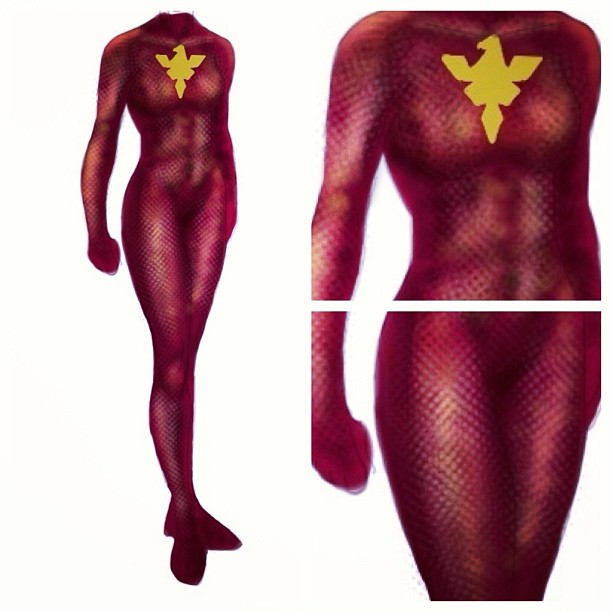
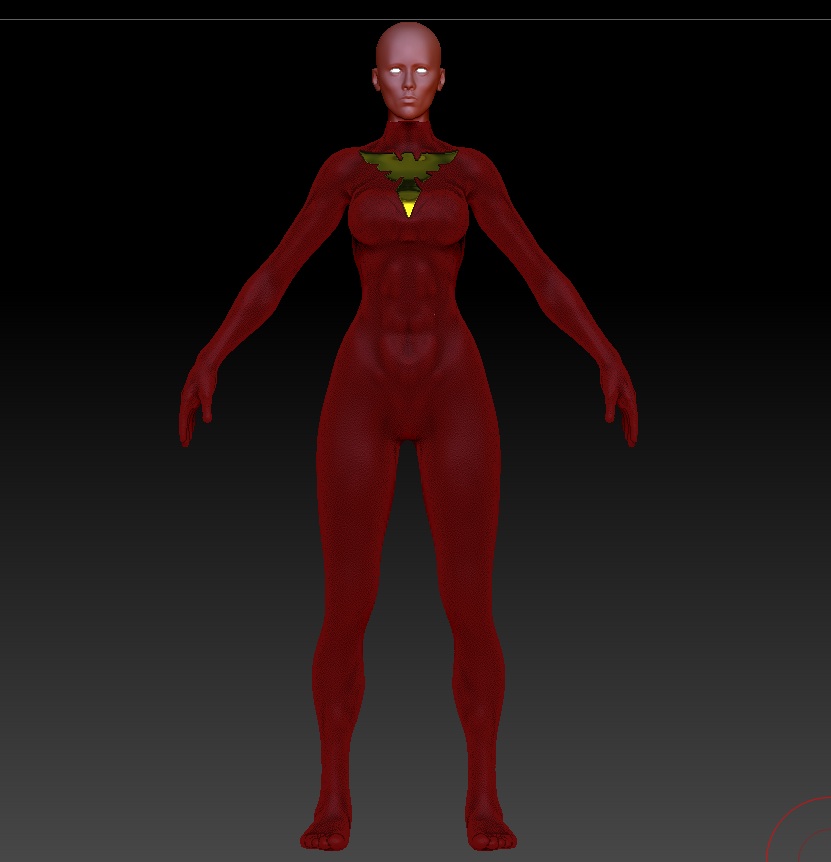
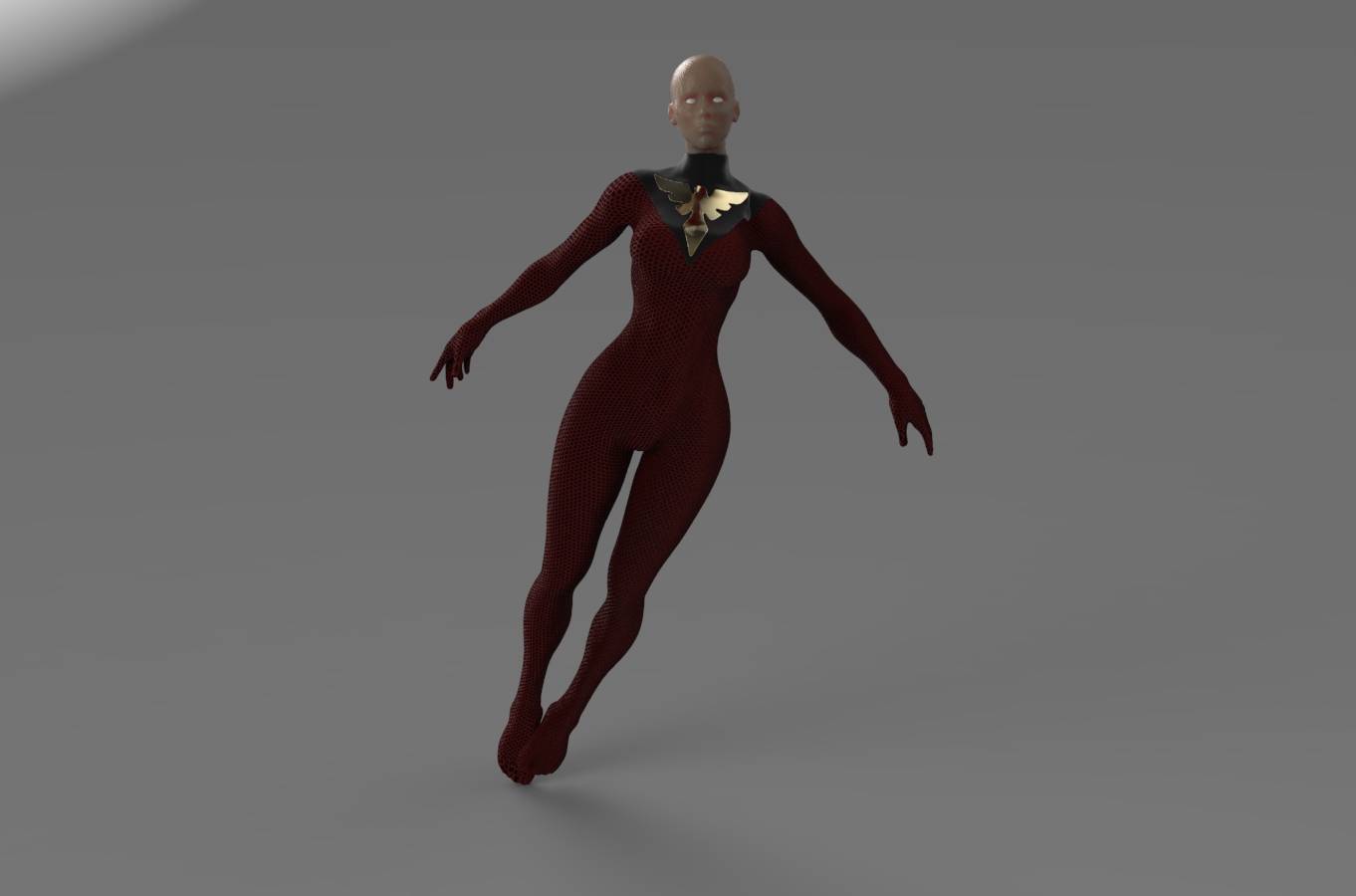
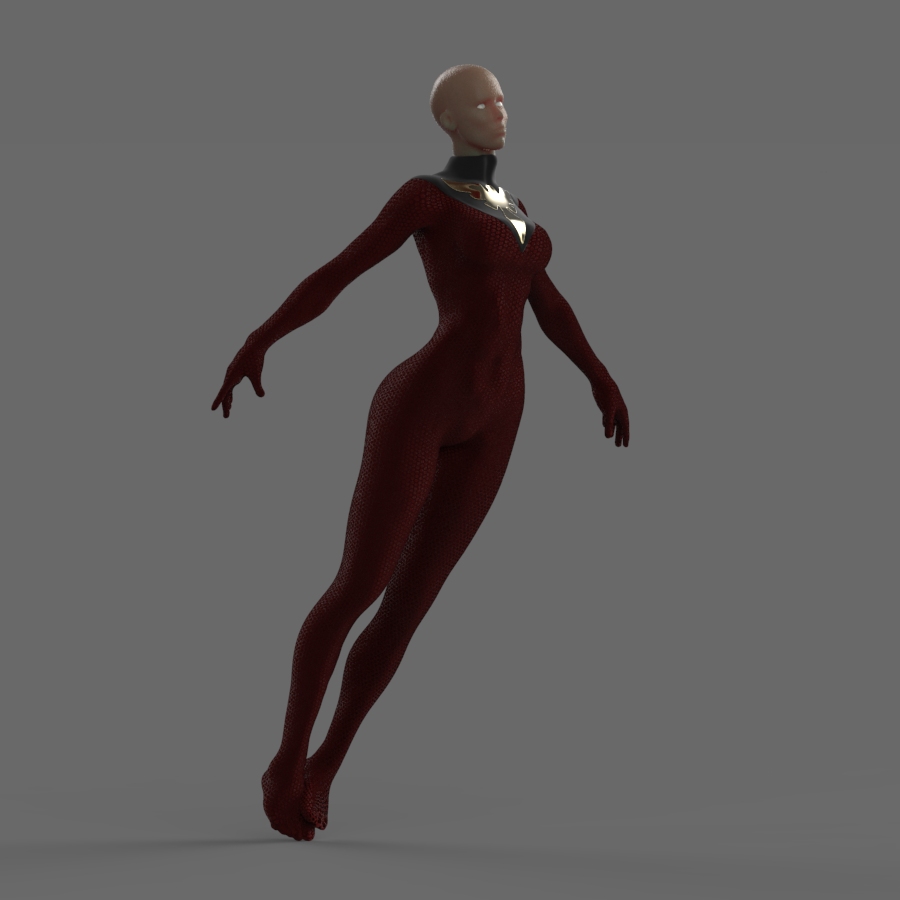
Whilst waiting for someone to help and respond, i started looking at concepts for the costume here is one i designed, thoughts.
Attachments