Hi All,
I am a beginner with ZBrush 4.0. At the moment, I am learning how to sculpt and make cool architectural models using Zbrush tool, but hmm seems like I am got stuck mid-way with this problem that , I hope someone can tell me what’s wrong and point me to the right direction.
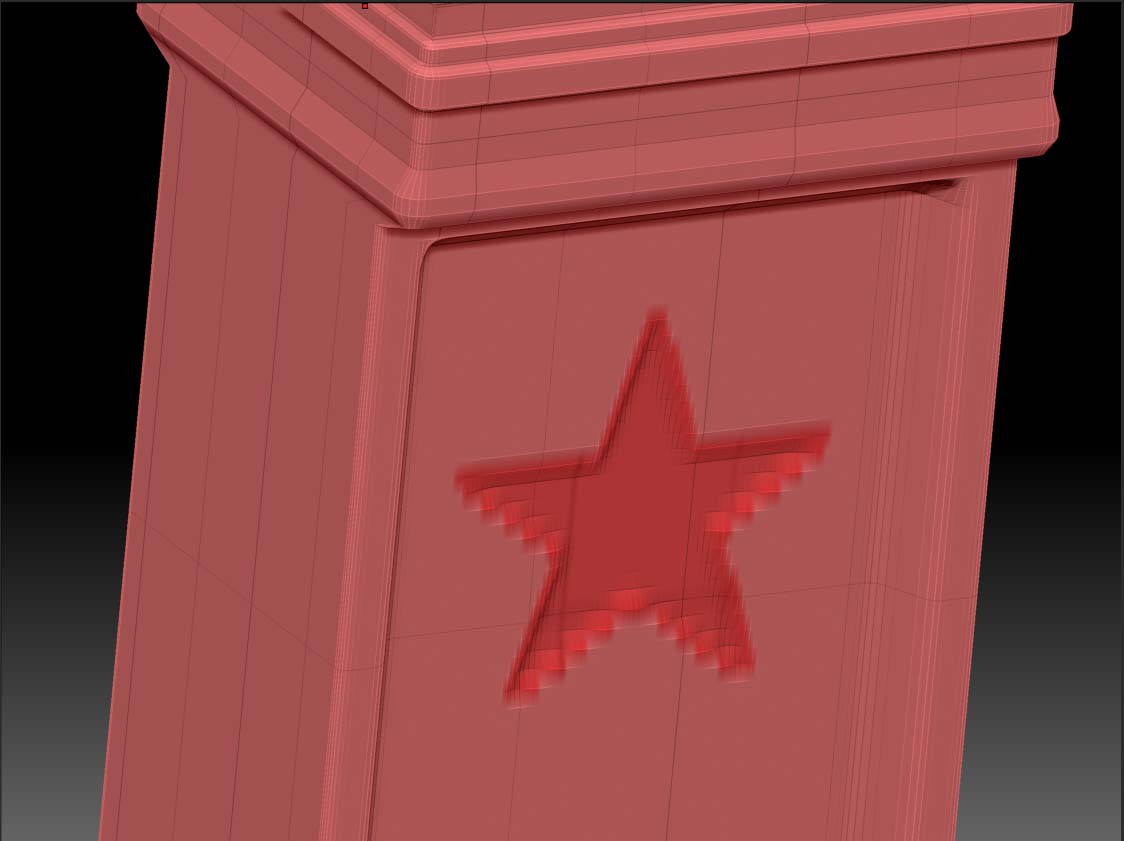
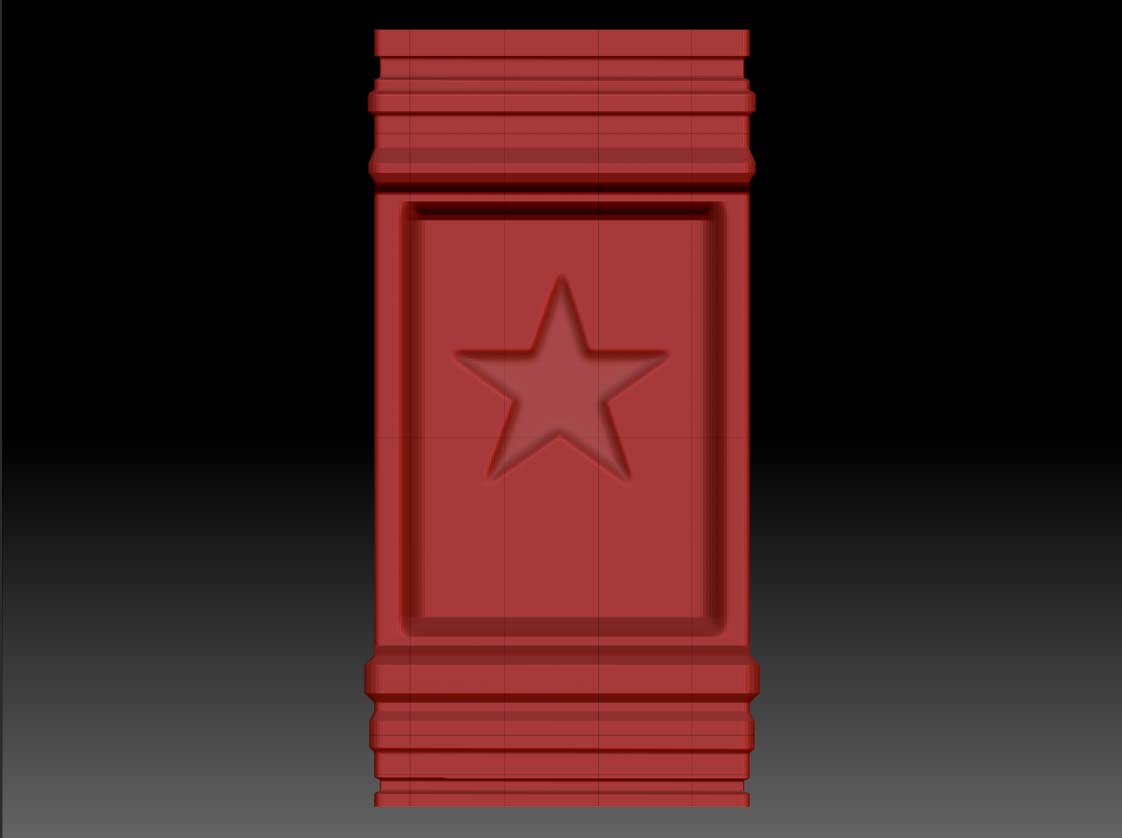
I am using projection master in Zbrush to embed some nice alpha texture onto my model. When I am in projection master “drop now” mode, I used the stroke " Drag Rect" and imported an alpha texture “Star” to the model surface. Everything was sharp.
When I “pick up” from projection master mode, the star imprint on the model was jagged along the edges.
I have tried increasing my document size to double my original size previously and have increased the “blur” settings on the alpha panel.
The result wasn’t what I expected, so I am stumped… any help will be great appreciated from you guys… Thanks !!!
Attachments