hello all and happy holidays but something i have noticed alot here at zbc is the upload habits !
not to be a bitch but with the power of this program with all its new features and the amazing artists
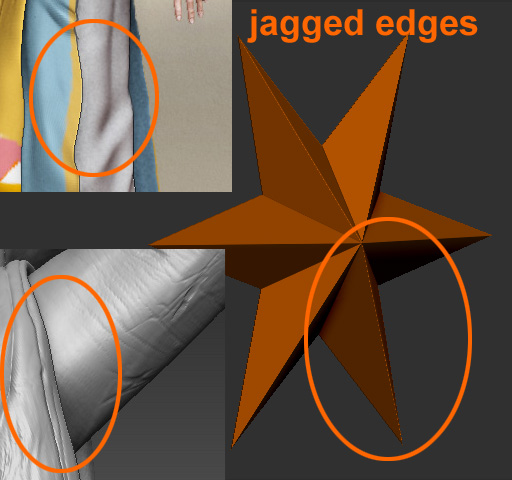
that come here and display their work with jagged edges.i have mentioned this to some posts that i admired their work
but those jagged edges!! takes away from the presentation of your work - something so easy to do too.
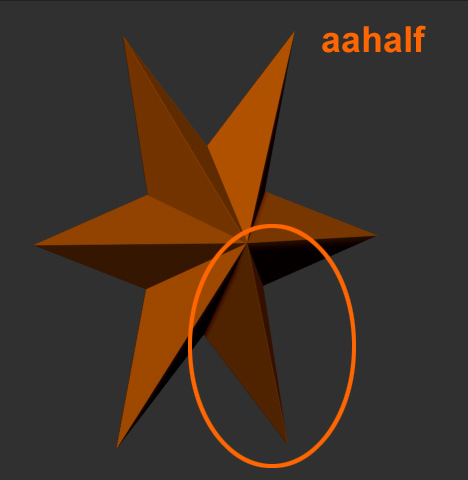
check out the examples i have uploaded and for those who do not know how to use this feature i think its an important one
to show off your skills and it makes veiwing easier also! simply position your model(s) while still in edit mode
> marker > m+ > clear screen (cntrl n) > document > double > zoom out > with model selected hover cursor over marker
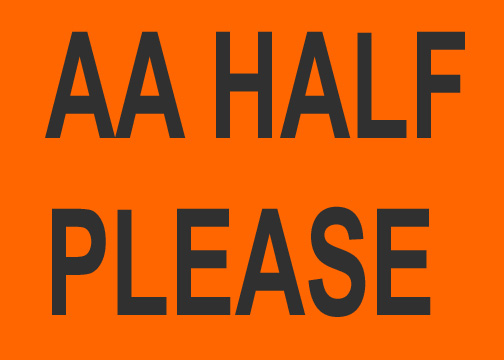
click on it > aahalf > export. or save a defualt upload document of a desired larger then default size ect.
Attachments
 gonna try this on my next thread

