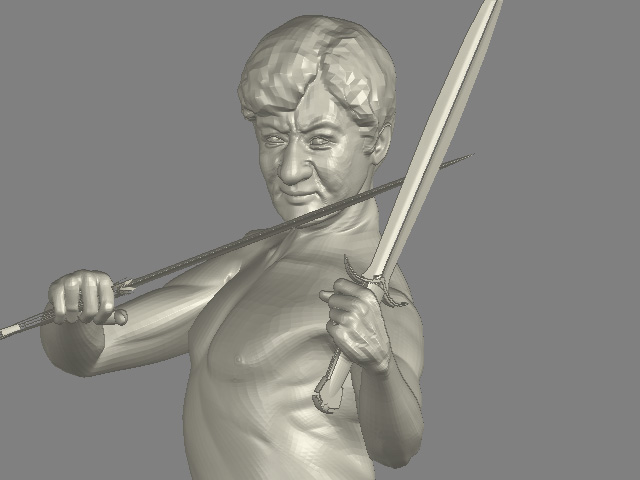
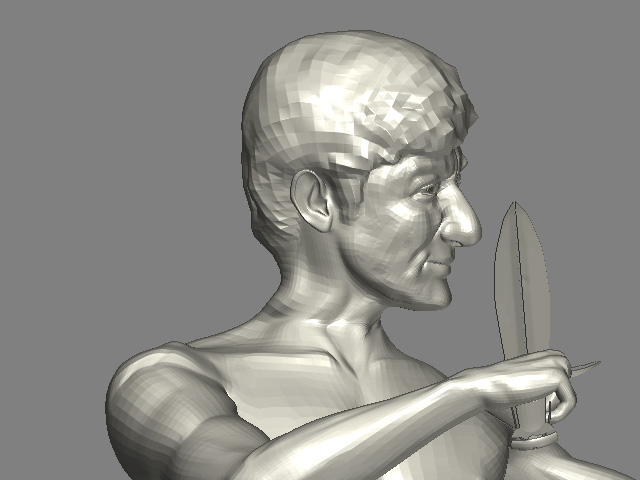
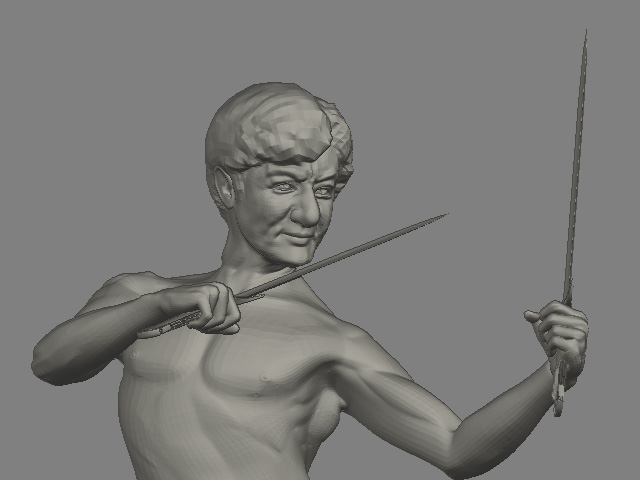
Welcome to my studio www.minghonart.com
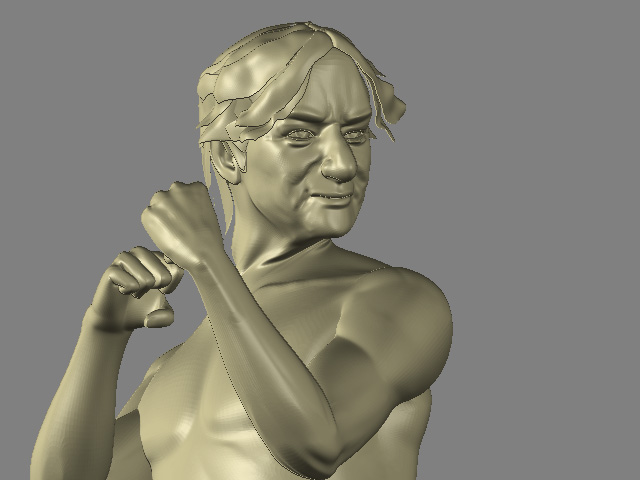
Attachments
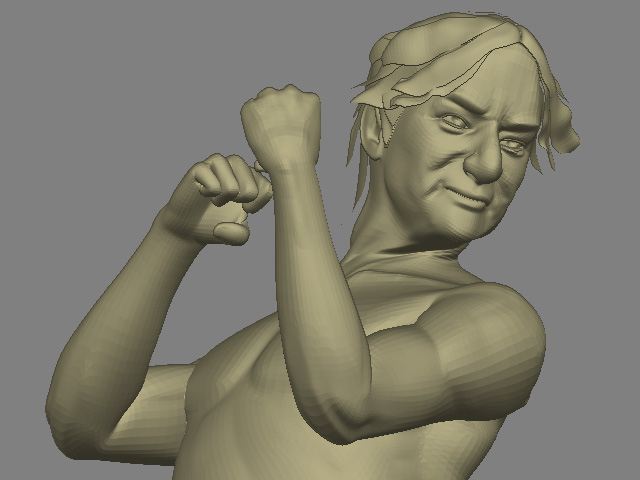
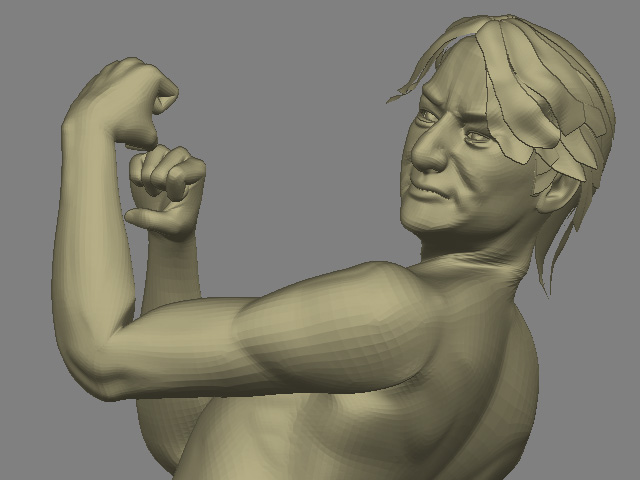
his nose remeber me on potato…
buena expresion …amigo Solstice… 
En este no es que se parezca mucho a chan

This is going to sound really harsh but once when i was a youngster artist [ages ago], someone paid me the same courtesy im paying you and took time out of their life to guide me to where i needed to go.
I have seen you whip off a ton of these models lately, and they models are ok… not great. You dont spend barely any time on them to bring them to that next level like so many others here do. But nevertheless they are ok.
On top of that, you REALLY need to spend some serious time invested in learning a decent rendering package or learning the zbrush renderer more. Those “bryce”-ish renders look horrible and only passed for “good 3d” ten years ago. A massive problem with i would say 70% of the people here is that they can only use zbrush, and have no idea how to animate, render, UVW, texture, or anything else that breathes life into the models you create.
I see how fast you can make these statues but how good can you make them? The art i see here that captivates me usually isnt done in a week or two.
Just my two cents. I’m not the best artist here, nor am i the worst. All of my zbrushed work is confidential, so you wont see me posting any, but i really think you are selling yourself short by:
Rendering them poorly &
not taking time to really detail them out.
Take this image for instance:
http://www.minghonart.com/write/licononseashorehorse.jpg
There is no shadowing, not detail shadows, not GI, no depth. Take that same image, shadow it correctly, light it right, stop using those fake procedural stone textures and texture it correctly, and you will see your artwork improve 500% right there… and its all using your same models.
Sorry for buggin ya i just see some potential there thats all.
It is same as this forum.Anybody interested visite. I am tired of it.
http://www.threedy.com/site/forum/showthread.php?t=29515&page=1&pp=15

the sculpture art oil painting … more then hundred year. It still amazing.Nothing could be replace it.
ok so follow the multiple advices you received that pretty much tell you to do the same thing and you will create something great.
or dont.
l8r.
sorry but I have to say that I just don t get why you re still posting all these images… There is obvious things that can be done to make your stuff a lot cooler and you don t even listen to people’s advice on any forums… you never respond to anybody or talk about what you re posting… do you even read the feedbacks you get ?.. cause that s the point of a forum man…
con todo respeto amigo Solstice…pero pienso que ud. esta subestimando las posibilidades del Zbrush al presentar imagenes creadas en otros programas
…espero que muestre aqui resultados que contengan un trabajo de experimentacion con zbrush …menos poser menos Bryce…mas ZBRUSH
Hi all,
i’ve read all the thread…
Is in my opinion we are all free of post every pics,
but art or simply picture is not post evrythingh i’ve in mind.
Often is somethingh which born in mind and explode in a paper or computer.
If you are Leonardo da Vinci, you can post everythingh and give your point of you about the pics;) ;
here i see only a 3d puzzles without concept!
I know , for you is your expression, but tell us which key need to read your image; it’s seems to be very poor and no take advantage from the comments and critiques.
A forum is a free place, like a kitchen you can’t serve any food only because you got it, you need cook and follow some instructions…
is the same in 3d, you need follow some guidelines explore some possibilities try to achieve a unique style and then after you can post somethingh .
Copy the style of the other, ask info to improve if not you stay everytime at the same level.
Bye
Leo
Well, I’ve seen improvement in your work recently. The Lady Di model was pretty cool. On the other board, a couple of people said you did very good 2D art. Why not post some 2.5D work made in ZBrush here? I’d love to see it. And 2.5D painting is a hot topic at the moment … everyone who is anyone is doing it! You have bravely stood up for yourself and remained true to your own vision of artistic integrity. Good for you! You’ve talked the talk. Now walk the dinosaur. No … that’s not right. 
bryce has a well earned place in 3d art and is not useless today by any means …but this to me seems like it took 10 mins to compose and took even less thought.
the old saying quality not quantity is somthing to have in mind .
you can model we have all seen your work but like a few others have said your modeling stops at the very point when it should seriously start.
imo a good idea would to be go back to your 1st model and pick the model up as a good base for making a good work and not leaving it as a good base model becuase that in essence is what it is

I completly agree with mehoo and dktrheadache here, solstice you should put a LOT more work into these images… it’s not that they’re BAD per se, it’s the fact that you should stop at that level. Develop the model further, play around with it, visualize. I suggest you seriously think about using Maya or 3d Studio Max if you like compositioning so much, and learning how to make realistic materials wouldn’t kill you.
But I’m starting to think there’s no point in telling you this, you either don’t read the replys or don’t care…
hehe , u crack me up ;p The thing that bothers me is that they’re just poser figures morphed a bit. About a year and a half ago , someone got banned for using poser , claiming it was zbrush. sorta forgot his name though. Since then everyone mentions when poser is used.  (And you recognise those typical annoying eye lids and smooth ears anyway) not saying solstice didnt mention it , I believe he did a few times. But all that aside , the images arent my thing. Like everyone here and on the other forum said, it lacks a lot in lighting,material, the modeling would be decent if it wasnt derived from poser. So why not try and use some Zspheres to make a head, I would really like to see what you can model from scratch, so starting from a sphere or zsphere in zbrush.
Hey Sol,
What I am sensing here is someone completely new to 3d. I went to your website and I see a Lot of talent in 2d. That should come in useful later. In spite of what anyone thinks, starting off by morphing poser figures in z brush is a damn good way of learning how to manipulate the mesh. But because you obviously did a lot of drawing on it you couldnt use it a true morph target in poser. I think you have come pretty close to Jackies face but the nose is too large… almost caricaturist.
Do NOT take offense at what mehoo said about Bryce… just ignore it  Why?
Why?
Because its apparent to me that out of the tools you have at your disposal Bryce is the best you have for rendering. To tell you the truth its the Best i have. Each person can only work with the tools they have and I am Quite happy with Bryce. I looked at the Bryce images you have posted and they remind me of Me when I started playing with Bryce 3 a long long time ago. Some people forget what its like to be totally new at something and posting here with the talent and pros we have here you are bound to take some flack.
Just keep fumbling as best you can, and read the documentation and do tutorials. I can see that you are in your experimental stage of 3d and hopping from program to program. I can understand that its what I did. Eventually you will get good at them all and be better rounded out as a 3d artist as a result.
But Do work tutorials especially if they relate to a project you are doing
For instance… When you bring Jackie into Bryce I am sure you noticed that the mesh came in all lumpy. Make sure Jackies Object group is selected
and click the E button that appears off to the side along with the material editor buttons etc. This takes you to a small window. There is a slider to the left of the ball that is set about mid way… go ahead and drag it to the top which makes it 180 and click the ball… this will smooth every individual object in that group… It may take awhile but the results are worth it.
Go to uvmapper.com and get Steve Cox’s excellent and free uvmapper. The old demo will get you where you need to go. Import jackie into Uv mapper and remap him. You need to do this because the Old uv maps just wont work after you rearranged his geometry in Z brush. Texture will bring life to him.
If you need any help in the future do not hesitate to personal message me here. I am usually lurking around somewhere and will be glad to. One thing more and this a definite reccomendation… go to the renderosity and 3d commune forums and do a search for Meski (Bob) He has some particularly good tutorials there you should try relating to Bryce. Bob is one of the Masters and a damn fine fellow too.
In some ways I envy you… Trying out new programs in 3d is like reading a good book or watching a good movie for the first time.
Good Luck
Tartan
That’s true. But personally, I don’t mind beginners, hey, I’m one. It’s the fact that ppl are trying to give him their feedbak and the guy just ignores it. It’s great that sol is experimenting, he should continue to do so, it’s the one true way to learn.
But also, listening to what other ppl (with good intentions) are trying to tell you will go a long way…