ZBrushCentral

issues with textures , using zapplink

g’day,

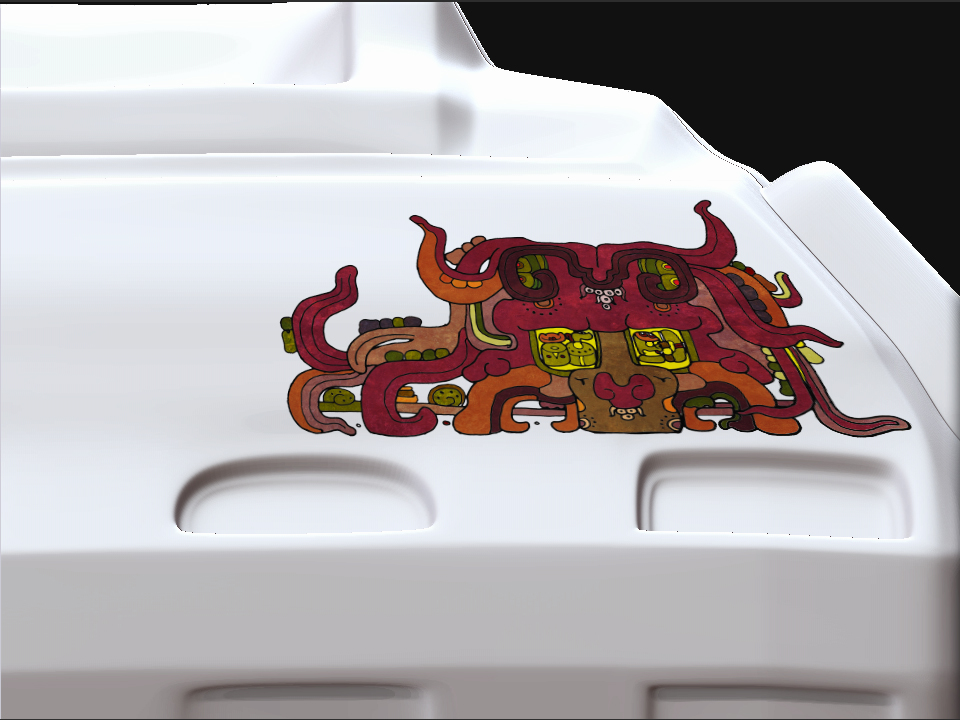
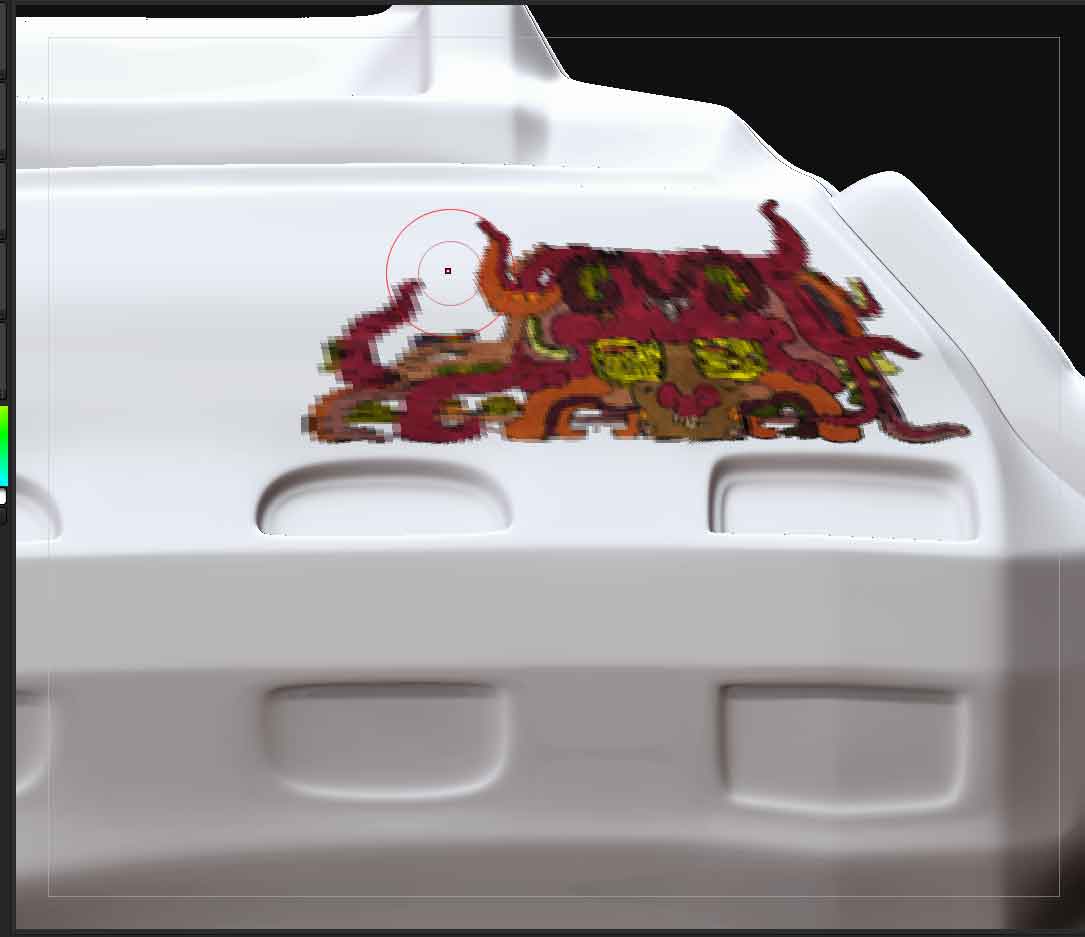
i hope someone out there ZB land has a idea as to why my textures wont display properly. i have up rezzed the document size and the mesh is at 4.5 million and the texture itself is a 2k one. if you look at the enclosed pictures a before and after, as soon as a pick it back up inside ZB the image goes all pixlated i have been on this for quite some hours and i am at the “scratching the head” stage.

any suggestions?

many thankstest_maya_jeep_decal.jpg

Attachments

Untitled-1.jpg

Do you have fade turned on in the Zapplink options?
If you do then turn it off.

yeah,fade was off anyway

I find that sometimes if i create my Uvs before the sculpt is complete i will get these type of results. It also looks like you may be trying
to project at a slight angle. This can cause the same effect.
Make sure you project the image straight on.

You have to create uv layout and a texture for that… you are painting directly on the vertices

Show a wireframe of this section. Your polygons might be too large and not capable of supporting the detail.

yeah, i am at the mo trying to make my model into different polygroups and then splitting it up into subtools so that i can put some more polys in that area.
i tried the poly group from masking but its proving difficult to get a clean line around the outside edge , i also tried the group loops option but the polish slider on that seems to inflat my model way to much even on lower settings (3) i think.also, i converted the painted mask into a poly group and then into a subtool but now have a small gap all the way around the outside, presumablely thats why you have to group loop it i suppose. but that doesnt really give me nice results , i started getting into the painting and now have to backtrack alot to solve this issue, pain in the rickta…!!

if anyone has a workflow thats tried and tested to break apart an already built obj would be extemely helpful. but i might have to take it back into maya and then bring it back in , in parts. should have planned ahead a bit more…

thanks guyscracks.jpg
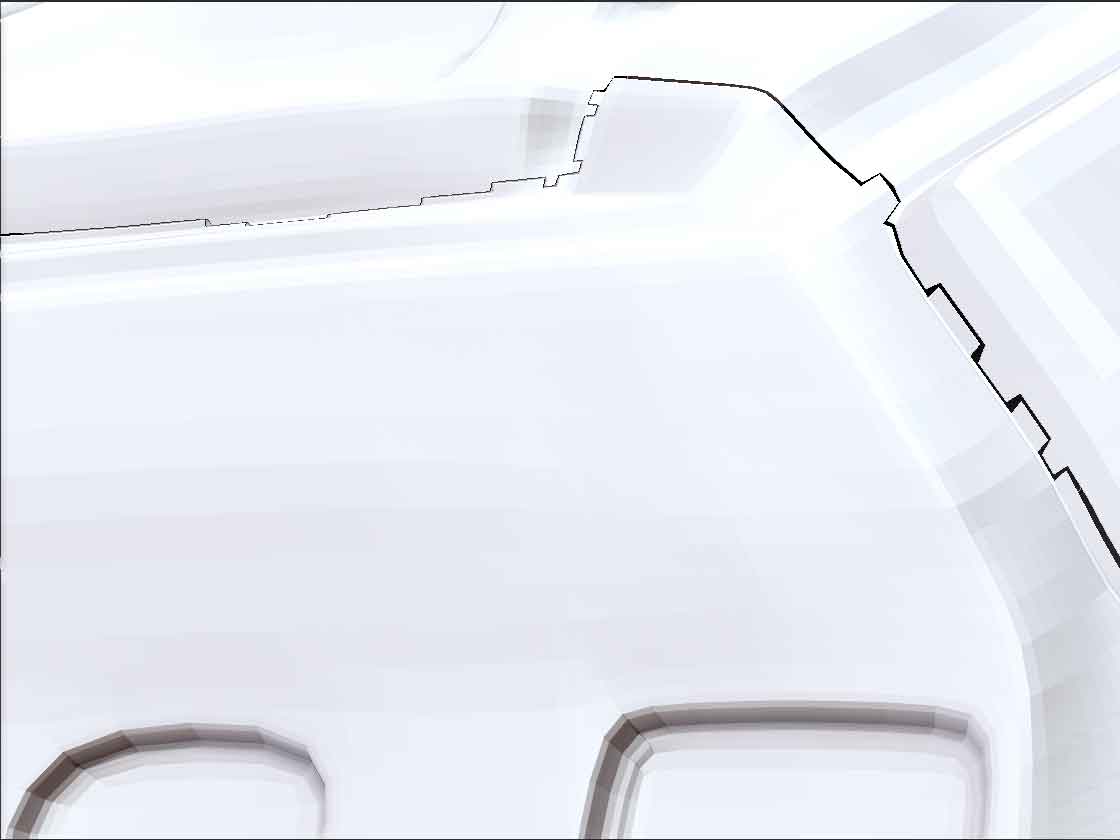
i have some problem, did you ever fix it?

well , not really. theres several ways around this,
1st: i retopoed the mesh using zspheres
2nd: i brought the mesh back into maya and rebuilt it so that the verts were more evenly spaced
3rd: i cheated a bit and just added a seperate piece of geometry where i wanted the texture to go.

after all of this , and even with all the lovely tools in ZB , if you import a decent mesh from (max.maya.xsi,etc) you will save yourself no end of headaches
thats what i have learnt here anyway.

maybe this thread can help you out
http://www.zbrushcentral.com/showthread.php?p=458762

thanks for the link.

so i think i am under the understanding that you have to polypaint the mesh first with a base colour then project the texture onto that and then exported it out as a texture. just projecting onto a non painted mesh doesnt work.?
i will experiment a bit,because the other thread is a bit difficult to workout the steps you have to do.

sorry for the delay, here is what you have to do. once you have polypainted , go to ‘new from polypaint’ under the tool>texture map. then make sure that ‘texture on’ is on. then you do the zapplink

[help.JPG](javascript:zb_insimg(‘185092’,‘help.JPG’,1,0))

yeah thanks , i tried that and the zapplink data updates on the texture as you go which is nice…