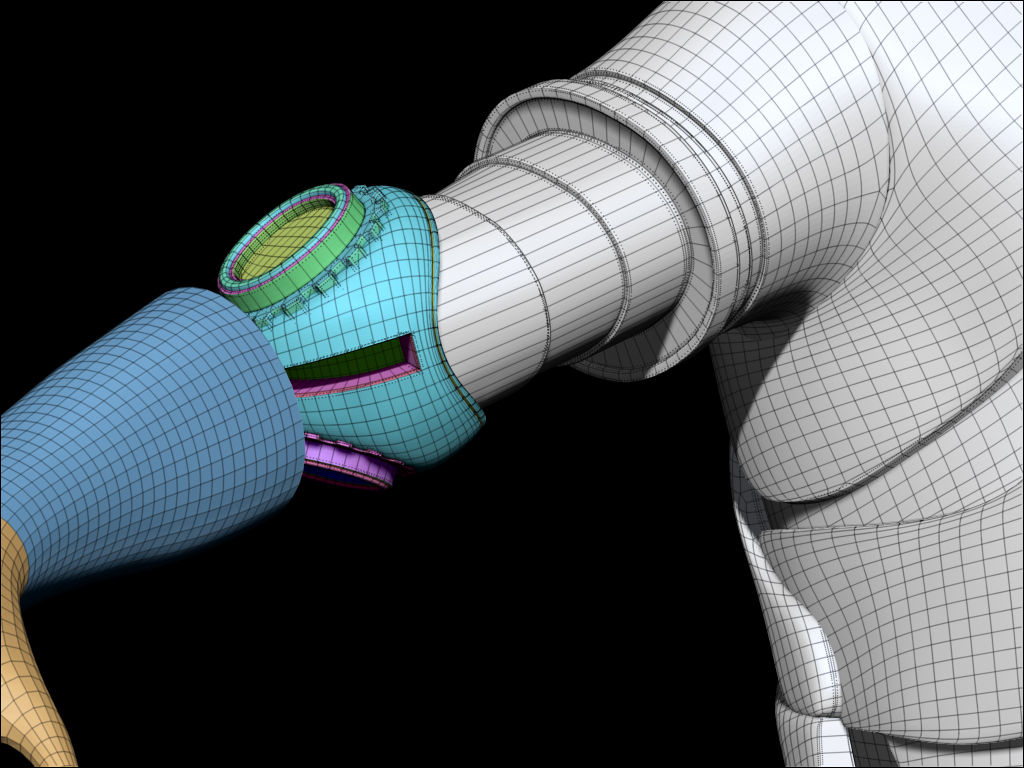
It can be a bit confusing at first, because the default behavior in zbrush is to display the active color and material on polygons with no polypaint.
If you fill a portion of the object with a material, that portion will be painted, but if your active material is still the same material as the painted polys it will show that material as well, resulting in no visible difference from the unpainted polys. After you fill or paint a portion of the object with a material, switch active materials, and you will see the painted portion be one material, and the unpainted portion be whatever the active material is.
Also keep in mind, that in order to fill or paint a selection of polygons with a material, either the “M” or “MRGB” buttons must be active in the top shelf.