ZBrushCentral

Inserting brush

I know how to insert a custom brush, but I can’t seem to align the insert tool. I can get it close but is always slightly off. Could someone please help me in the right direction?

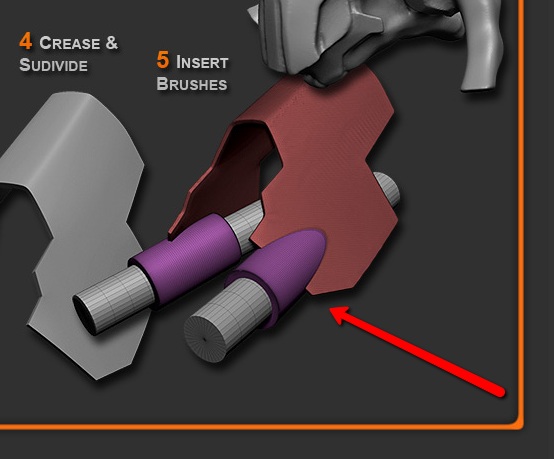
Here is an image to help you understand where I am coming from:

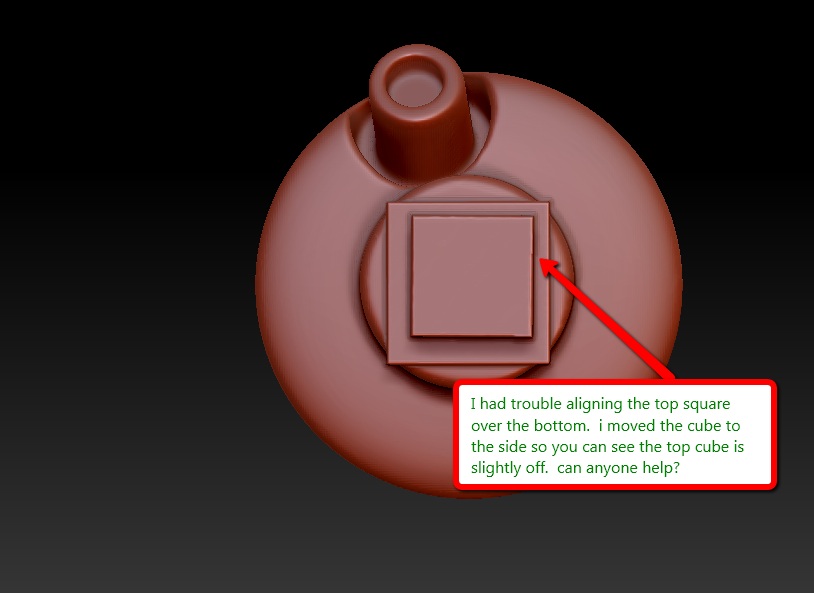
Here an example of the problem I am having:

Attachments

2011-12-21_2048.jpg

2011-12-21_2127.jpg

Remember that as soon as you have inserted a mesh the rest of the model is automatically masked. This means that you can switch to Move mode and use the Transpose actionline to adjust the position of the inserted mesh.

It can be hard to align things precisely even with the transpose action line. Even when it looks aligned, it usually isn’t upon zooming in for a closer look. It would be nice if we had some way to snap like we do when holding shift. Is there anything like this already that I’ve somehow overlooked? A “center mesh” button where ZBrush calculates the true center of both the polymesh and insert mesh, then aligns them automatically would be useful too. I think this would make using the insert mesh feature not only easier, but a bit quicker too. Another idea is to create a mask, then tell ZBrush to center the insert mesh within it. What comes to mind as an example of all this is the alignment options available in Photoshop when working with layers. Basically all I’m really saying is that a little more control over the insert mesh feature would be nice, especially considering they’re a major feature everyone loves and are probably now used almost as much as the standard brush is lol. :wink:

Marcus, thanks for the replay, Zeddicus spent more time than I did explaining the problem I was having. Basically, everything he mentioned, is what I am looking to do. I guess that isn’t built into zbrush yet. I am a zbrush noob, I wasn’t sure if i was missing something so I figured i would ask.

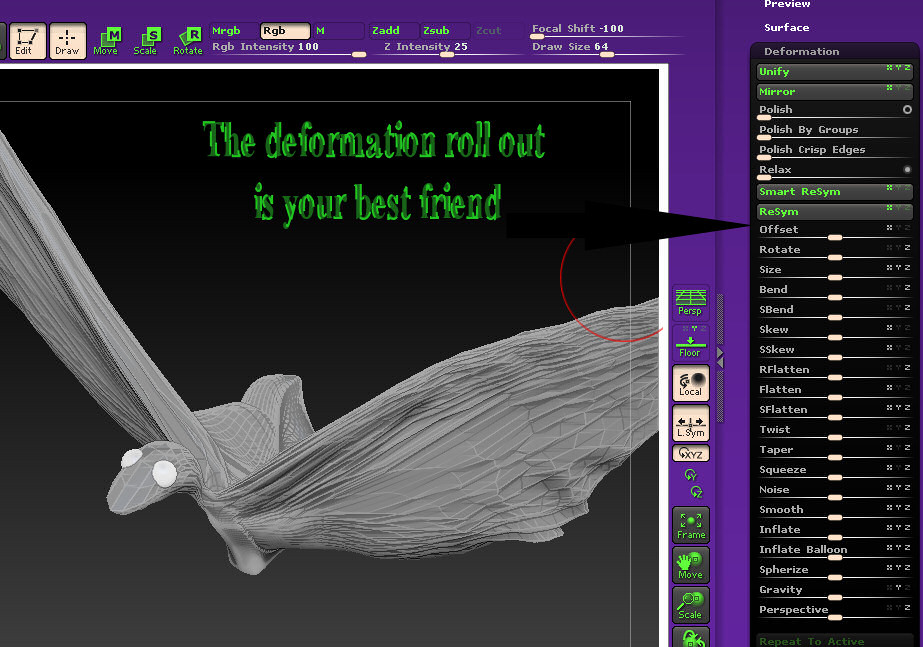
Find it, get to know its’ functions. It is extremely useful.

Attachments

best_friend.jpg

Yup, it really is. It’s still not a tool with very much precision though, and transpose it right up front. :wink:

Thanks everyone for your feedback. Very helpful!