ZBrushCentral

Inserted Ztool gets distorted when using transpose

Hi!
I’m following along a tutorial, anyone know why this happens:

  1. I’ve made a Ztool, and I want to insert it onto another tool using Insertcube. I’ve assigned the Ztool to the brush.

  2. After dragging it onto the mesh, any transpose action will break up the mesh.

  3. As a workaround, when I leave the insert mode, I can select the ztool via polygroups, and do the transpose action there without any distortion for some reason.

I’m suspecting it is some sort of pivot issue?

Attachments
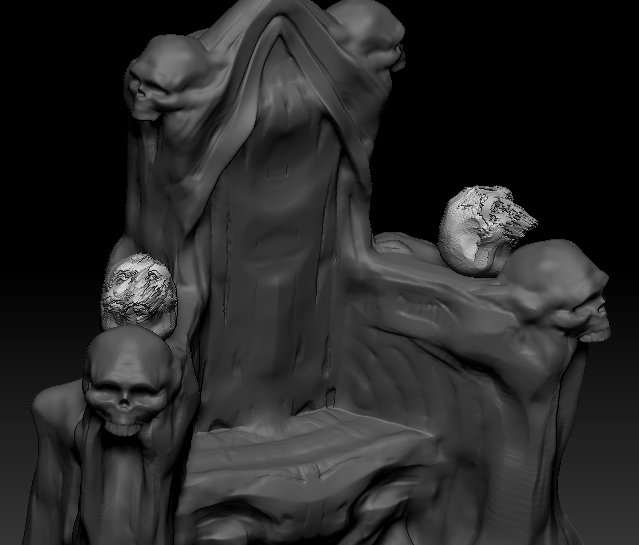
error.jpg

i don’t know if assigning it to insert cube is the issue or not, but try making the tool an insert mesh brush itself.
select the tool and from the brush palette click “create insert mesh”.

also you can try holding shift down when you draw it out, that will snap size and angle.

I can’t think of a reason not to use Insert Mesh brush for this instead of Insert Cube. Is there a particular reason you want to use Insert Cube?

Hi thanks for the replies. The reason I used InsertCube was I was following a tutorial, which featured an older version, I was unaware of the quicker way of doing it. Now I know! (In any case I found the error, the ztool was masked in a few places when making it an insert brush, which I did not see at first- awesome. :D)