I have created insert-curve brush and it work great.
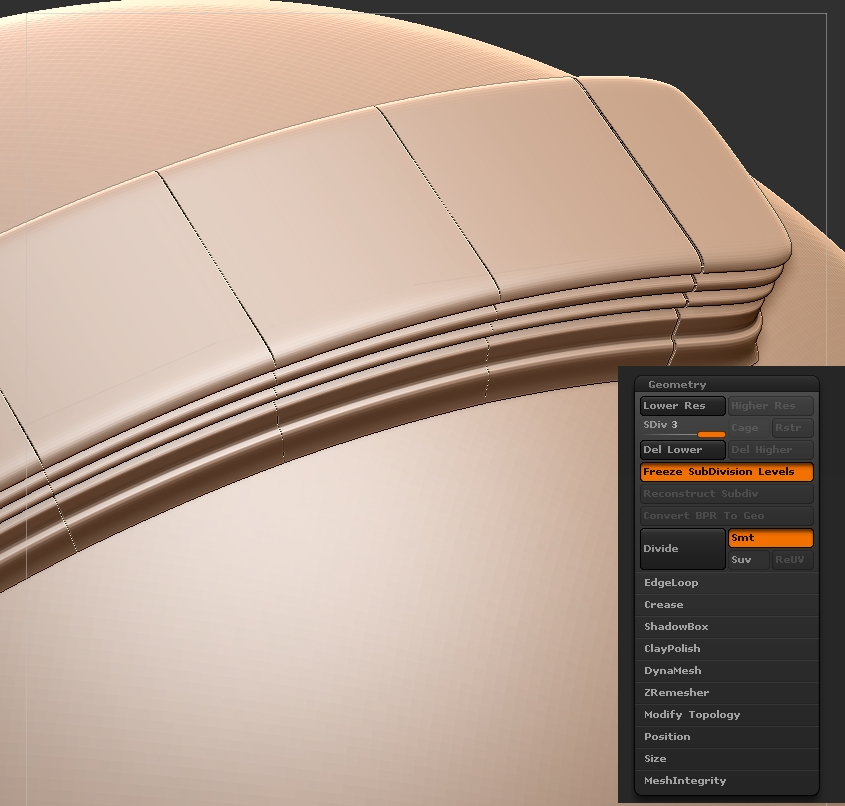
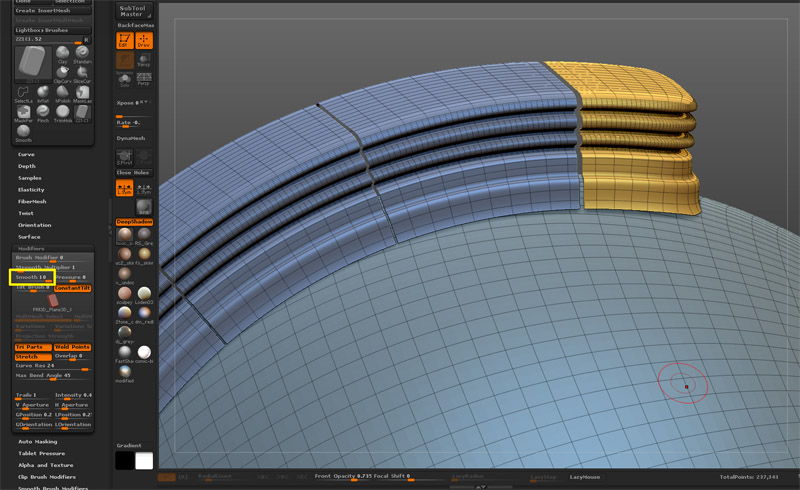
But if i divide this mesh once i have this:
why it starts to separate ? is there any way to avoid that space between the pices of curve brush ?
Attachments
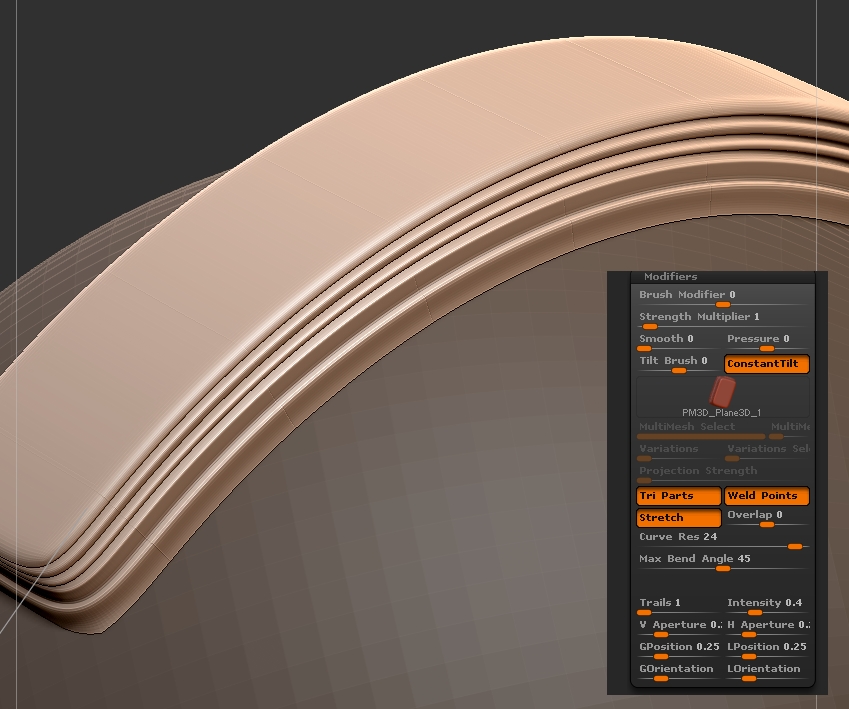
I have created insert-curve brush and it work great.
But if i divide this mesh once i have this:
why it starts to separate ? is there any way to avoid that space between the pices of curve brush ?
http://docs.pixologic.com/reference-guide/brush/modifiers/
you shold turn on weld.
/edit/
oh i saw you have already press weld point,if not working,i think you can also try “weld” inside edit topology panel too…
Thank you for the answer.
The problem is that i can’t find “edit topology panel”.
I found this: TOOL\Geomaetry\ModifyTopology\WieldPoint
but it didn’t help.
Can you please tell me more concrete where to find this “edit topology” panel ?
I already tried Zwelder and it didn’t help me.
IT’S ModifyTopology actually…:o
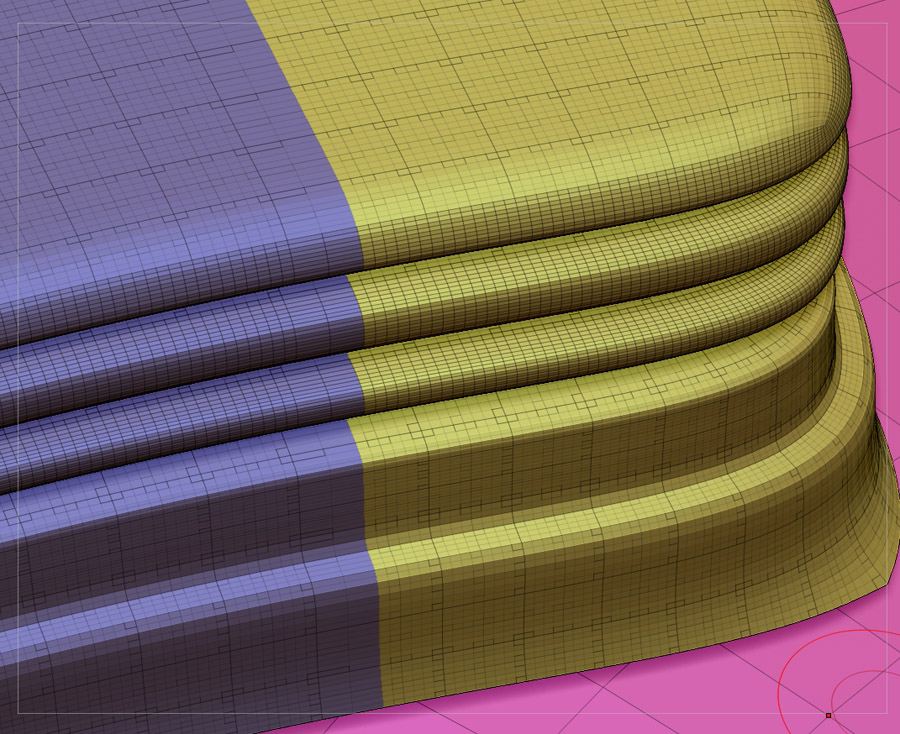
BUT is your insert curve meshes have OPEN edge? or just as this JPG showing that all the curve is a bunch of closed mesh??
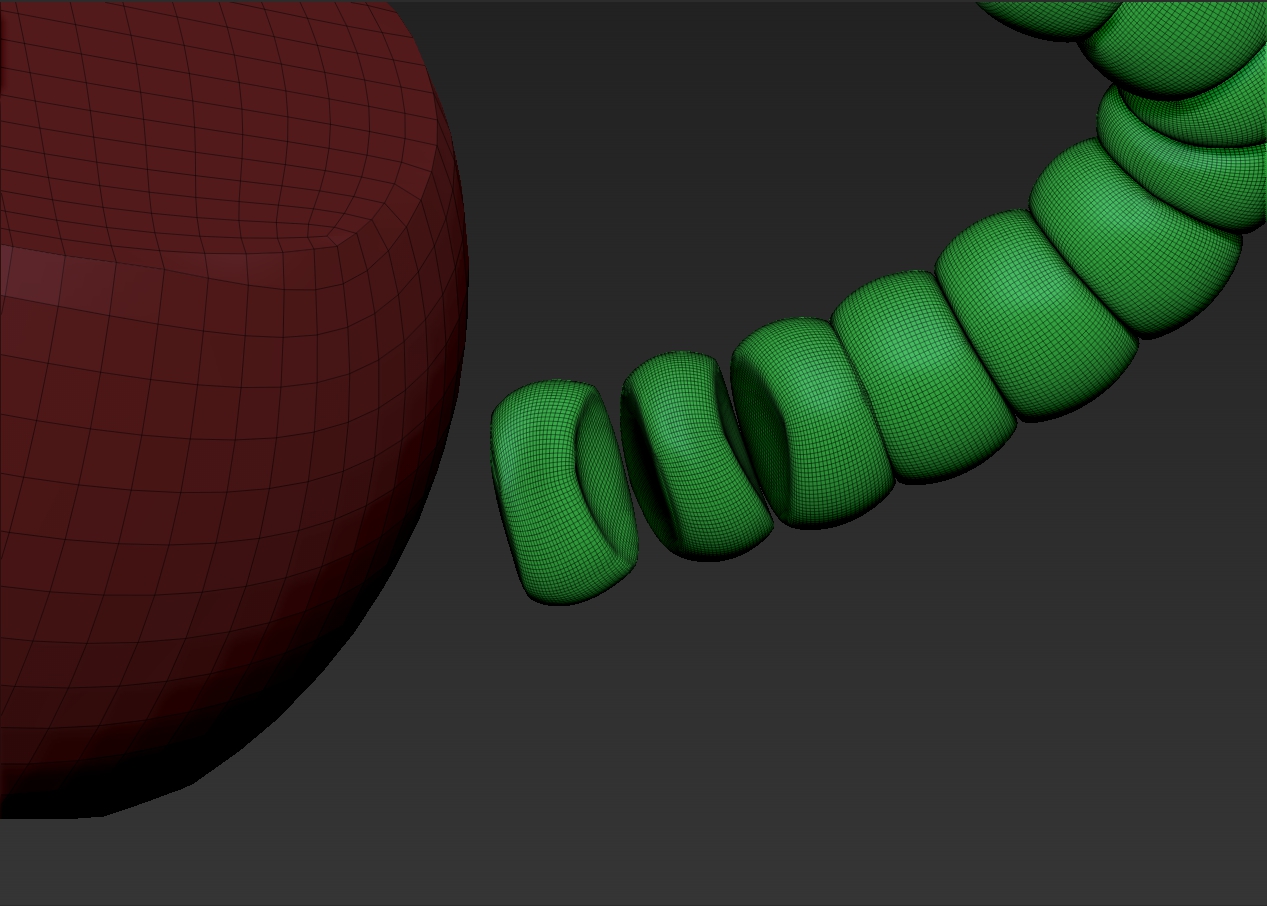
Yes edges are open.

and slightly overlapped.
See where you have smooth selected? Have you tried it with that off(un-selected)?
Do you mean this smooth (BRUSH\Modifiers\Smooth) ?
It was off. But with smooth:10 it’s still the same result.
Oh. Do you mean divide it with smooth off. Ufortunatly i still can see the stitch after divide with no smooth.
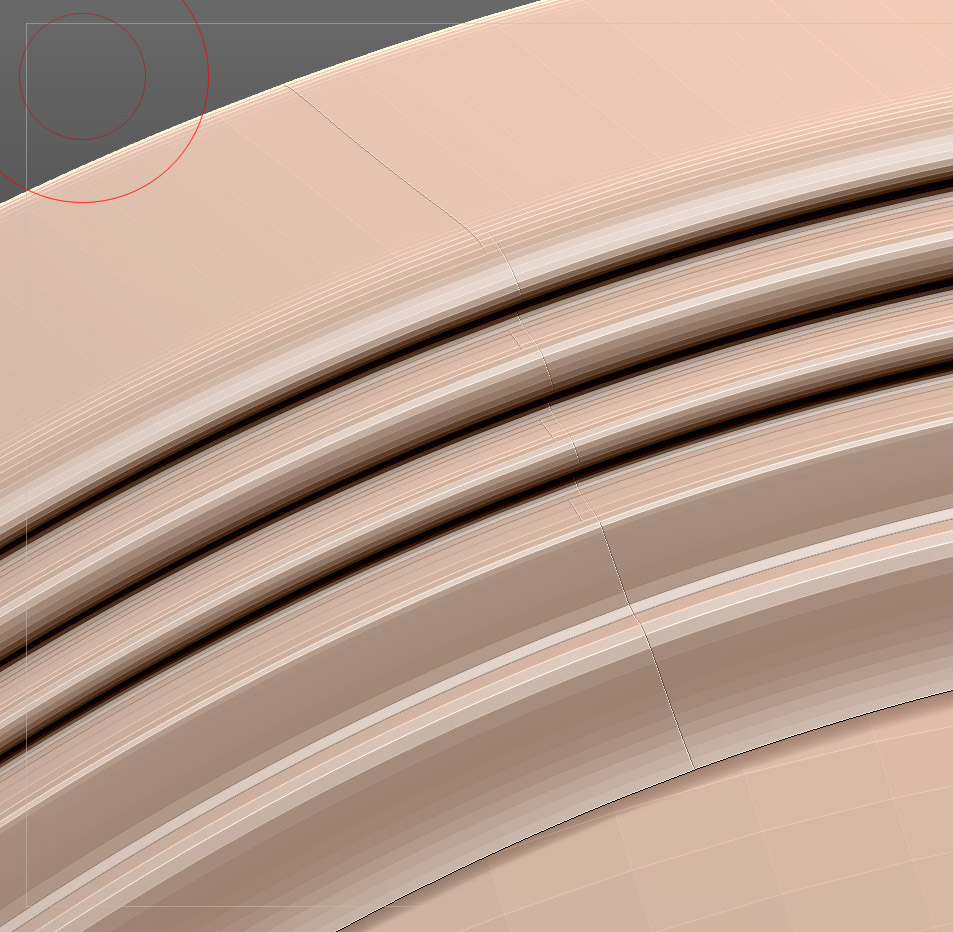
Nope, where you Divide.
… divide it with smt off. Ufortunatly i still can see the stitch after divide with no smooth.
Can this stitches became because my insert curved brush is too complex ? Maybe i should make it more simple and with less polygons ?
Can amount of polygons cause this problem(separation after divide) ?