Thanks! This is a excellent idea, however it seems this brush is not working as 1 might expect. Can you reupload a V2of this brush, or explain how to orient properly, bend or even prevent the hair from drawing so large, even with a very small brush size?
Handsonmusic, the size of the brush depends how far you zoom in. Here is a screenshot, both hairs were made with the same brushsize.
The hairs are not snapping to other hairs, so snapping is off. Place the single hair, take the endpoint of the curve and move it around.

Hi everyone, here is mine IM brush of a great white shark tooth. hope is usefull for someone! enjoy! 
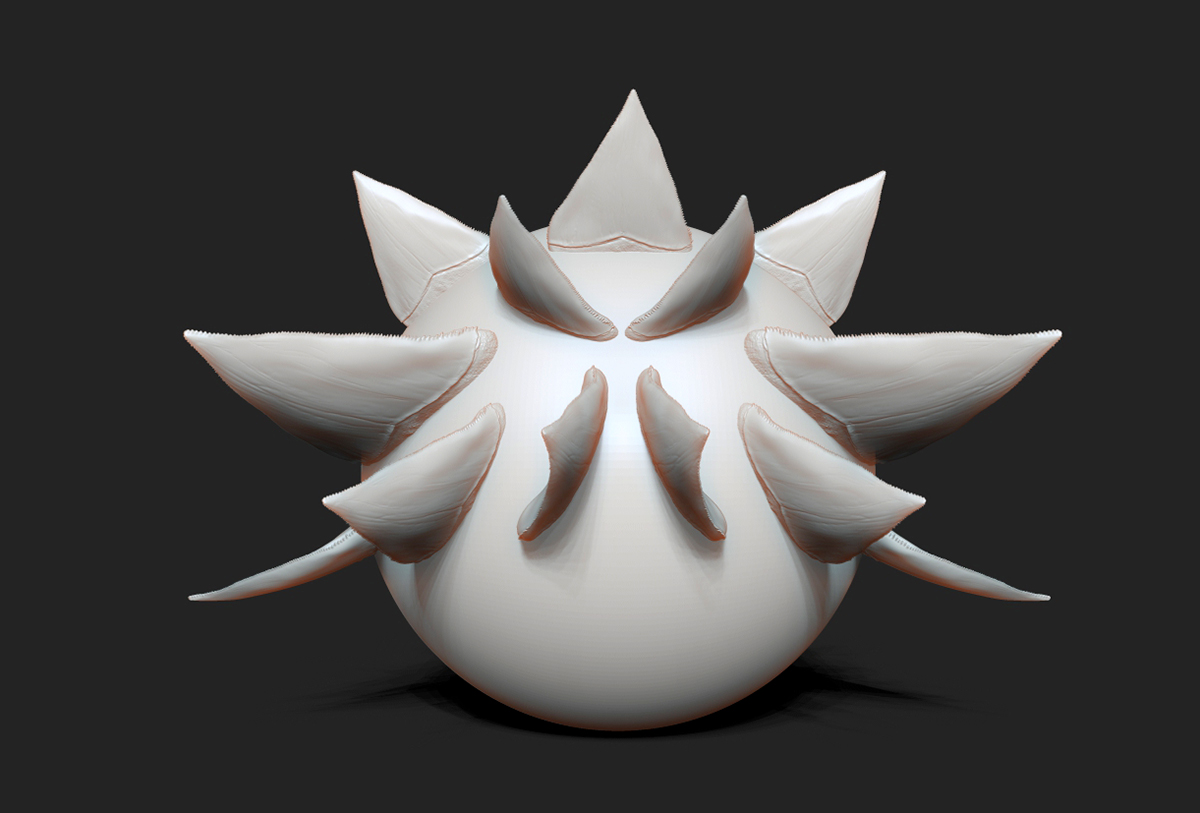
http://www.arbiadesign.it/download/IM_shark_tooth.zip
Attachments
1 Like

Gear_IMM Curve Mode: Gear_IMM.zip
https://sites.google.com/site/korea2d3d/Gear_IMM.zip?attredirects=0&d=1

Suit Button Curve Mode ASLine: Suit_Button.zip
https://sites.google.com/site/korea2d3d/Suit_Button.zip?attredirects=0&d=1

Great stuff! thank you for sharing

You seriously rock. Thank you

thx for sharing all this great stuff!!!
After seeing the stairs, I suppose tank treads might also work out well with this.
D’oh! I missed the tank tread post a few pages back.

shoe laces look great, thanks for sharing!
thanks for the shoe lacets , very usefull.

Hey guys here’s my first little contribution… It’s been a little tough to figure out how to get the TriPart brushes to weld properly.
All the spirals are separate meshes so with autogroups they can be selected, removed, and edited as you like.

Insert_Spiral Leaf.zip (11.9 KB)Insert_Spiral Leaf.zip (11.9 KB)
thank’s  thank’s :)thank’s :)thank’s
WOW!
What a fantastic thread! Thank you guys for the great brushes and the time you spend for create this very useful stuff
Yes sure it is a fantastic thread and a great idea to share these materials, but , unfortunately, it is impossible to use the most of the parts of the files IMM when you work like me on a Mac version.The brushes doesn’t work, the version of Windows having had an update, maybe it is the problem.
JB