Hi,
This is a question that will probably have some very simple answer, but I’ve spent the last two hours trying to find a solution with no luck.
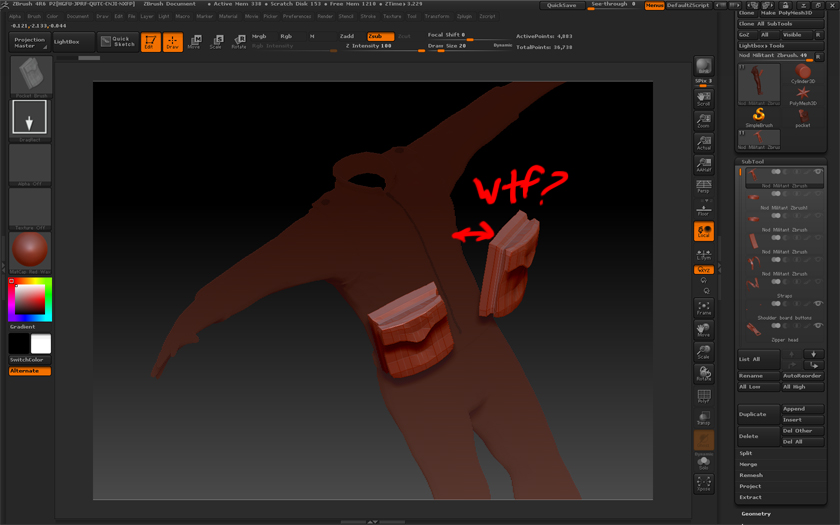
I’m trying to create a simple Insert Mesh of a jacket pocket, and while I can create the brush itself just fine, it is totally screwed up when I try and go to use it. I try and drag the brush onto my model, but the pocket mesh ends up flying off the surface of the mesh, and I don’t know what’s causing it. This doesn’t at all behave like any of the Insert Meshes I’ve used before, which are supposed to “stick” to the model you’re painting them onto.
Attachments