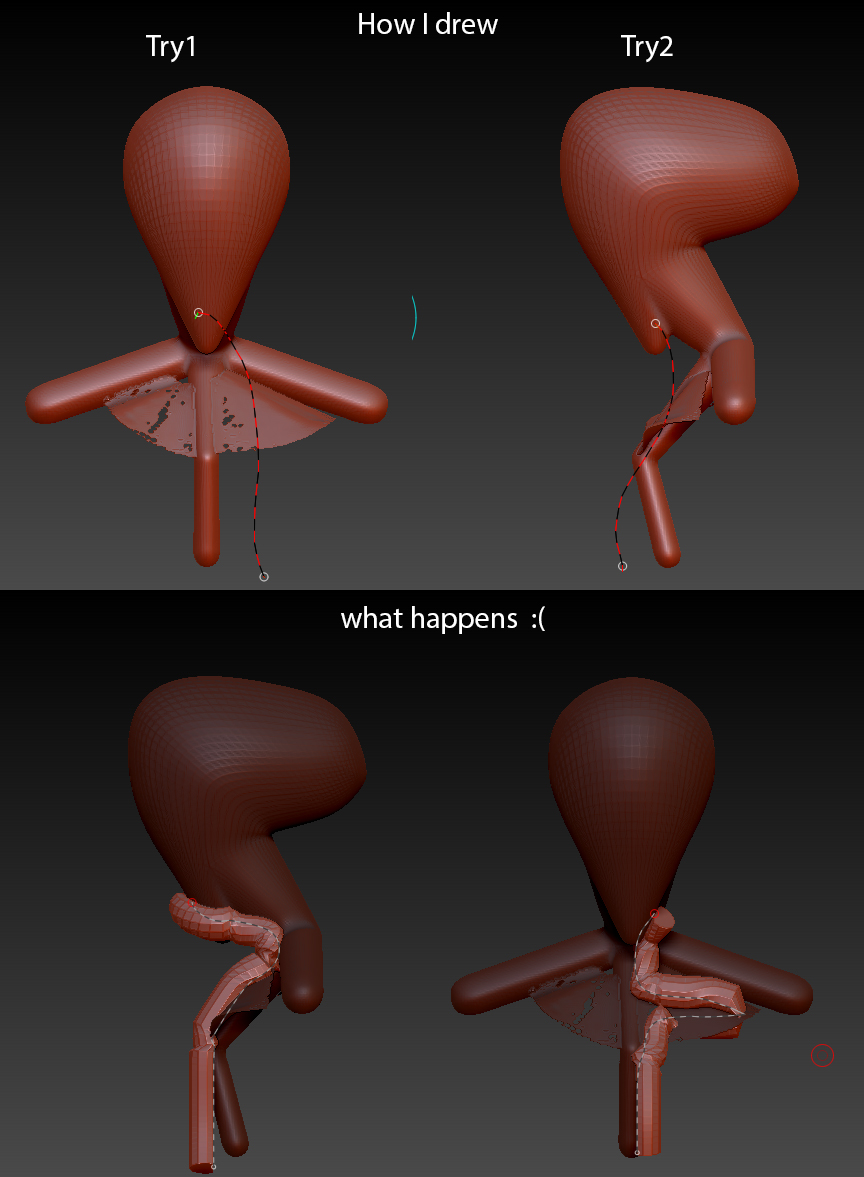
just for practice I made a cylinder like IMM brush and curve placement is driving me crazy,
no matter in what view I chose things gets distorted in the opposite side  is there any way to lock IMM curves motion like XY,YZ and ZX so that left and front view just works as 3ds max or maya viewport? how do I avoid it? say I’m trying to draw a mustache using this IMM or cylinder curve and I want curve to get snapped only at the beginning right below the nose and then it should go straight how can I achive that !? now whatever I do thing gets snapped to the surface! hiding polygons or points which I don’t want, sometime works if I’m lucky. I’ve been on this like 4 hours now and it’s driving me nuts please help me out
Attachments