ZBrushCentral

importing UV's

Hello Zbrush folks.

I have been working with Maya but i am realativly new to Zbrush.

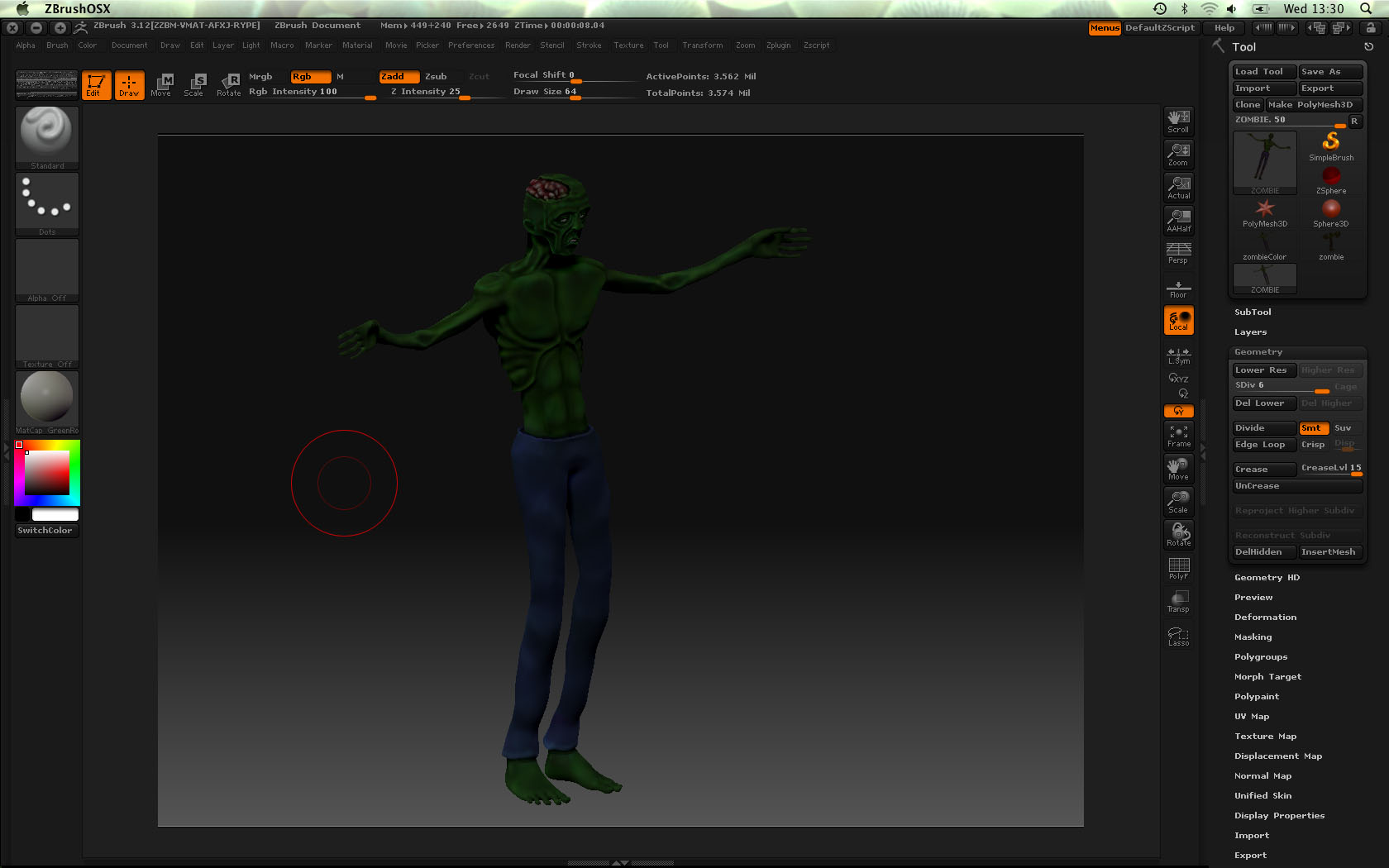
I am working on my first zbrush model, trying to make a zombie gamemodel. After modeling the first layer of detail, i decided to try out the paint tool, and found it to be very nice. :slight_smile:
So, after modeling and texturing i wanted to make a normal map so i could get my model into Maya, and eventually into Unity. That was were my trouble started. I had been using the human avatar model as a base mesh, i thought it had UV’s but it didnt.
So i exportet the lowest res of my model (3500 polys) and made a uv map using uv layout. Now i want to replace the UV map, with the ones i made. I tried to open my zombie tool, go to the same res as i exportet, and then import the model with the uv’s. The result was very weird.
Is there another way of getting my UV map onto the high res version of my zombie :qu:

Attachments
Picture 1.jpg

If the result is “very weird” then odds are you did something to change the point order of the model. For example, a common mistake with Maya is to leave “Create Multiple Objects” set to True in its Import options.

A change in the point order of the model will result in all sorts of problems when you import back into level 1 in ZBrush.

There’s an easy workaround, though. Import the new version as a new model rather than into level 1 of your current model. Append it to the original as a SubTool, divide it to have the correct number of subdivision levels, turn on Zadd and Rgb, then press Tool>SubTool>Project All. Voila! Everything will be copied from the original version to the new version, and the point order won’t matter.

Thanks a lot for the fast response! :slight_smile:

I followed your instructions and got another odd result. I projected the mesh with UV’s onto the mesh with detail as you suggested, and got a mesh with out detail or UV’s.

Then i thought it would make sense to project the mesh with the UV’s onto the detailed mesh, with zadd and rgb turned off, so i would only get the UV information. The result was a detailed mesh with a half gray texture.

After both tests the Normal Map tab is still gray as if it had no UV’s, so sadly it didn’t solve my problem :confused: