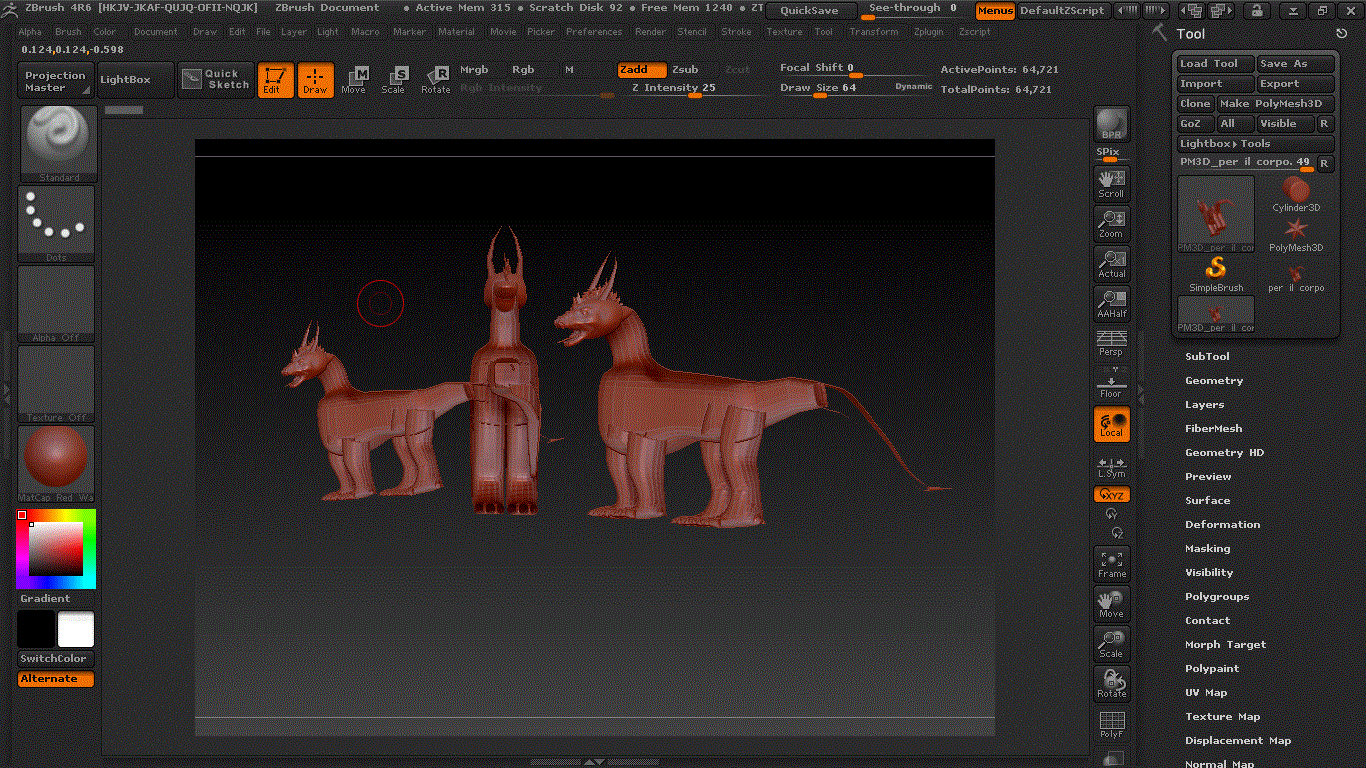
Looks like the surface Normals are reversed in comparison to ZBrush. To correct the problem on the models you have imported already, go down to the bottom of the Tool tab and look for the Display Properties and open it up. You can either Flip your normals, or select double.
To make sure future models you import have their surface normals facing the correct direction, go into Preferences --> ImportExport and open it up and open up Import. Turn on iFlipNormals.
You may experience a similar problem when exporting the models back to blender. Another thing that I have learned to be more aware of because of my experience with importing UV mapped items into Maya, I noticed that the UVs are reversed for the textures.