ZBrushCentral

Importing Maya topology (OBJ) into Zbrush to reproject.

Can anyone help me with the steps on basic projection from Maya to Zbrush.
I am unclear on the details of importing an OBJ from Maya.
… and can’t find anything specific online or in digital tutors to answer these basic steps.

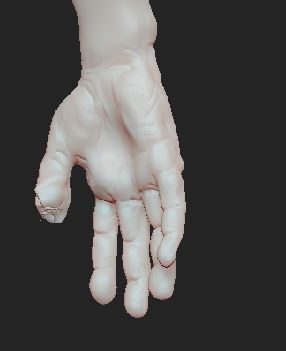
I had to retopologize the thumb, among other things and am not sure how to bring this new mesh back into zbrush so that i can continue sculpting with better lineflow.

Attachments
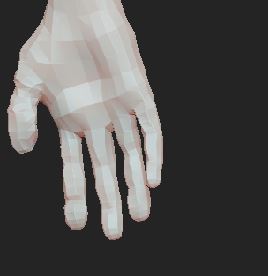
hand_toplogy.JPG

hand1-hole.JPG

A rough workflow would be:

  1. Duplicate your subtool.
  2. Select the duplicate subtool and delete the subdivision levels.
  3. Import the new topology as an OBJ. It will replace the duplicated subtool but should be the same size & position.
  4. Subdivide the imported mesh so that it has the same or more polygons as the original at its highest level.
  5. With the new mesh selected and both subtools visible, reproject the detail from the old mesh using Tool>SubTool>Project All.