Ok so I’m still very new at this, and I’ve been playing around.
I have tried to import a simple model from Maya that I can then subdivide and sculpt on. I have seen some tutorials where this method is useful when requiring several subtools on the model. However I am getting some very strange results.
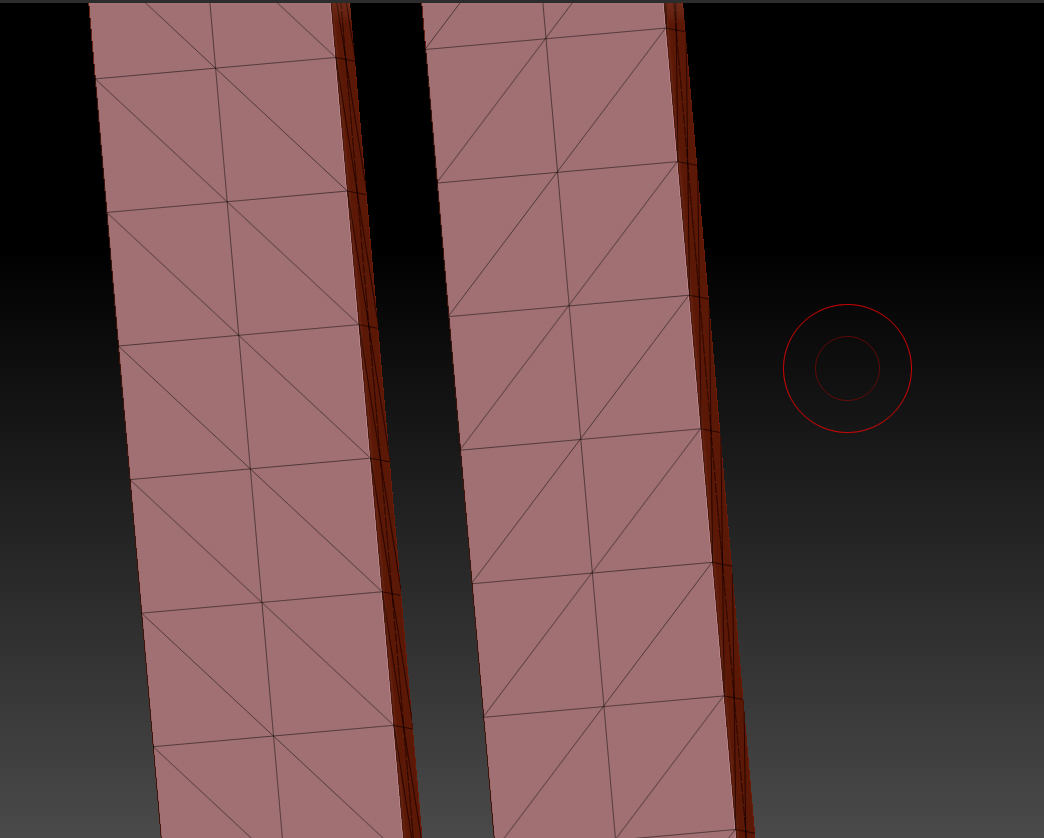
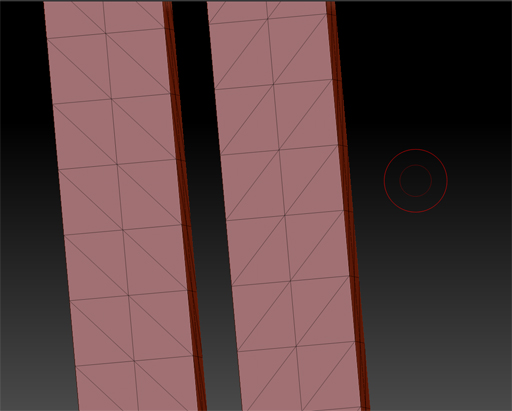
This is the model imported from maya at lowest subdivision level:
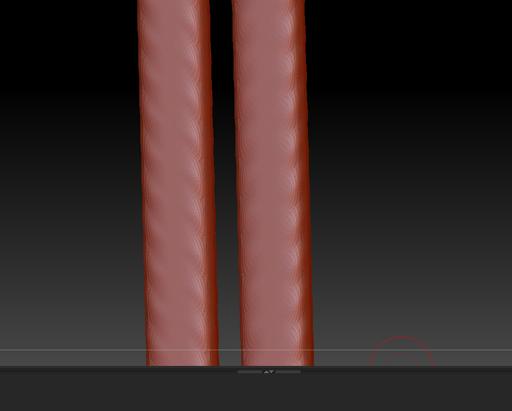
Then after 4 subdivisions I get almost like this weird wrinkle effect… I’m not sure if it is a zbrush thing, but in maya it wouldn’t smooth like that. I have all my edges smoothed in maya, just in case that was the problem. Maybe theres a setting I’m missing?
Very confused…
Emms.
Attachments