Hi,
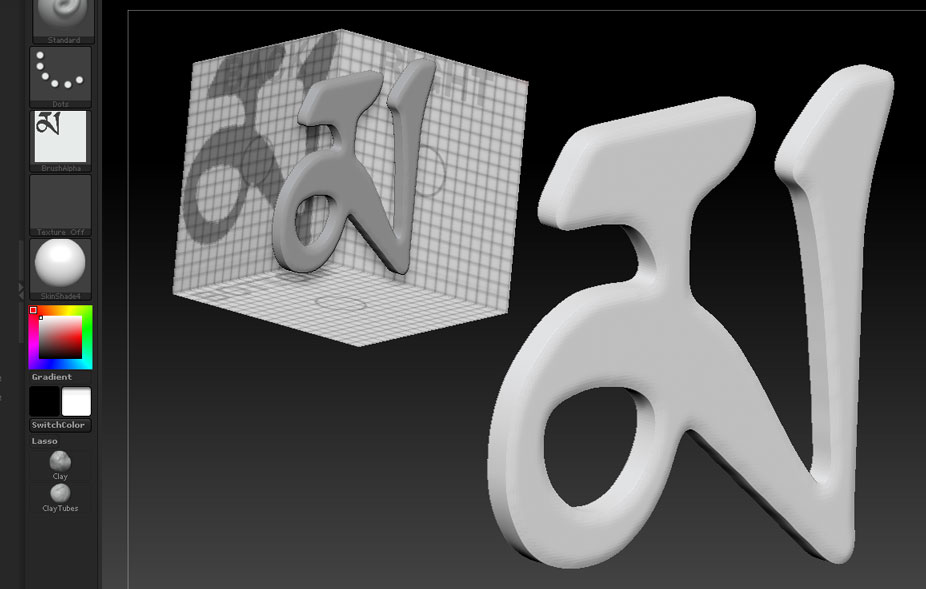
I have a simple tibetan calligraphy character in black and white that I want to import into ZBrush and then give some thickness to. The character looks something like the letter I. I’m trying to make the thickness a smooth bulge in and out of the page while leaving the edges of the character sharp, so that if you cut it in half and looked at the end where you cut it would look something like a canoe. Can anyone give me some pointers on how to do this?
Thanks,
Dylan.