Hello there:
I was looking through many forums to find a solution for my problem, but i couldn’t find any solution.
I’ve started working on zBrush with Eat3d’s introduction DVD, everything went well till the end of part 2.
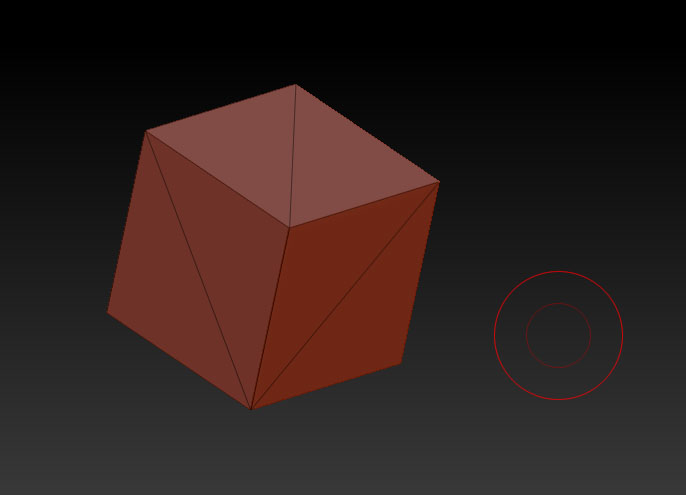
I tried to make a unified skin out of a simple 3d cube within the Zbrush, but that didn’t work out because of a bug in R3 apparently, it was all split. So I imported 2 other cubes from some other 3D website, and this is what i got in polyframe:
http://eat3d.com/files/resize/remote/c3b3dff3298667ea8882b187cc0358f3-686x495.jpg

While it should have looked like this:
http://eat3d.com/files/resize/remote/c3b3dff3298667ea8882b187cc0358f3-686x495.jpg
I would appreciate any solutions you’d provide 
There shouldn’t be any crosswise lines from while using polyframe from what i saw, any ideas on how to fix that? I’ve used 2 different cubes and both of em has the same problem.
Attachments