Hi everybody.
sorry about my simple question, I’m a big Z rookie!
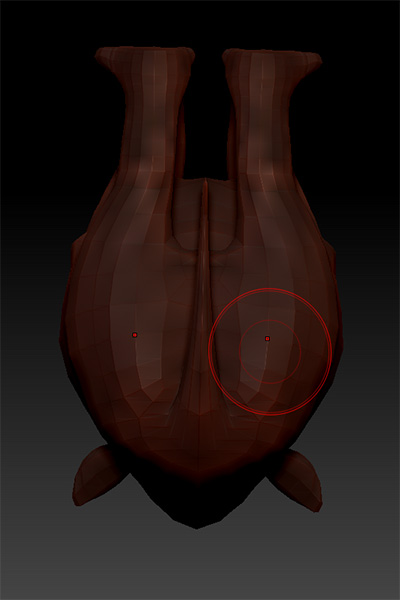
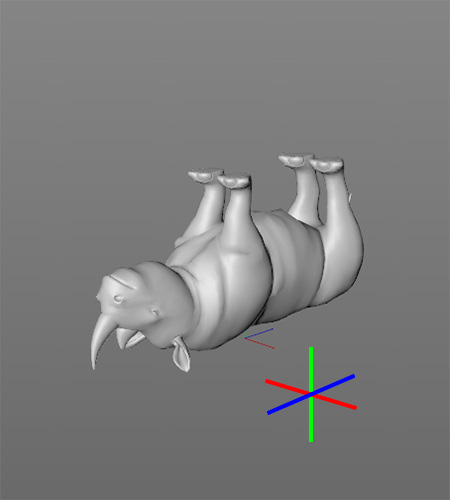
Look please at the 2 photos:
a tool, a rhino, imported in Zbrush, the original file is a “.ZTL” that I downloaded from Digital Tutor, I’m learning the way around.
As soon as I load the tool, click and rag, the rhino displays as you can see in the photo, it is upside down and it gives me the back. In the second photo the same tool imported in Cinema 4D trough GoZ.
How can I flip it in order to make my tool apear in the correct way, facing me, not turned upside down?
In my Zbrush 4R6 in “preferences>impot-export” no commands (flip axis) are selected. I did try to flip the axis however no matter wich axis I flip the rhino is always apearing in the same way, upside down showing the back.
Could you please help me, what I have to do to flip the tool, make it apear in the proper way?
Really Thanks!
Attachments