ZBrushCentral

Image transfered to extracted mesh?

Hi all,

I’m working on a motorcycle using the extraction method that Pixolator uses in his video’s.
http://www.zbrushcentral.com/showthread.php?t=95181&page=11&pp=15

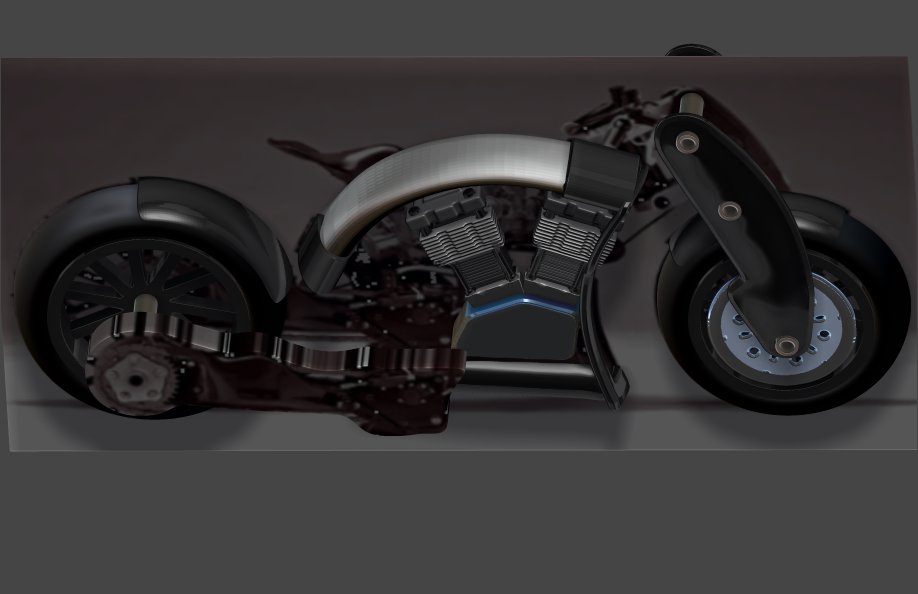
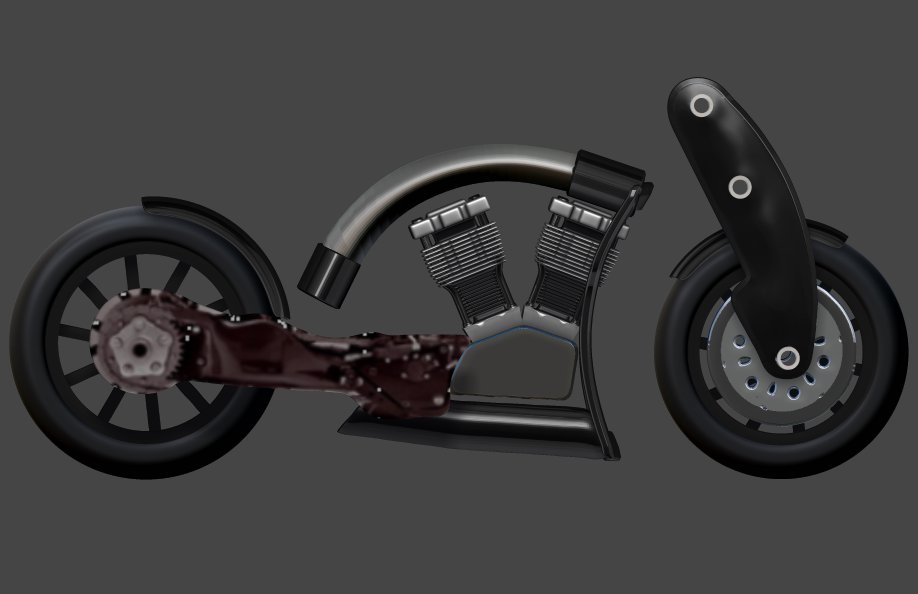
So, I extracted a mesh off of a part of the image plane. THEN I inadvertantly did something that caused the image on the plane to copy over onto the face of the new mesh that I just made (just the part of the image on the plane that was directly behind that new mesh). Since that is the part of the image that you would want on that new extracted mesh it could really be a very handy tool (in lieu of spotlight, for instance). This has actually happend to me twice now.

The trouble is I don’t know what it is that I did either time to cause that to happen. So my question is, do any of you experts know the procedure to actually cause that by intent?

Thanks folks
Ezra
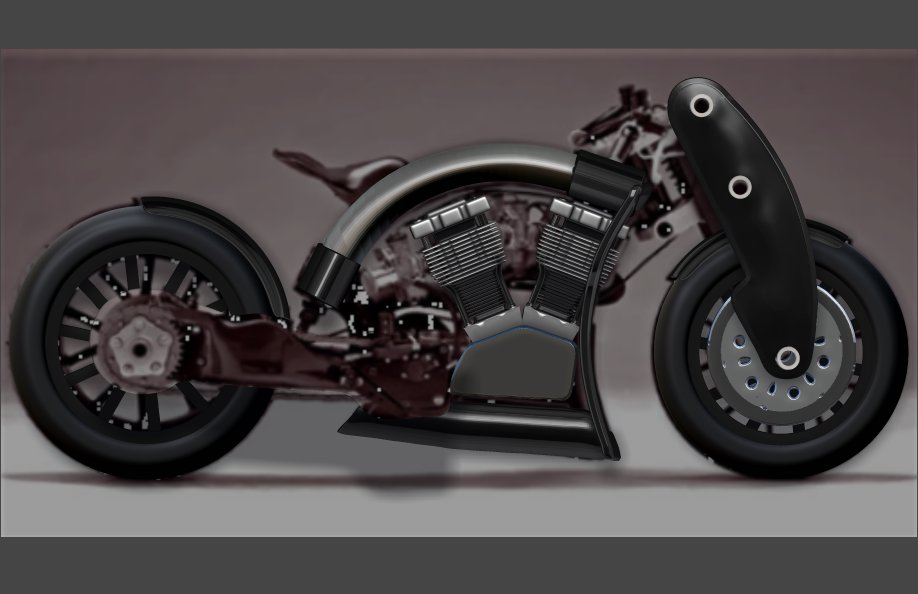
I’ll include these images to try and better convey what I’m refering to.

This is a head on image of the plane subtool in the back with the new extracted subtool in the forground with part of the image of the bike on it. I know, it’s hard to tell.Image Question 1st.jpg

I wasn’t trying to do this (place the portion of the bikes image onto the face of the newly extracted subtool) but you can see how it could be beneficial to you if you did want to do it.

I staill don’t know exactly what I did that caused this to happen but if any of you kno I’d like to be aware of the procedure for future use if needed.

Thanks all

Ezra

Attachments

Image Question 2nd.jpg

Image Question 3rd.jpg

Zproject brush with rgb turned on would do that. don’t think that extract alone would act that way.

thanks for responding jawa64. I agree, it didn’t happen when I 1st extracted the new mesh. It was something I did afterward, just not sure what though.

I don’t think I was selecteing another brush and I’ve never used the Zproject brush so I wouldn’t have been selecting that one unless it was a total accident. It’s happened twice now.

I’ll explore with the Zproject and see if I may have inadvertantly clicked on that.

thanks again

It seems this is how it happened.

  1. I extracted a new mesh from the plane with the image on it.

  2. Zadd and Zsub was off and MRGB was on

  3. I then simply left clicked on a part of the viewports border area and started to rotate the scene to see the new mesh from an angle view. Instantly the portion of the image on the plane that is directly behind the extracted mesh (the area that was masked for the extraction) copied onto the face of the new mesh.

  4. I had to MRGB>Fill Object with the Flat Color material to get it back to normal

I still have no idea why rotating the scene would initiate a fill object with texture.

Ezra