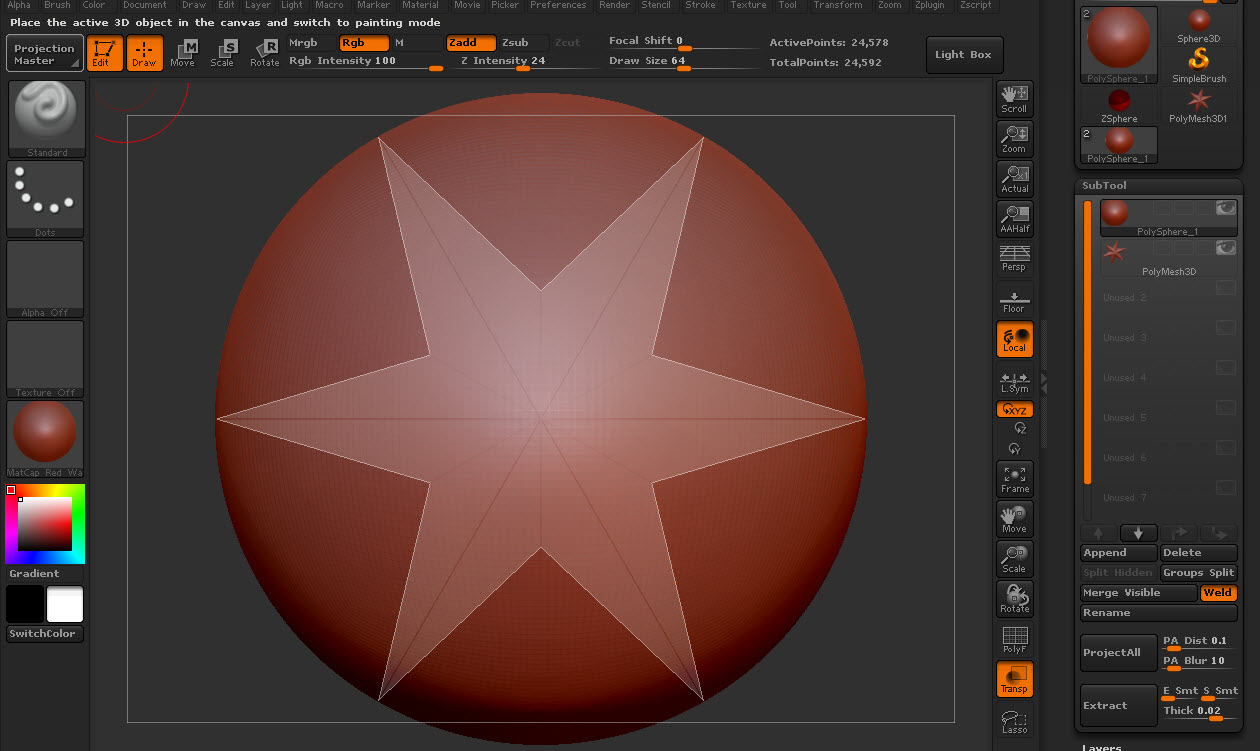
If you turn on back transparency (as I suggested above) you will find the non active subtool is visible inside the solid, non-transparent current subtool. Back transparency makes the “transparent” subtools appear inside or in front of even solid objects.
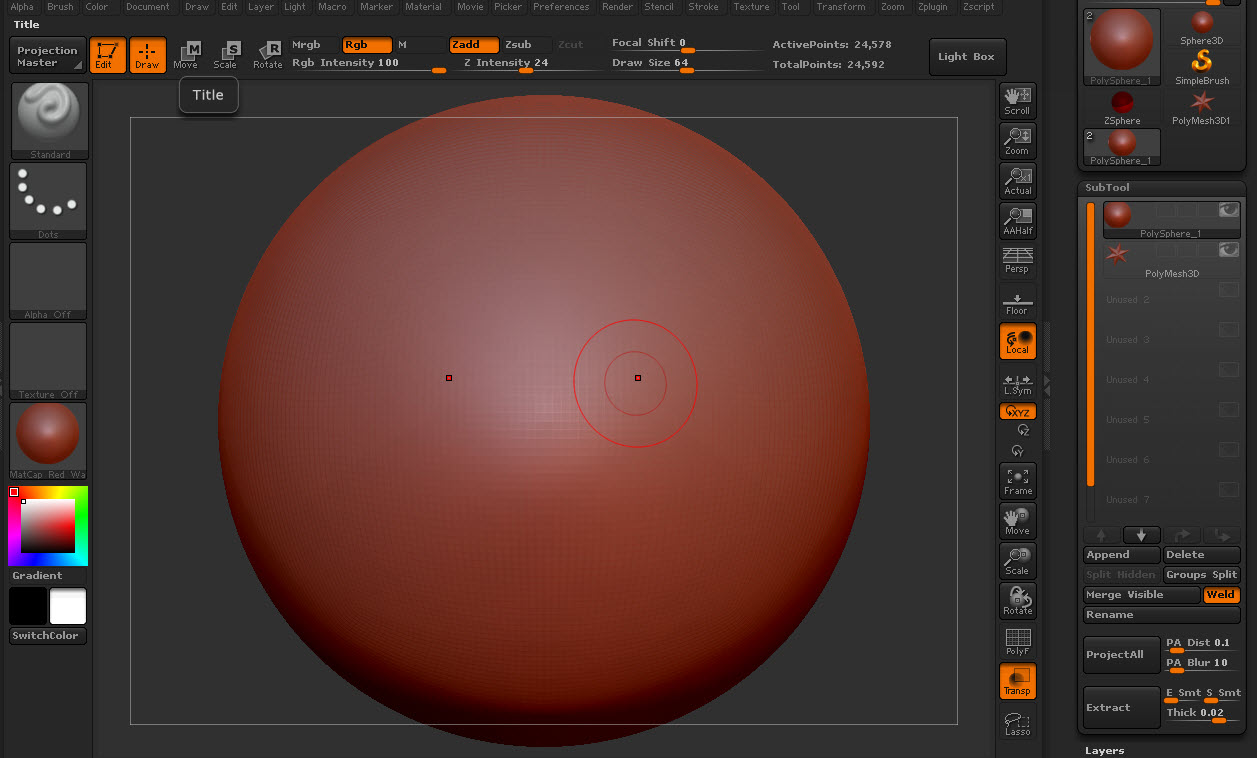
Attached are two screen shoots of a polyshere with a polystar inside. The first is with “back opacity” of zero (note you can’t see the star) and the other is with a back opacity of 0.5 (note the star is now visible inside the active sphere.
Not exactly the same behavior as 3.1 (the sphere looks solid and the non-active subtool–the star–is ghostly) but I can clearly see the star to sculpt the sphere around it . . .
Give it try first. I don’t need to open a ticket, since I can see and work with the non-active subtool just fine with back transparency on.
Here we are in default setup with back opacity at zero.
Attachments