ZBrushCentral

I want a r 128 g 128 b 128 bump map export in polypaint:HOW?

Hi ,

Im going through the bump map tutorials on the site and im confused buy the 3.5 buttons & 3.1 buttons im used to.

Or maybe the multiple times ive gone through it and got lost.

[![PolySphere_2.jpg|1024x1024](upload://xxZwJMfKEPCEx6fF2jPWlCV0anH.jpeg)]![PolySphere_2.1.jpg|1024x1024](upload://2kJZFt2eyI6cQrlTCwmw9MVKQ4f.jpeg)

but cant seem to achieve this.

Im getting mixed up.

What would be my workflow to achieve this please?

the tuturial would help if it follows through from creating a bump map to texture export & for 3.5 of course.

Every time i think ive done this i try to duplicate and fail as i think i keep on pushing the wrong buttons.

Please help

Dazz
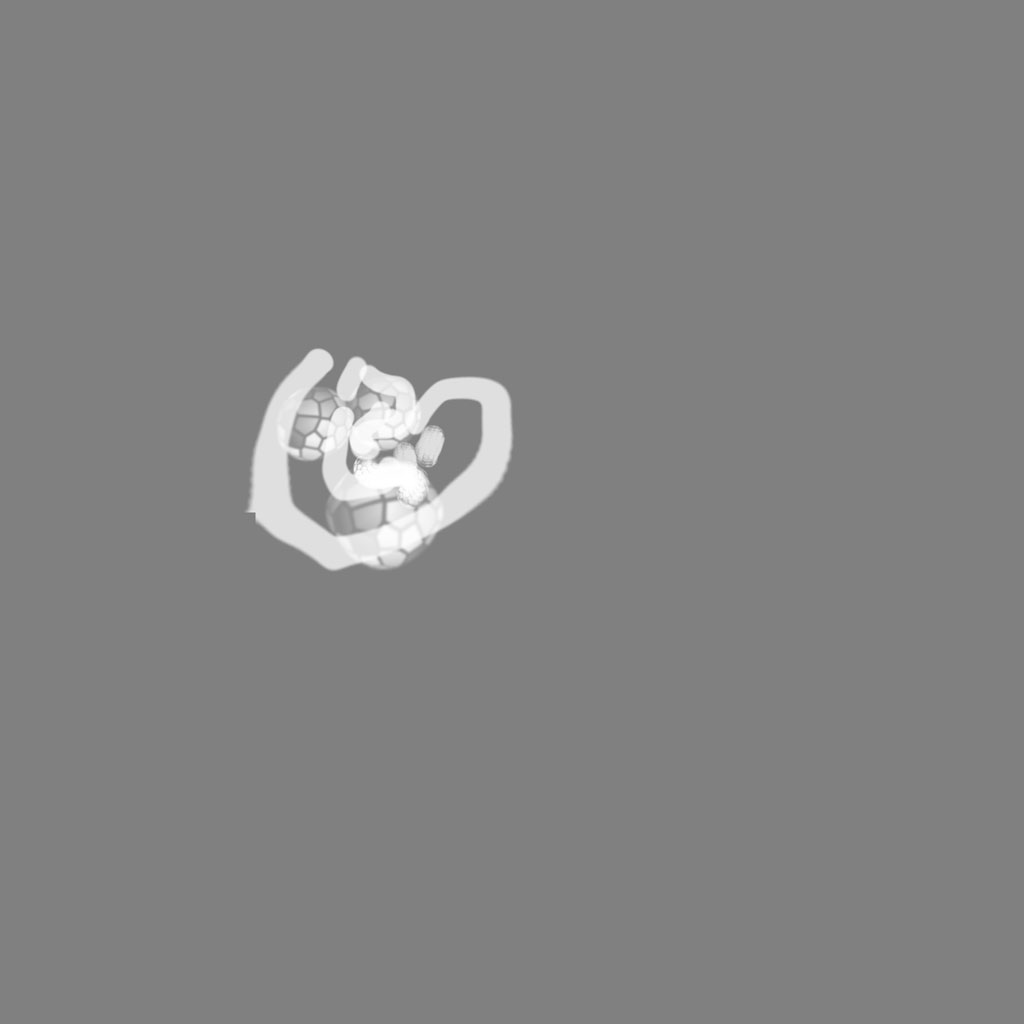
I think ive got a sphere test out in projection master ok for me.

So now i can use that workflow np

[bump-proper.jpg]

Workflow works ok each time as long as i set the rgb to 128 first then make texture .

but still would love to do the same ,but have the same problems using polypaint I get the white background.

Which part of the workflow am i getting wrong and at which point do i press the colour pallete rgb to 128?

thanks

dazz