ZBrushCentral

I need help with symmetry

Hello, I’m having problems with symmetry

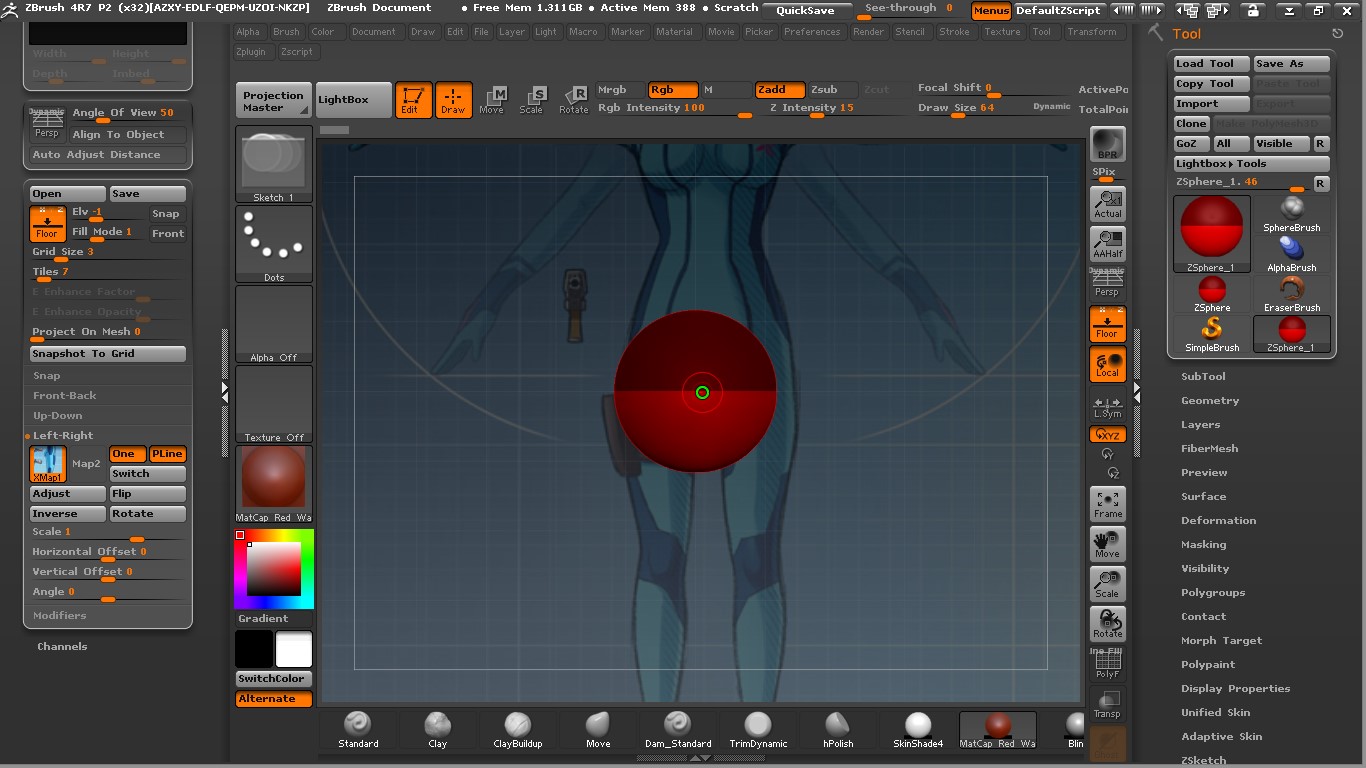
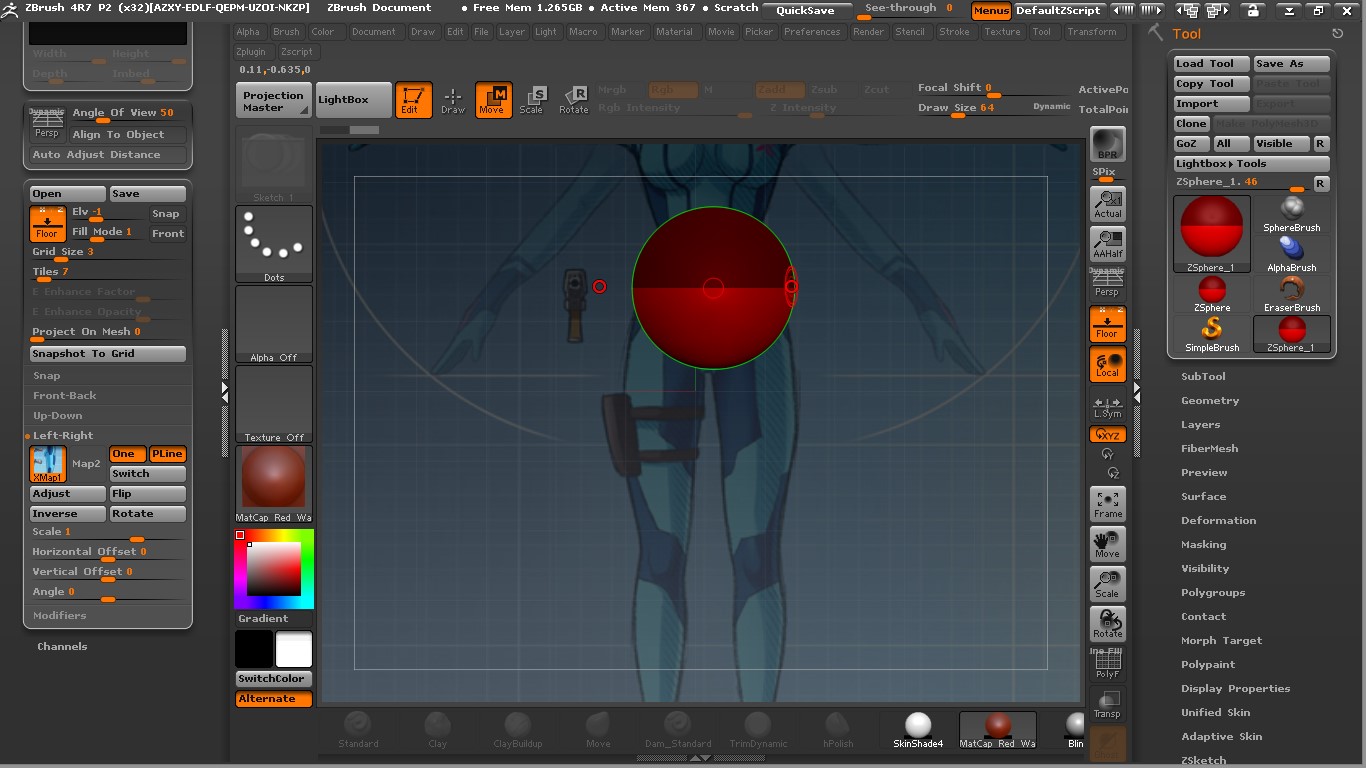
I create a plan to put my reference images for modeling with zsphere, i create a new zsphere.

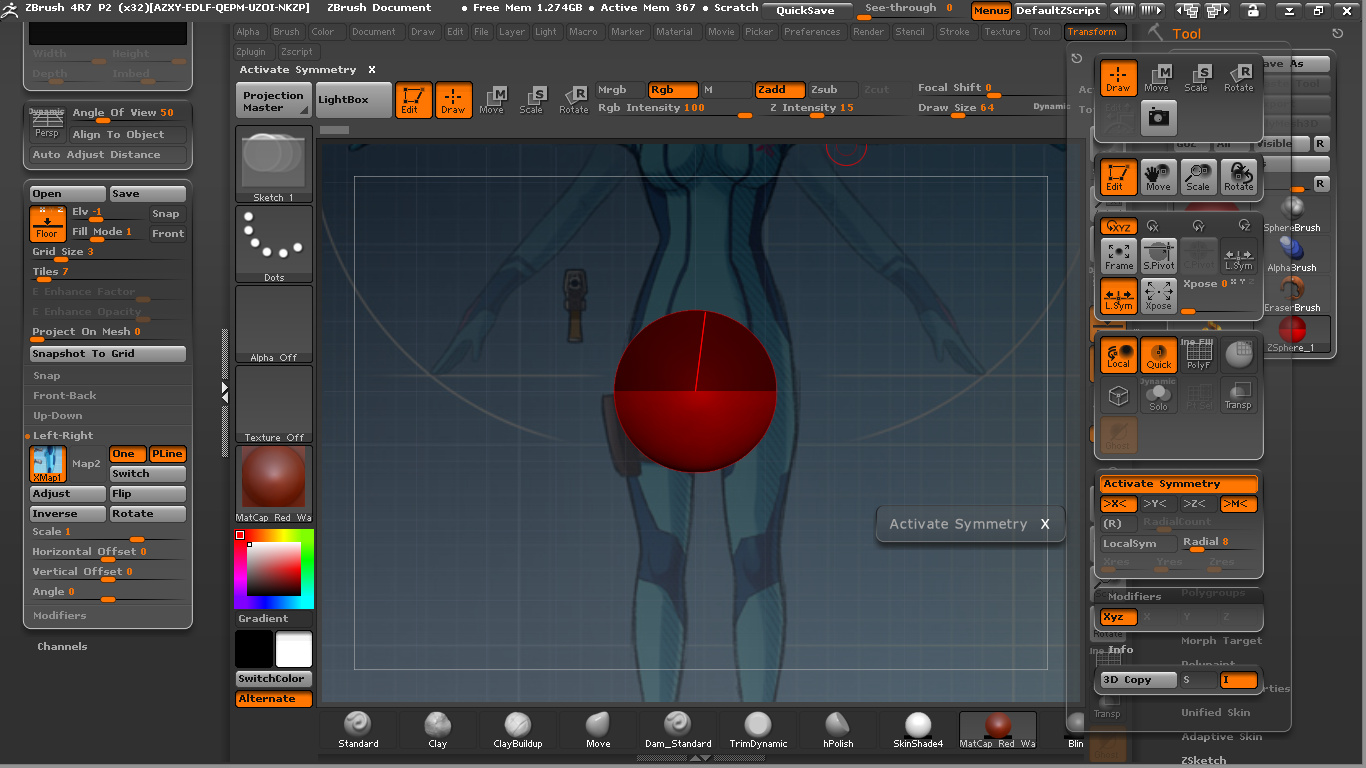
I go to transform to active symmetry.

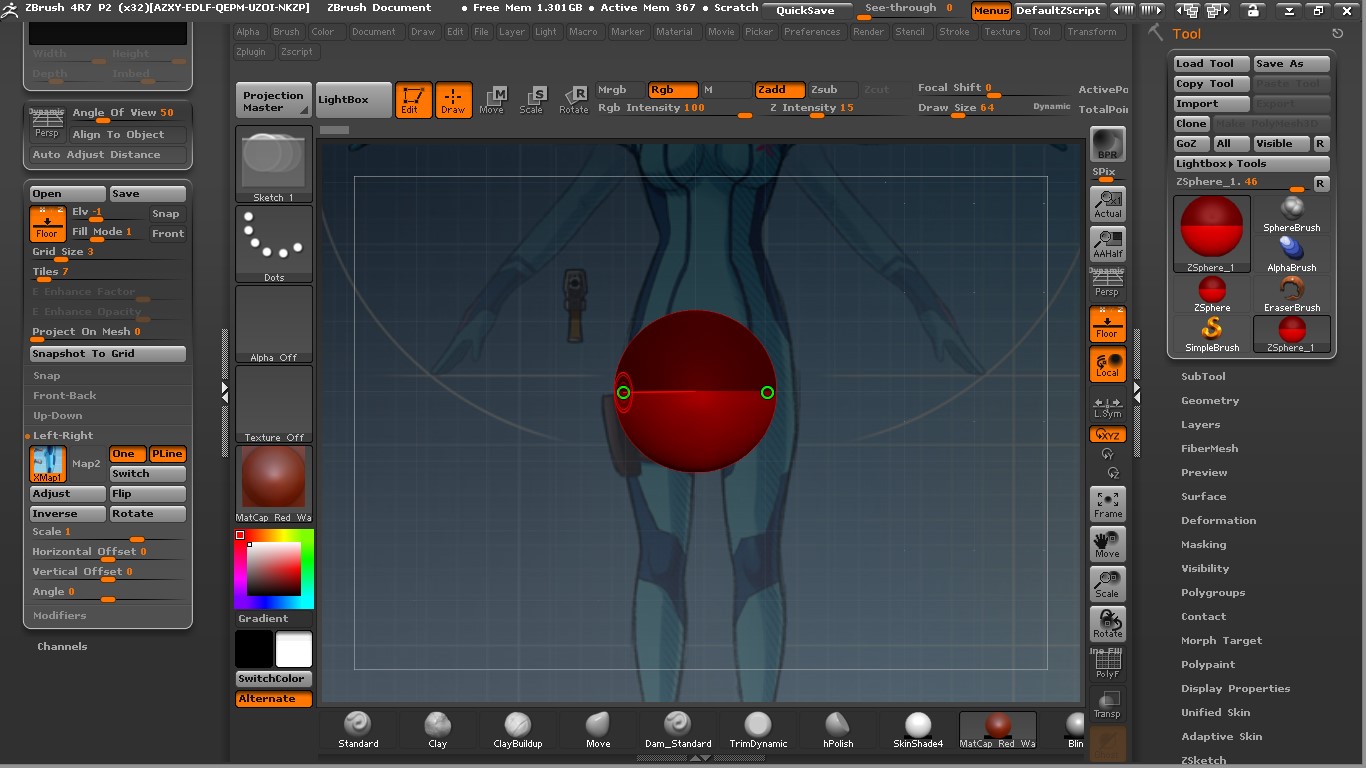
I check my symmetry and looks good.

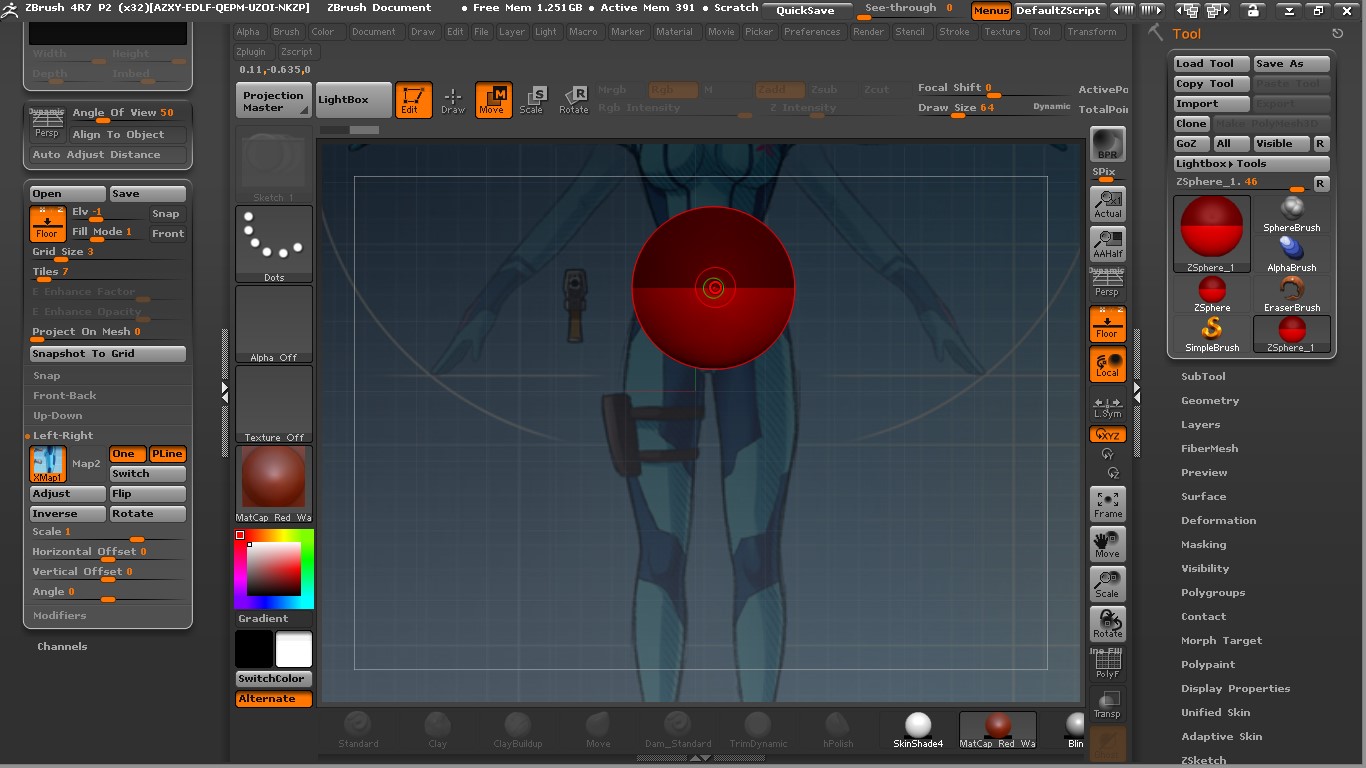
Then i need to move my zsphere to adjust with the body, i press x to deactivate symmetry to move my zsphere.

I put the zsphere in the place i want, i press x to active symmetry, but then the other side get to far from the other one, so went i draw it make’s a side more big than the other one. :confused:

How can i fix this ? :confused:

Attachments

1.jpg

2.jpg

3.jpg

4.jpg

5.jpg

If you move the zsphere like that you are moving it away from the origin. The origin is the centre point for symmetry so that’s why it no longer matches.

Instead of moving the zsphere you can move the image. Simply adjust the Horizontal Offset slider that’s in the relevant section of the Draw palette for the image (in this case Front-Back).

Like Marcus said, your reference image is off-center. Need to offset it or fix it in Photoshop.