ZBrushCentral

I have created a materiel that does not render correctly.

Hya Everyone,
Hya Zber!!!

I made a broken shader, is it fixable?
I made it with RGB Colorizer and saved a copy of it.
Here it is, it would be cool if it would render correctly:

This is what it does when its rendered with BPR:

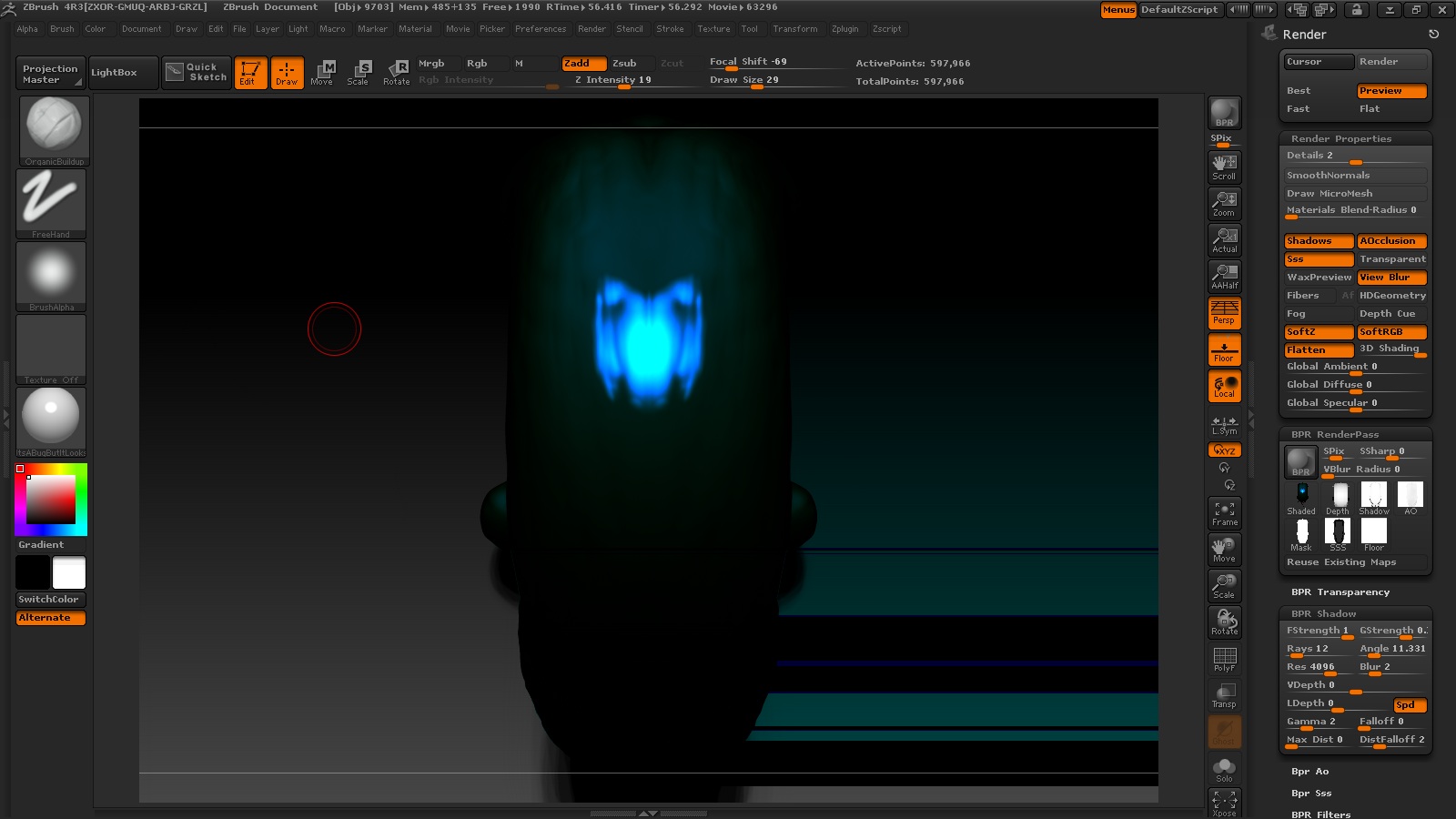
And here is a screenshot (I can do more if other menus would help):

Cheers!!!
Mealea

Attachments
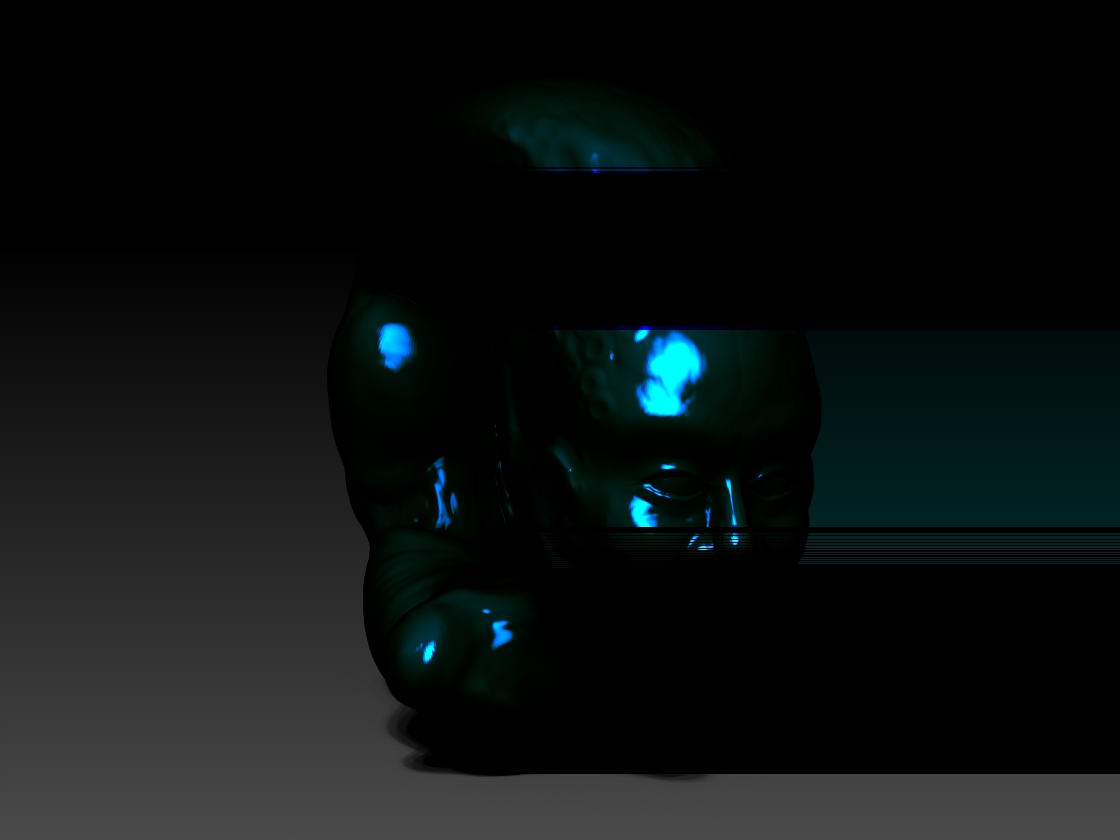
OhBloodyHellKillItItsABugDontLetItBreedOrAtachItSelfToYourFace.jpg

OhBloodyHellKillItItsABugDontLetItBreedOrAtachItSelfToYourFace-ScreenShot.jpg

I discovered that if I turn off shadows in the rendering pallet it fixes the problem.
Interestingly I have been having a lot of other problems with shadows doing random stuff.

EDIT:
Scratch that, its something else I think, shadows are just part of it…

EDITED EDIT:
Got it:
its Ambient Occlusion and/or shadows.

REEDITED EDITED EDIT:
Ok…
Turning on PolyFrame does something awesome but kills rendering as well even with Shadows and AO off.
This is an interesting shader!

Just out of curiosity, what is this one for exactly (RGB Colorize I mean)?

Heres what PolyFrame looks like (after rendering its all black so there is no point in posting that)

OhBloodyHellKillItItsABugDontLetItBreedOrAtachItSelfToYourFace-PolyFrame.jpg

Hi Mealea,

LOL, I like you, your funny :D. I tried your material and it renders ok if you just turn off the material shadow (Material > Environment > Shadow). You can adjust the shadows in Tool > Display Properties and/or in the Render > BPR Shadows.

|hehehehehe!
|
Thanks ZBer!

It looks like its the BPR Shadow setting in Display Properties, I can turn the effect/render bug up and down with it like a volume knob.
At low settings it can be barely visible, and the higher you go the stronger it gets.
It could almost be useful for things sort of like motion blur if it were a little different and didn’t go all the way off the canvas.
So I guess the question now is if this is a bug or not, it looks like one to me since you cant have shadows on the floor with it or even have shadows turned on at all…
|

It definitely looks like a render bug, yes. I still get floor shadows with it though and all I did was turn Shadow down to 0 in Material > Environment in S1. I left the Shadow at 100 in S2 as it seems you can adjust the material shadow seperately for each shader slot.

shadow bug.JPG

ok this is weird…
But I am coming up with some neat things with this RGB Colorizer, some with render errors and some with out…
hmmm…