ZBrushCentral

i have a prob with uv...please help

ok, so i’m new to zbrush and i was reading a tutorial
from a book to model a monster’s head (from primitive sphere).
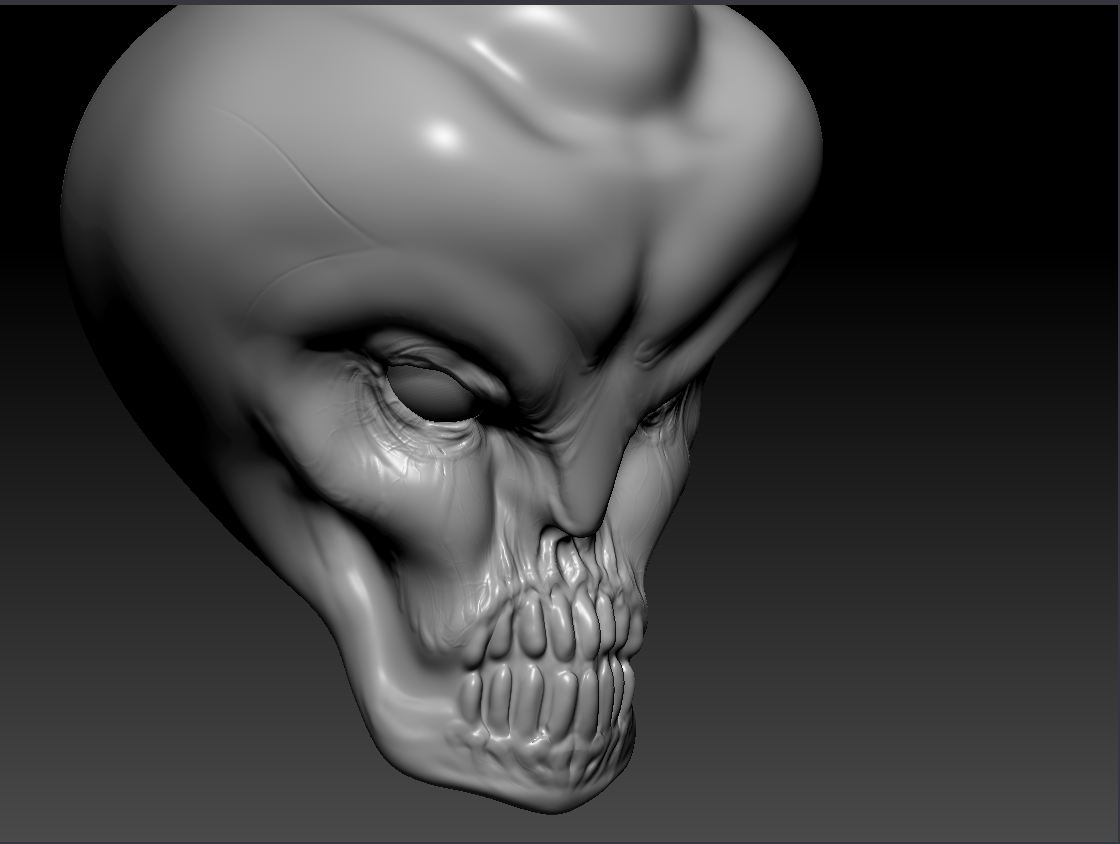
my model looks like picture #1.

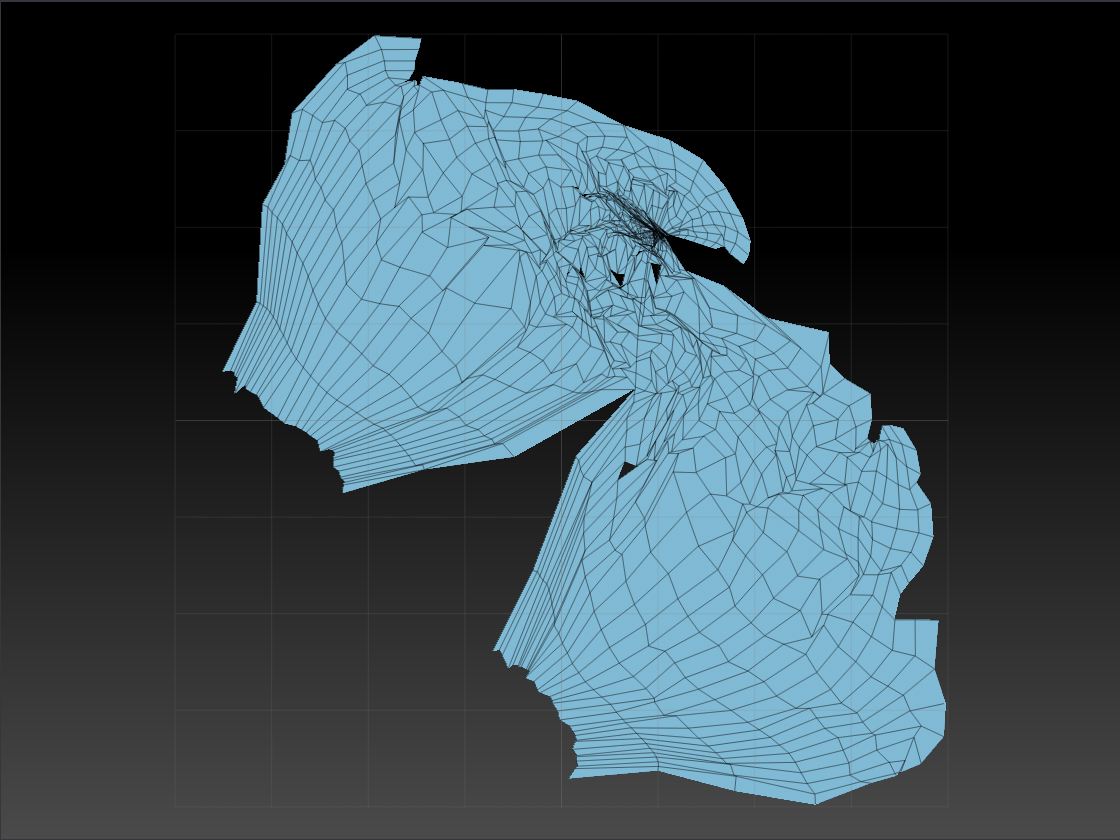
i was satisfied…but not until i saw its uv map.
(picture #2)
my subdiv level in the geometry option was in gray,
and i couldn’t go back to my lower subdiv levels
so i had to recreate subdiv levels first.
i think i had a total of 6…or so.
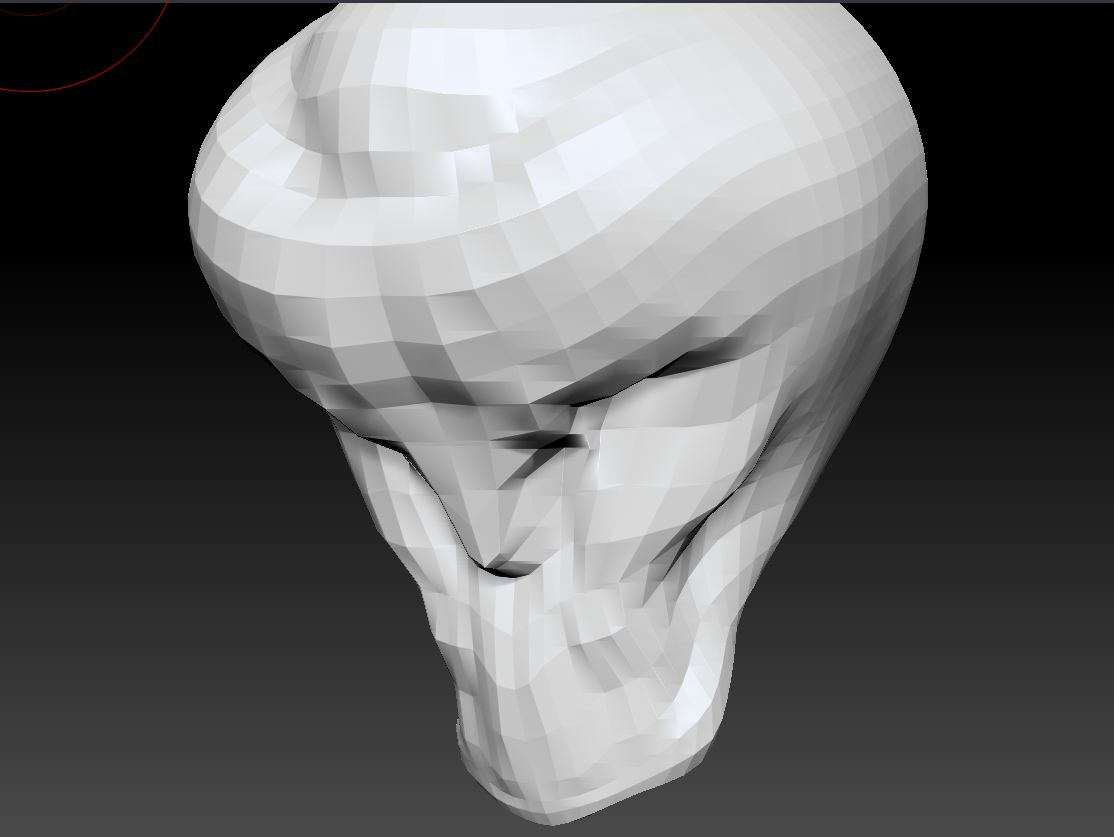
i went back to my subdiv level 1 (possibly the lowest)
and it looks like picture #3.

i was like ok, what’s wrong with it?
i even painted the protect/attract areas
and the density.
i don’t know what the prob is
and how do i fix it?
do i have to start over?

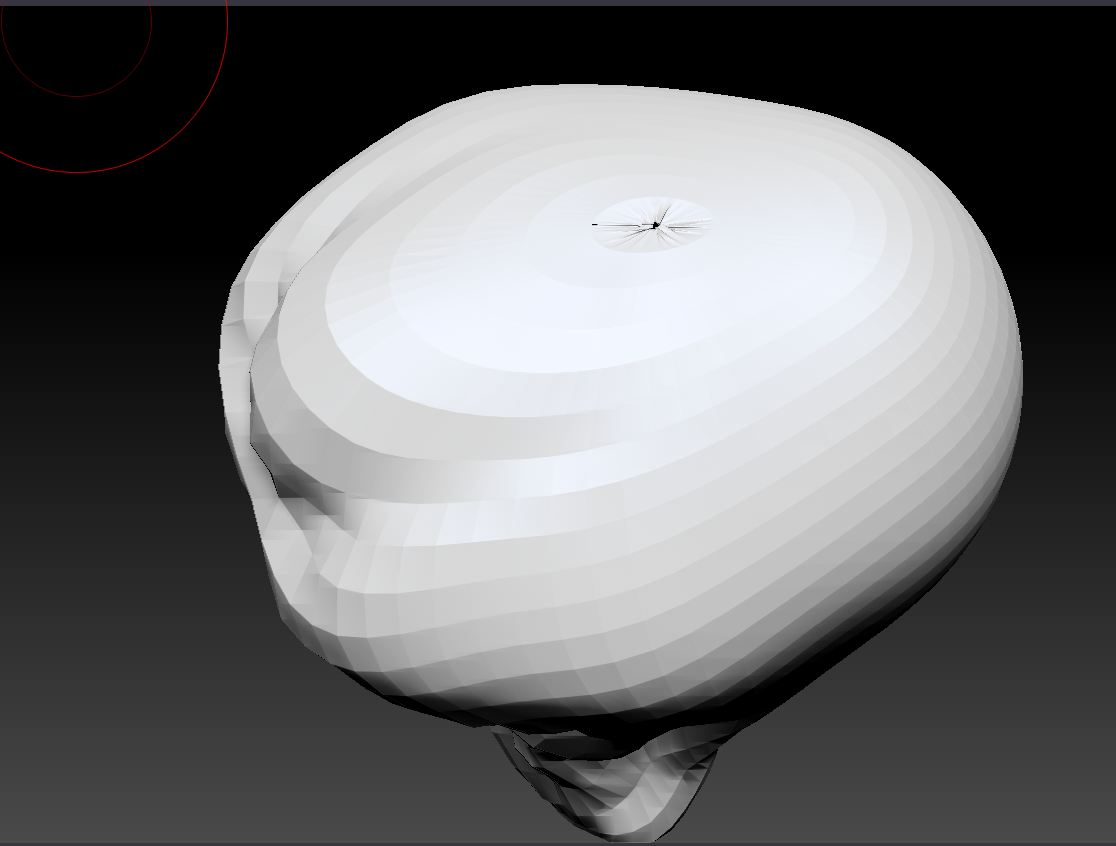
btw, i included picture #4 because
i also had a problem with this “crack”
on top of the head of my model.
someone plz tell me what’s wrong with my model :frowning:

02.JPG

Attachments

uv.JPG

lowpoly.JPG

crack.JPG

you need to better define your UV’s if you want something specific…which uvMaster won’t let you do. uvMaster is giving the UVs areas that you would like to have specific, but that doesn’t mean that it is going to listen to you. You will need to edit your UV’s in an application that will allow you to do so.

The “hole” at the top of the head is a display error that zbrush has with complex poles, typically at the top of a sphere.

You do not need to start over, but to fix the pole error you’re going to have to retopo the mesh, or remesh the mesh and then project the new topology onto the old mesh and perform any clean up that may be needed.

ok, i will try. but UVs are hard though…
even though i painted the areas i wanted to protect/attract,
it looks like it’s ignoring it…it looks all crooked and such
as in the picture DX
thanks for your reply :slight_smile: