ZBrushCentral

I give up on Zbrush/Maya

Hello all,

i don’t know about you but i’ve given up on using zbrush with maya. I just don’t understand what is wrong… i follow the video tuts to the letter and still get errors on my render.

so this is what i do:

import mesh
model details

i create my normal map with the maya objet quick option setup, export it as .bmp and .psd (to try both out)

i export my low resolution mesh (previously did the Uv’s before importing in zbrush)

import object, create shader and add the the bump as a file (i use the .bmp or .psd)

add shader to object and render

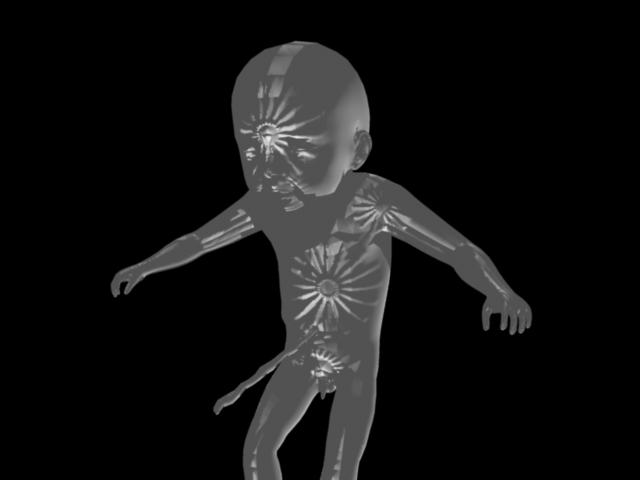
i get a really really freaky render, like if it were sculpted inward…

can’t post image now cuz not on my own computer but if i’m missing something here plz let me know…

tnx

ps. i’ve been at it for almost year and a half and still nothing… not even displacemente maps. Color works perfect but no modeling…

thanks once more XD cheers
and system is:

8 gig RAM
windows vista 64bits
quad core 11 gig

maya 2008 service pack1
zbrush 3.1

Can we have a look to the images generated?

Remember that with zbrush + maya you have to flip vertically the output maps (Place 2d texture node inside maya, UV coords 1, -1)

And what do you mean when you say “Sculpted inwards” it seems like a normals issue

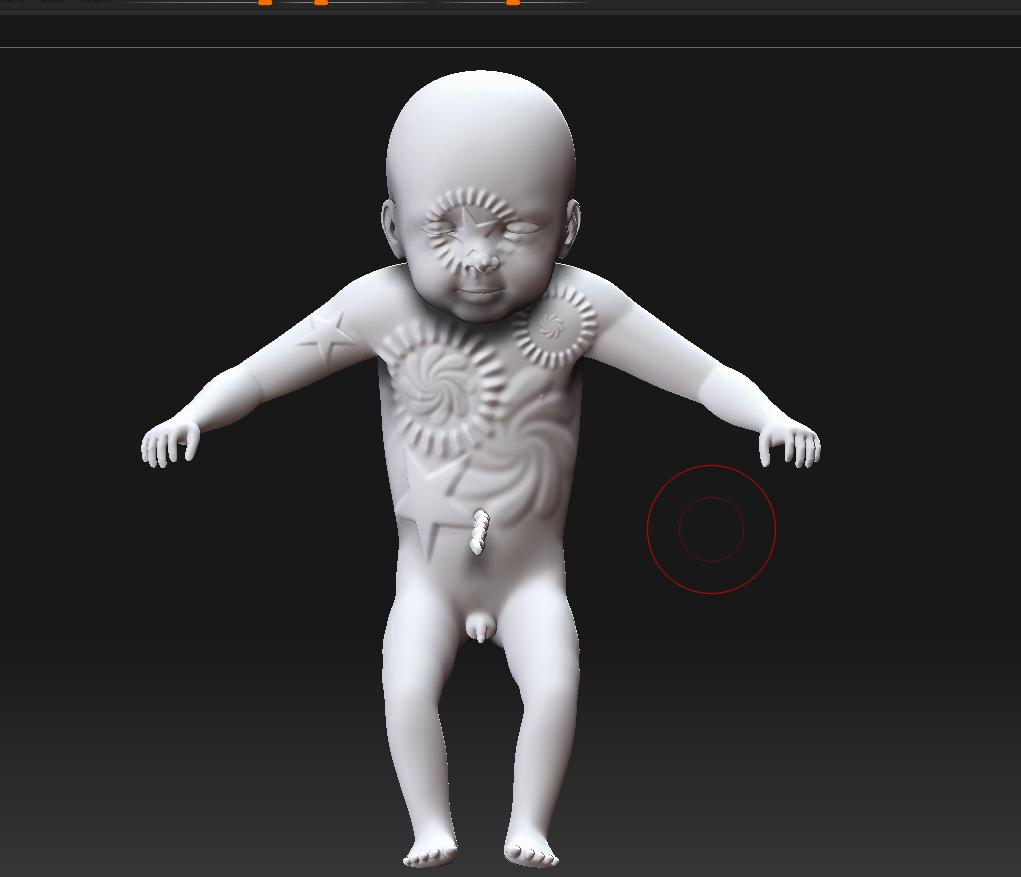
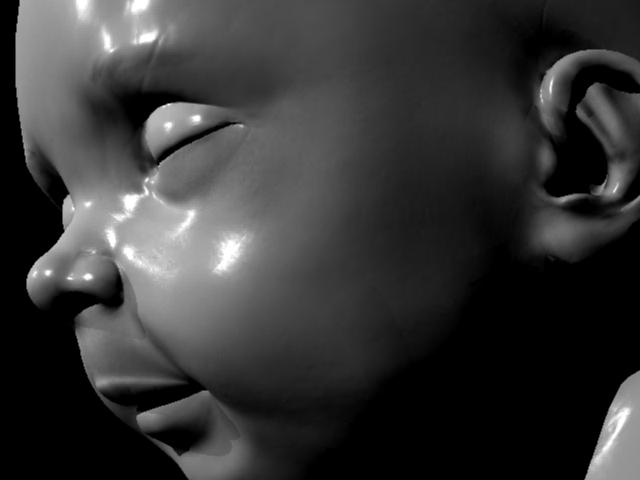
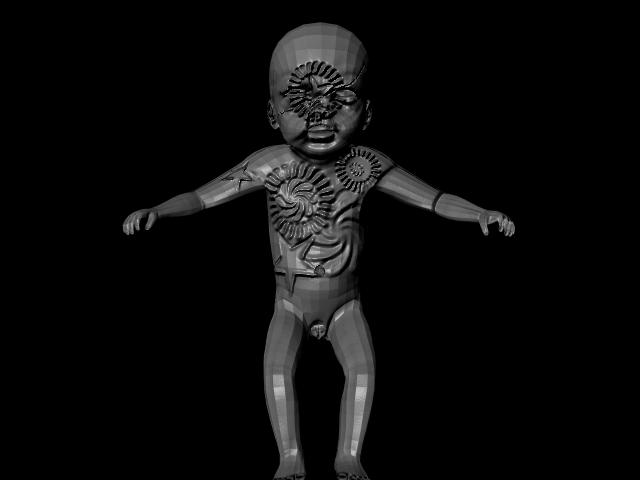
This is what i get in maya and what it looks like in Zbrush…

thanks for the help X)

Attachments

ex1.jpg

ex2.jpg

When you connect your file as a bump map, don’t forget to open the Attribute editor for the Bump node, and set the “Use as” field as Tangent Space Normals, instead of bump. And render on MR, do not use the default maya renderer. This probably will solve the problem. If the normal looks inward yet, open the map on Photoshop or another image editor and invert the green channel. Everything should be fine, then.

If not, use the JS Normalmapper plugin, available on http://www.pixero.com/downloads_maya.html it works pretty fine. There’s a MR version of the plugin on this site too.

Wich settings are you using in Zmapper???

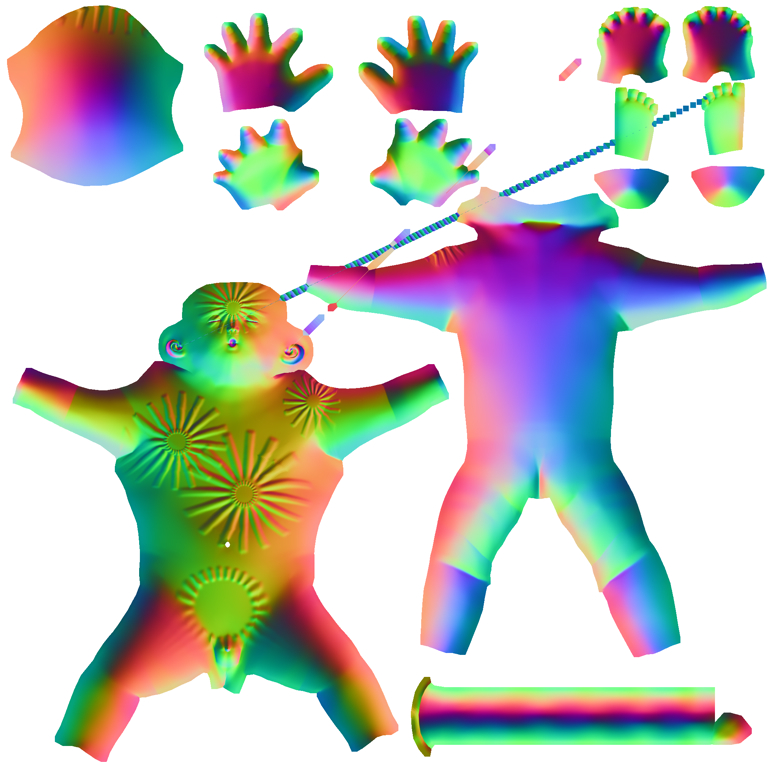
The overall lighting of the maps is REALLY weird… but there is something funny about them, starting with the visible facets in the normal map and the “crushed down” details, can you post the generated map??

i’m using the Maya_ObjectSpace_fast and this is the best thing i got…

for some reason it decides to color it grey when it’s white…??? no idea how it does that…

thanks really… i’ve almost call it quits on this but i got a job offer and had to paint a bump map instead of using a normal map… so u can imagen the difference in production quality that left me…

thanks

Attachments

ex3.jpg

Picture 1.jpg

i know there are a few UV that are messed up but at least i should get something…

You must to use a tangent space normal map. Try Maya_TangentSpaceNode_BestQuality, or Maya_TangentSpaceNode_Fast. this will give you better results.

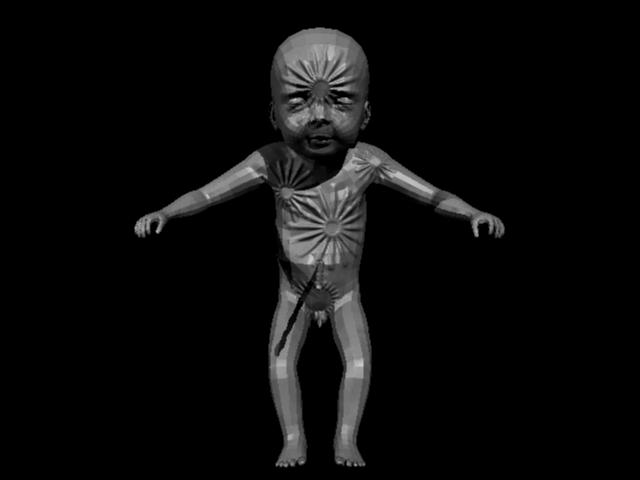
got the map to proyect outward… but i’m still getting the low res shape… sorry for these dumb little things…

thanks

Attachments

ex4.jpg

Are you smoothing your normals in maya before rendering?

smooth normals??? i haven’t seen that in a tut yet… urgh… where’s that option at???.. ;S :wink:

I think you should go back and read their comments better, the suggestions that they gave you are very informative. Also read the Maya Help Doc, it has all the information you need to know, that’s what its there for.

To smooth normals (in Maya) first select the model then go to Polygons>Normals> Soften Edge.

Your normals should be facing outwards also. Display>Polygons> Face Normals. To adjust the size go to “normals size” under that same menu.

Your normal map looks really weird, I would suggest doing a new normal map on default settings in Zmapper to see if you get the same outcome.

To preview your normal map (in Maya) just load the file as bump then under the attributes change it to Tangent Space, then on the view port change to high quality (at least that’s what I do).

thankz for everything… i looked up on maya the normals section but for some reason i thought… pfff soften edge naaa that’s not it. and i tried evrything else, form giving a smooth to subdivisoin, proxy…

thanks sosososo much!!! this is what i fanilyy got X) the scar on his eyebrow is on purpose so no worries about uv overlapping…

thaks so much guys :wink: gonna take this to my boss now X))) i owe you all a beer if you ever come to barcelona XD jajajaja

peace!!!

Attachments

ex4 (2).jpg

Jeje… para eso estamos pero no creo ir jamas a barcelona… quiza tengamos que echarnos unas chelas por aca en mexico :smiley:

Un placer servirte que para eso estamos