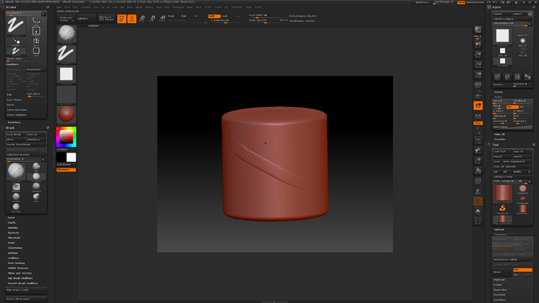
I’m trying to experiment with some custom Alphas to see how they affect the brush strokes. I’d assumed that the settings for brush spacing in Zbrush were perhaps similar to Photoshop, were you would be able to alter the smoothness of a stroke by narrowing the spacing. I thought that I would be able to alter how a circular Alpha was applied to the surface by narrowing and widening the spacing to get either a series of dots or alternatively a smooth line .
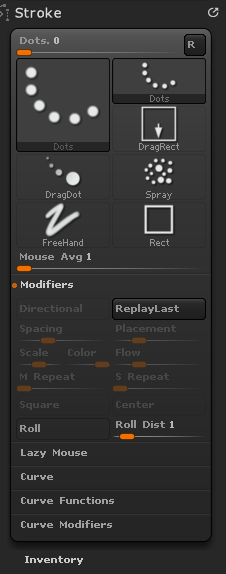
However, after loading quite a few brushes and trying out all the different stroke types I still find that most of the options for the Stroke Modifier are greyed out apart from; Replay Last, Roll, and Roll Distance – I’ve included a screen shot of the palette in question and how the rest of the options remain greyed out.
I’ve checked on ZBrushCentral to see if anyone else had raised this issue and found a similar thread by eslautin titled “Can’t Access Spacing Options in Brush Modifiers”. Doug Jones replied to this thread and mentioned that the spacing options were context sensitive so they will remain greyed out until you select the correct brush. Whilst I understand this, I haven’t yet been able to find a brush that allows you to alter the spacing modifier settings in the Stroke Palette?
So which brushes do these settings relate to and under what context?
Attachments