Hello Everyone,
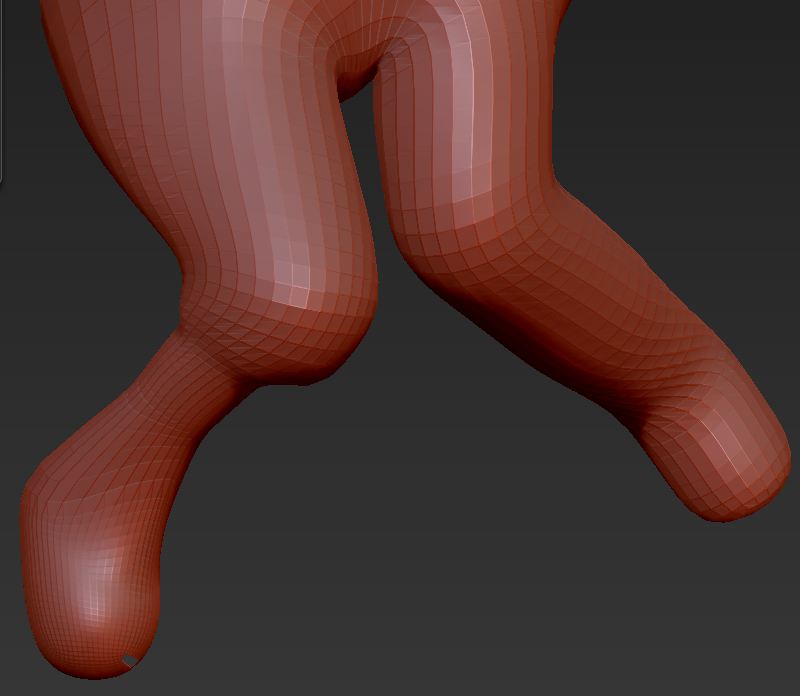
I’m attaching an image that shows two legs. It’s an adaptive skin (no zspheres). I want to shorten the shin bone on each side. I masked off the model except for that area. As illustrated on the model’s right side, if I use the Transpose Tool to scale the shin, I’m basically shrinking the diameter without much influence on the length. If I use the Transpose Tool to move rather than scale, I’m basically moving polygons either up or down the length of the shin (depending on my pen direction) without really shortening the limb. Is there a way to scale down the length while maintaining the width? It seems like it should just automatically do that; so perhaps I’m doing something wrong.
Doc Pit
Attachments