ZBrushCentral

How to mirror a specific area to another?

I have a specific area of a mesh I need to mirror to the other. What I would like to do is to select the left side of the mouth and mirror that to the right side (photo below) so both are symmetrical. Is there a way I can use a selection tool to mask off that area to mirror then select/mask off the area to mirror it to?

Thanks.

Attachments
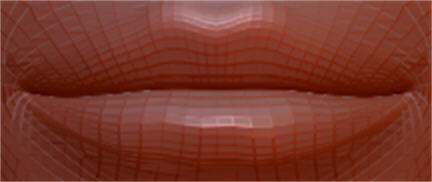
ZB_lips_1.jpg

You can actually use Smart Resym for that. Mask of the parts you don’t want to be affected and of course one half of the mouth. Go to Tool/Deformations and hit Smart Resym.

That should do it.

Hope that helps.

Would someone care to post some screenshots of how to do this with masking? I am fairly new to ZB and it would help.

What I want to do is mask off one side of a mouth and use smart resym as described to make it equal on the other side but protect the rest of my mesh with a different mask. The thing I don’t know how to do is to make different masks on the same mesh, one that protects a defined area and one that masks off/defines the area I want to make symmetrical.

Thanks