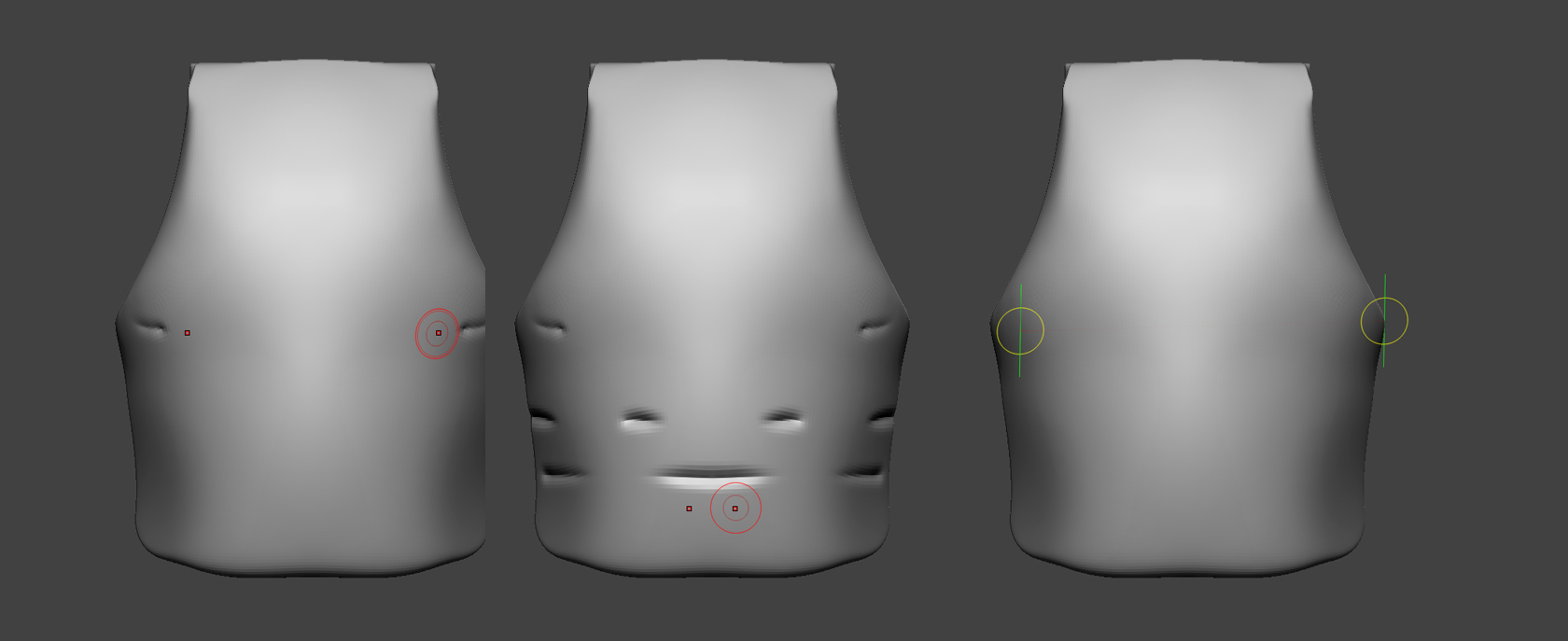
How to make straight line on round surface? (using lazymose/backtrack/snap to track)
Attachments
How to make straight line on round surface? (using lazymose/backtrack/snap to track)
1: I would make sure that you are not in perspective view, look at teh object from the perfect side view, then start your stroke and hold down then shift key to constrain it to the axis.
2: Other way could be to make a mask and scale that in… a perfect rectangular mask over the surface should make it go all the way around.
3: You could also use the curve tools, theres a way to make ZBrush automatically draw a curve all ethe way around an obeject, however I cant remember the key combo for it.
Good luck.
To make a straight line along the surface with Lazy Mouse set in the OP, you must turn the track curvature up to 100. Otherwise it will keep the elevations of the start and end points.
Thanks for help guys. Spyndel method seems ok.
turn the track curvature up to 100
Thanks man, that was something I questioned for a while.