ZBrushCentral

How to make separate subtools into one mesh?

How do I add two subtools so that they are one contiguous subtool? I remember seeing someone do this in a video tutorial a while back, but I can’t seem to find it now.

The artist had two separate subtools for body and hands and they used some brush or something (not particularly sure since it was sped up) to attach the hands to the body. How would I accomplish the same thing for my sculpt?
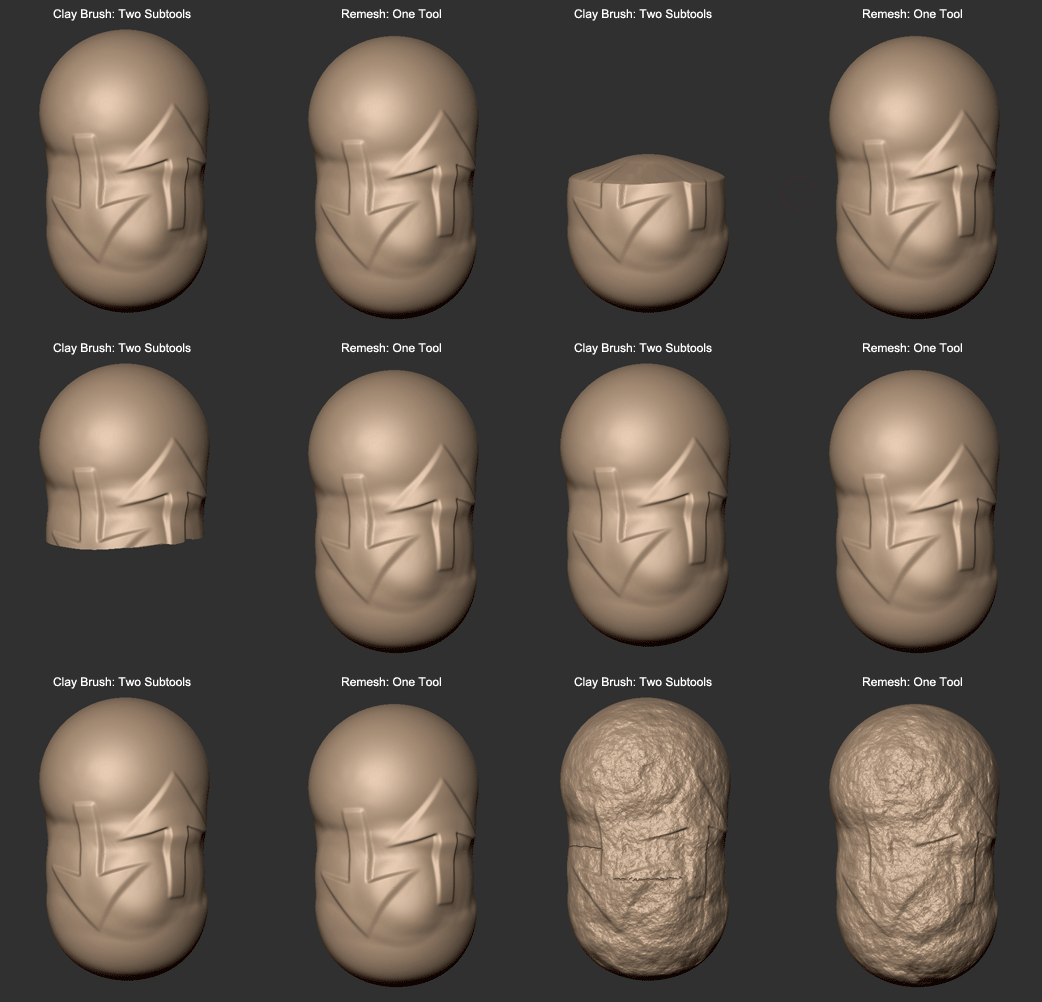
The clay brushes can give the illusion that subtools are connected, but it doesn’t actually connect them. If you wanted one single mesh, you’ll have to use dynamesh, remesh, or retopology.

You can see what clay would look like on the left:

Thanks!

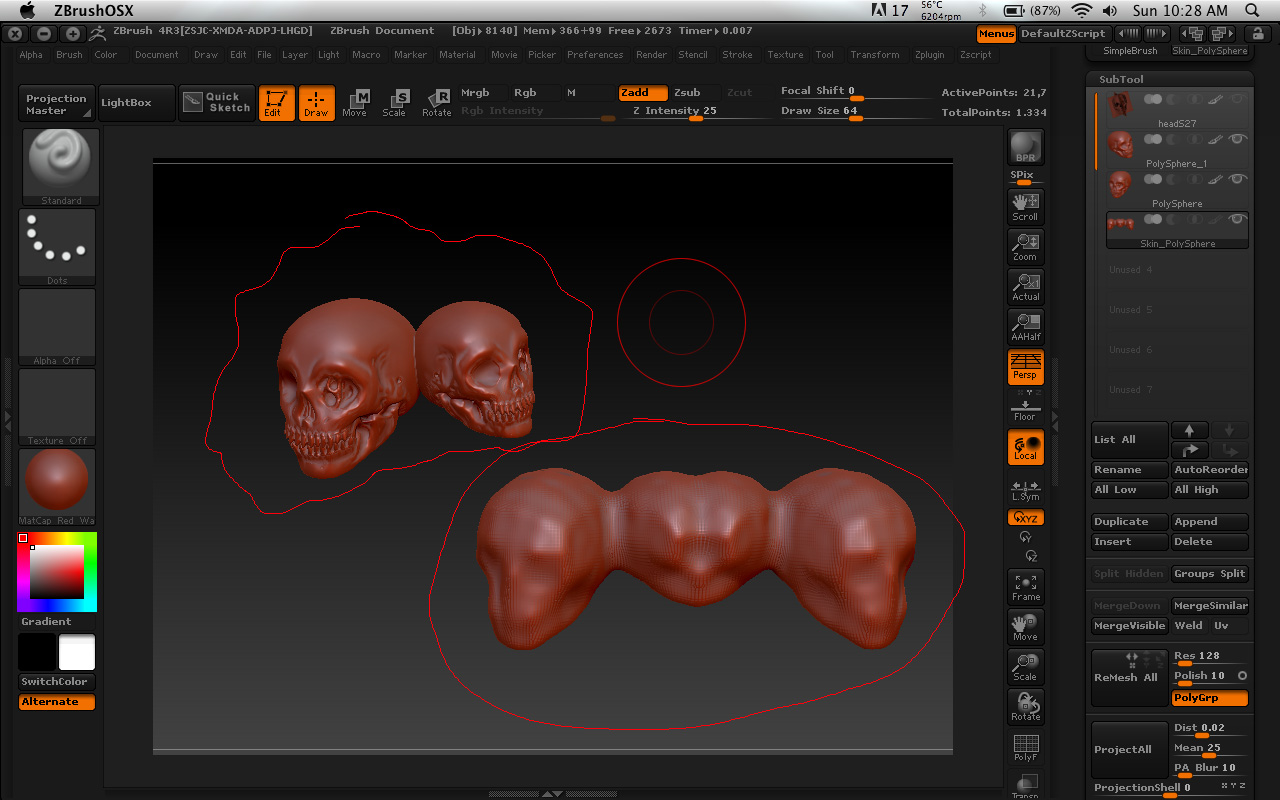
Excuse me, i have two separate objects (top left) and i try to merged them by clicking Remesh all, but how come it created 4 objects (bottom right) with low subdivision? Can you show me how to merge or fix it? Please, if you don’t mind.

Attachments

skull8.jpg