ZBrushCentral

How to hide loRes mesh parts when sculpting in HD?

HD Sculpting, when you hide parts of your model and go into HD sculpting it will show a proxy of the rest of your model. Is there a way to turn this off? There are times when I would like to just look at a particular area and not see the entire model. Like the Old ZB3 way.

No resolution on this yet. Not a blocking issue.
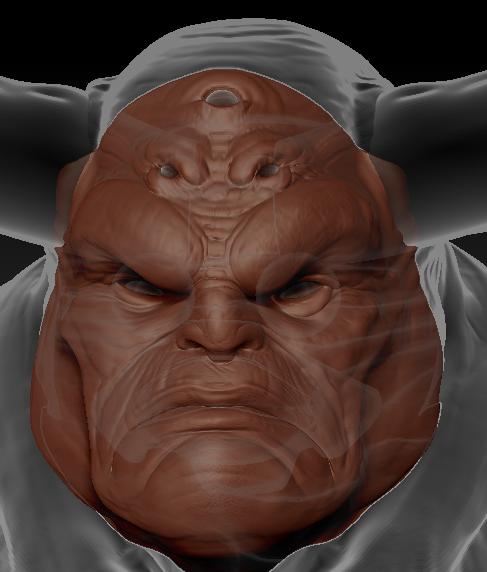
Turn on Ghost mode

Could you list out where that is in the interface? Thanks.

It is visible in the Right Shelf, transparency and ghost mode. Activate both and if you need to see the ‘inside’ of the mesh, activate tool:display properties:double sided.

This is the look that I am getting:

Is this typical?

[ghosting.JPG]

That is typical, yes. I don’t believe there is any way to make the non active mesh completely hidden in HD mode in 3.5