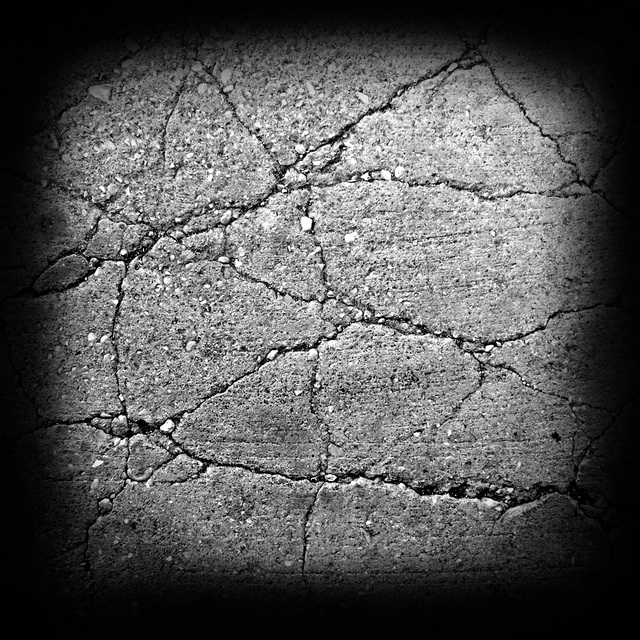
The alpha’s I have are ones created by other users or are preloaded with 4R5. This alpha is only a 72 resolution, and the image size is 1024x1024
Here’s an alpha that came preloaded with Zbrush under the file named “concrete”…
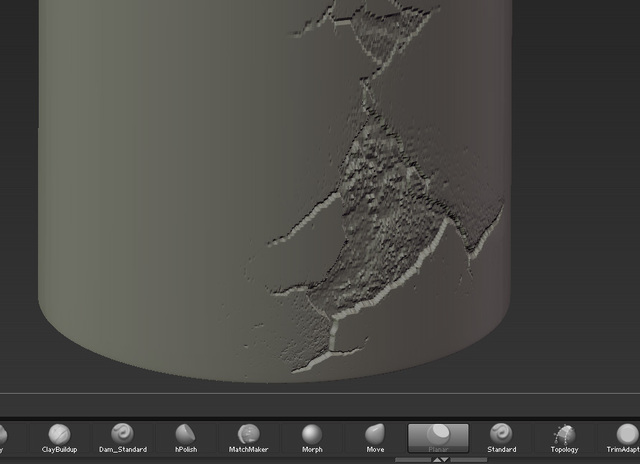
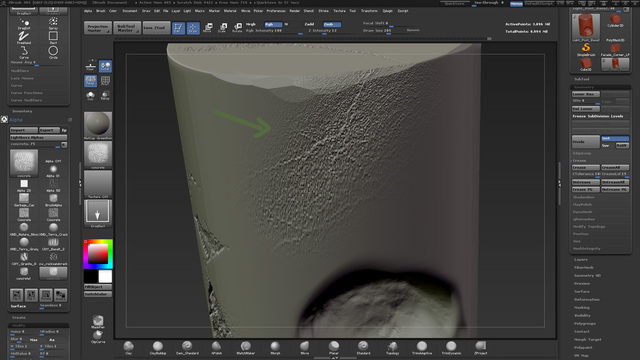
Here’s what it looks like when I apply it…
Turns out my obj that I imported didn’t have even topology. I had to go back to Max, add more edge loops, and through on a few turbosmooth iterations. The one thing I’m still unsure about is why the alphas wouldn’t look good until my model was turbosmoothed and then imported. Without the turbosmooth, but still even topology with a bunch of extra edge connects I got the same bad result as before. It wasn’t until I add a turbosmooth before exported that the alphas were applied correctly.
Attachments