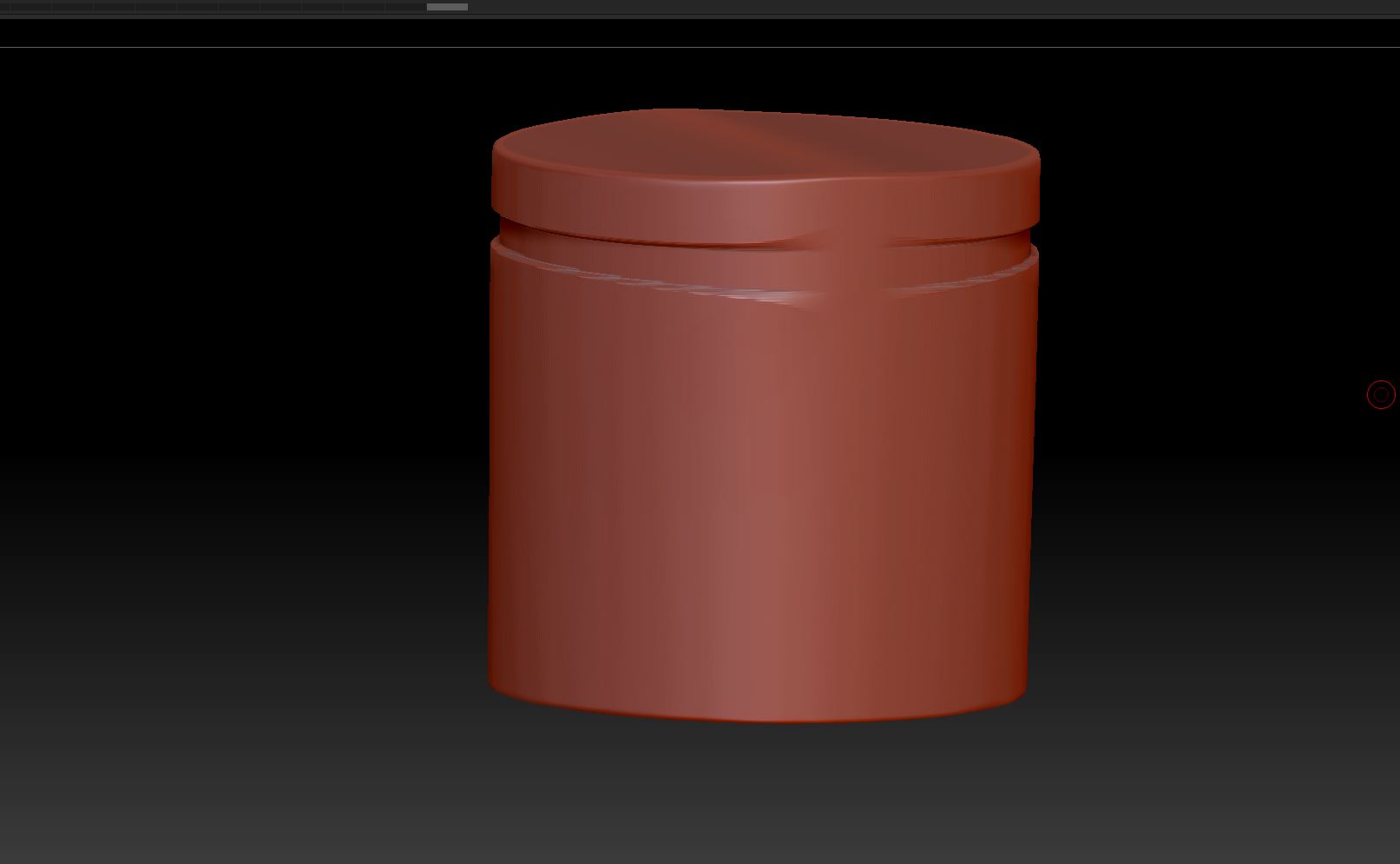
I want to model this arizona can.
I start with a cylinder. And I thought, I am going to use the Rectangular Slice Brush.
CTRL+SHIFT+SPACE and I do activate the BRRADIUS
It’s so strange… when I use the cirle, I can get this effect.
But when I try to use the rectangular clip brush… it doesn’t work.
as you can see, I just want to get the top part done… from the can surface or shape…
any ideas how I could simple do that ?
and I really wonder why the RectClip Brush doesn’t work on this like the circled…
Attachments