ZBrushCentral

how to combine two zpr file

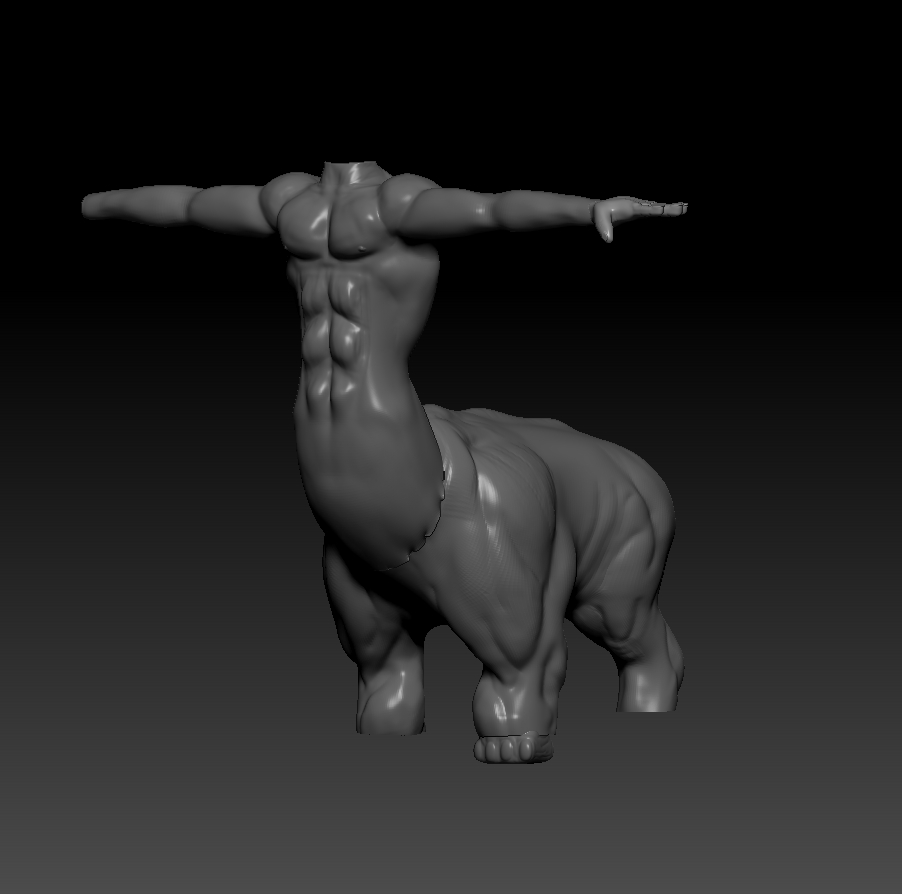
sorry guys if its a wrong thread. so i created the torso and legs separately, while torso scene was open i click append tool and i found legs scene and i open it and there it was my both zpr in one scene.
http://i.imgur.com/BF7SEnn.jpg

then again i created the head and now i wanna do the same thing (like append the other parts) but i can’t find it there and when i click anyone and then use import, it doesn’t give me zpr.

http://i.imgur.com/n6QaBmf.jpg

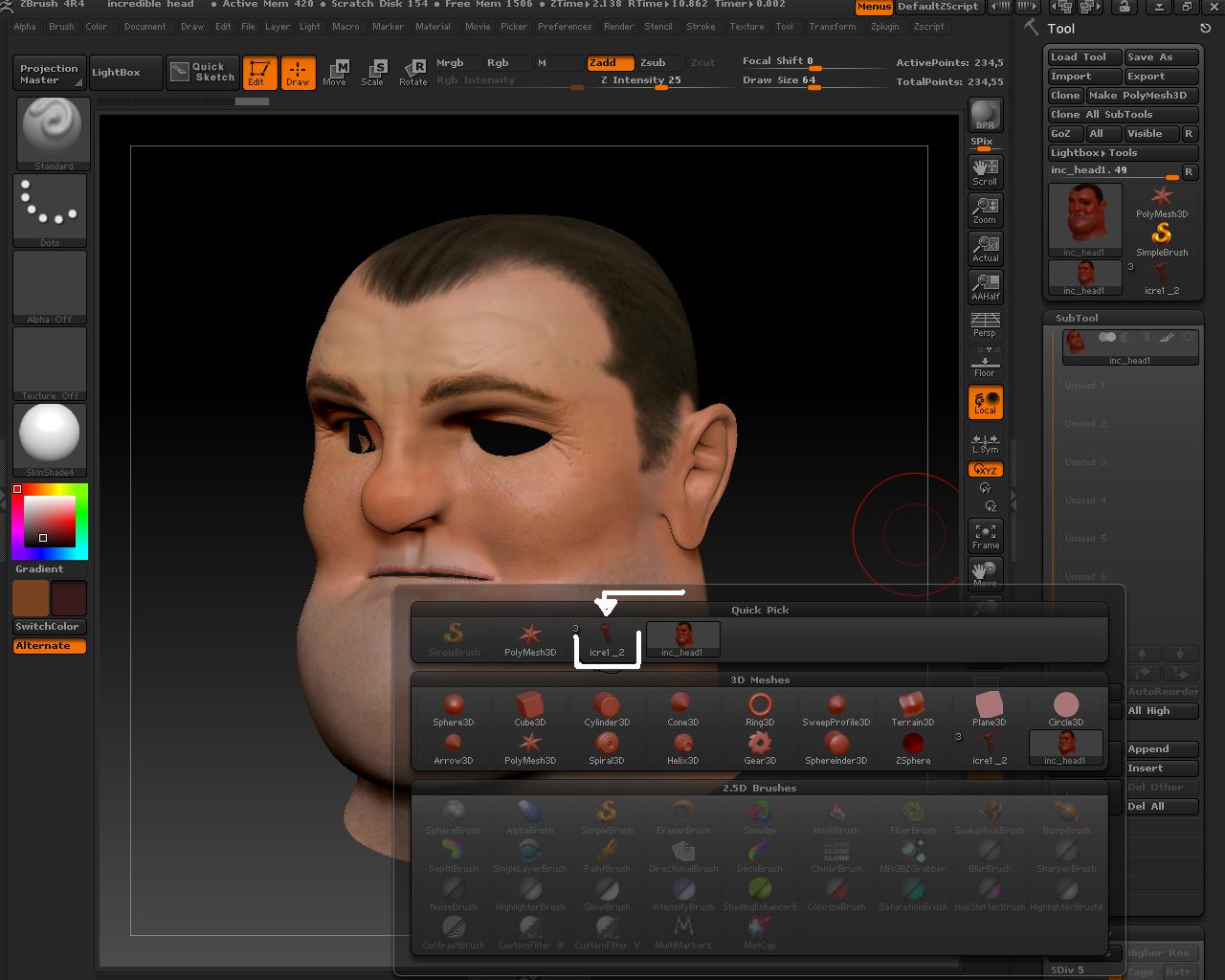
also whenever i open this file it also add this white arrow part on append. how can i delete this? :frowning:

Attachments

BF7SEnn.jpg

n6QaBmf.jpg

extra tools that are in your project can be deleted by selecting the tool and clicking on delete all in tool.subtools

You can’t combine multiple projects directly. You need to save each tool as a .ztl file and then use zplugin.subtoolMaster.multiappend to add them in to the proper project.

OOOOO M G! thank you very much and it was really easy just like you explain. much appreciated. and i can delete in subtool but you can see in last picture in quick pick option there is a body mesh. i was wondering how can i delete this. just curiosity :slight_smile:

extra tools that are in your project can be deleted by selecting the tool and clicking on delete all in tool.subtools

thank you very much again. i open this extra (icre1_2) model > delete all just like you said and reopen my head model, now its gone.