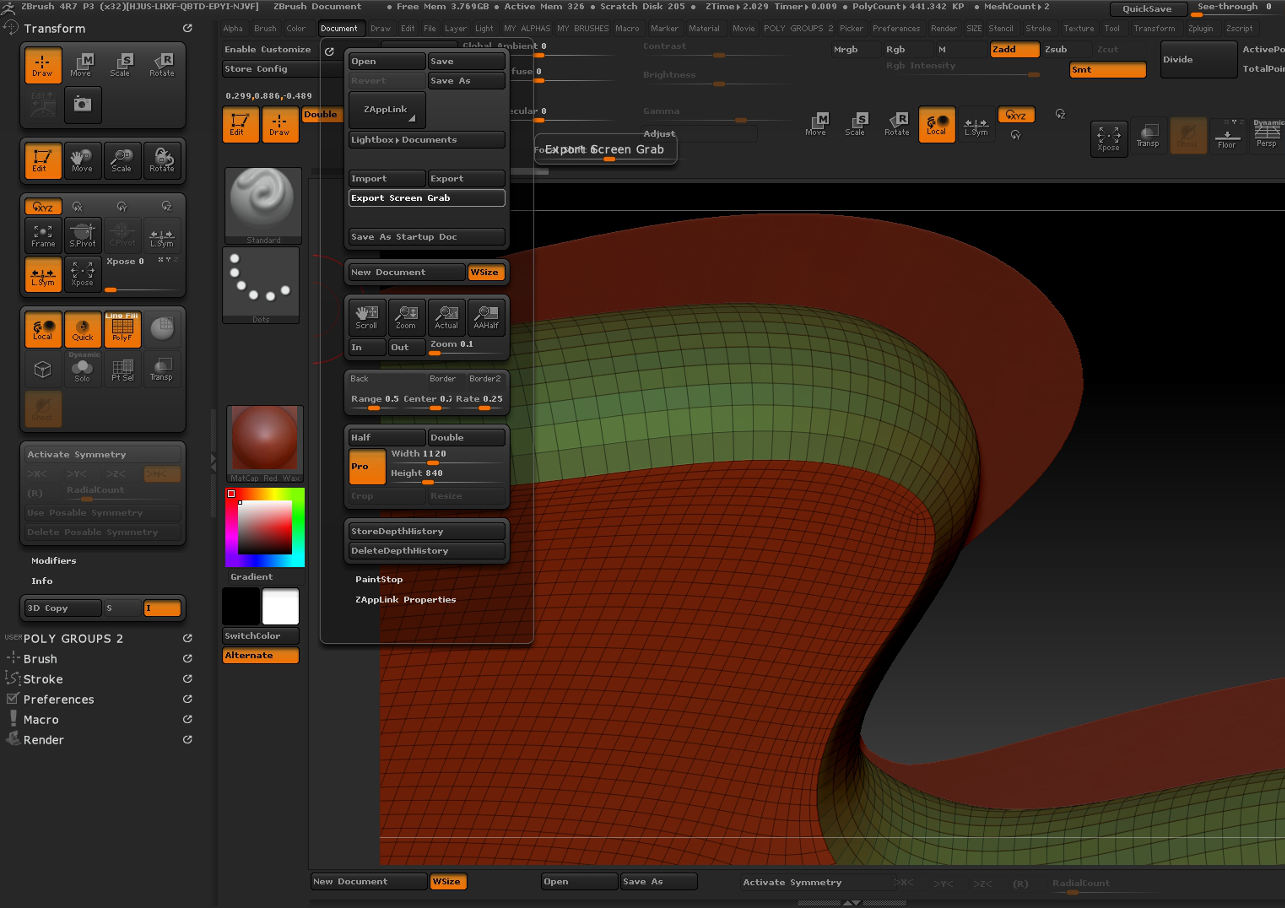
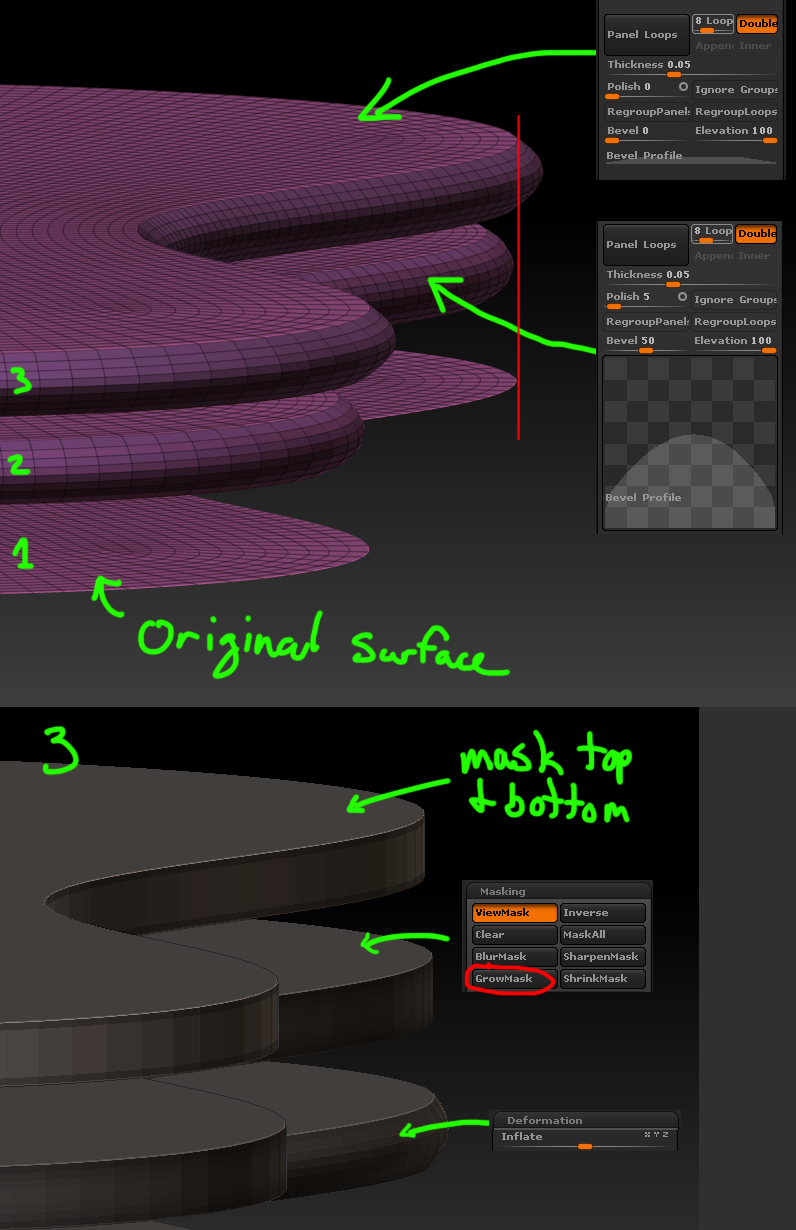
I have been looking at giving some curved planar surfaces some thickness with the panel loops command, and I noticed that the surface will shrink if the bevel is anything but flat.
In the first screen shot you see the original surface copy above and the resulting panel looped under that.
Any way to avoid this shrinking while still using a curved bevel edge?
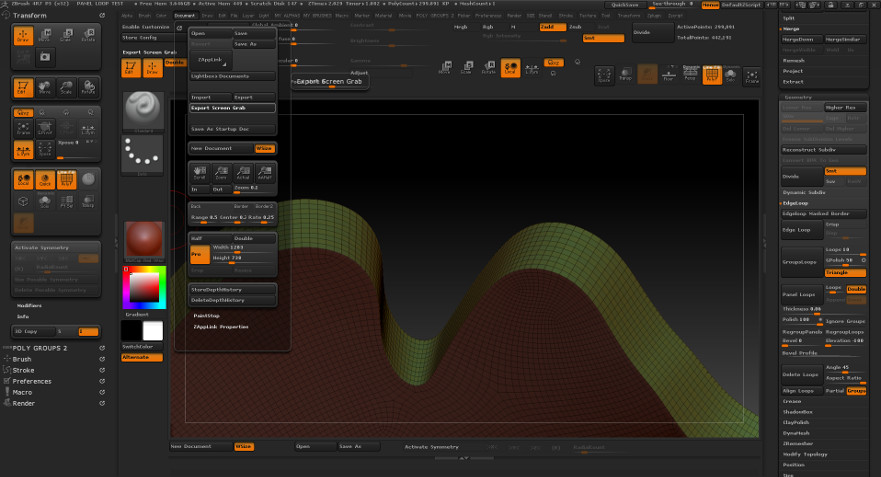
Also was wondering if I use no bevel which causes no shrinkage (second pic)
What Zbrush features would be the best to look into, to acheive a similar edge as in the first sreen shot
or just a rounded corner on the edges. I am flexible on the exact edge profile and wold like to find a workflow that can sort of do this with out having to manualy smooth out the edge by hand with a brush.
I have tried the bevel command for creased edges between poly groups but I can only get a small flat chamfer with that
Thanks
Attachments