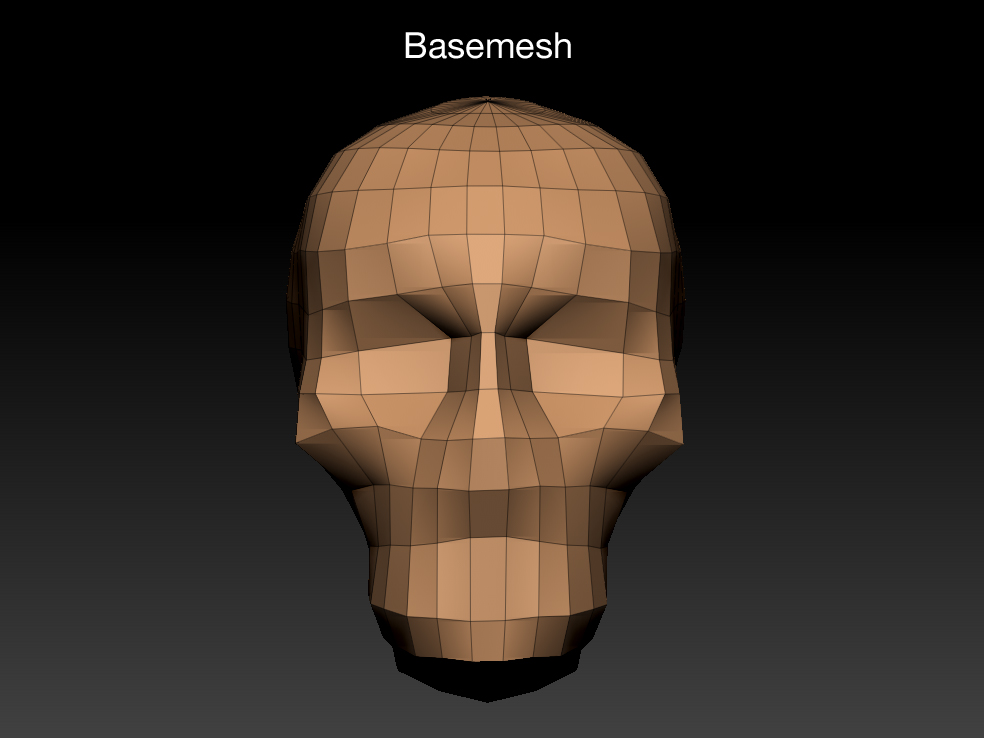
How can I add more points(geometry?) to the eye area?
As you can see in the image, I need more points only in the eye area not in the whole head.

Attachments
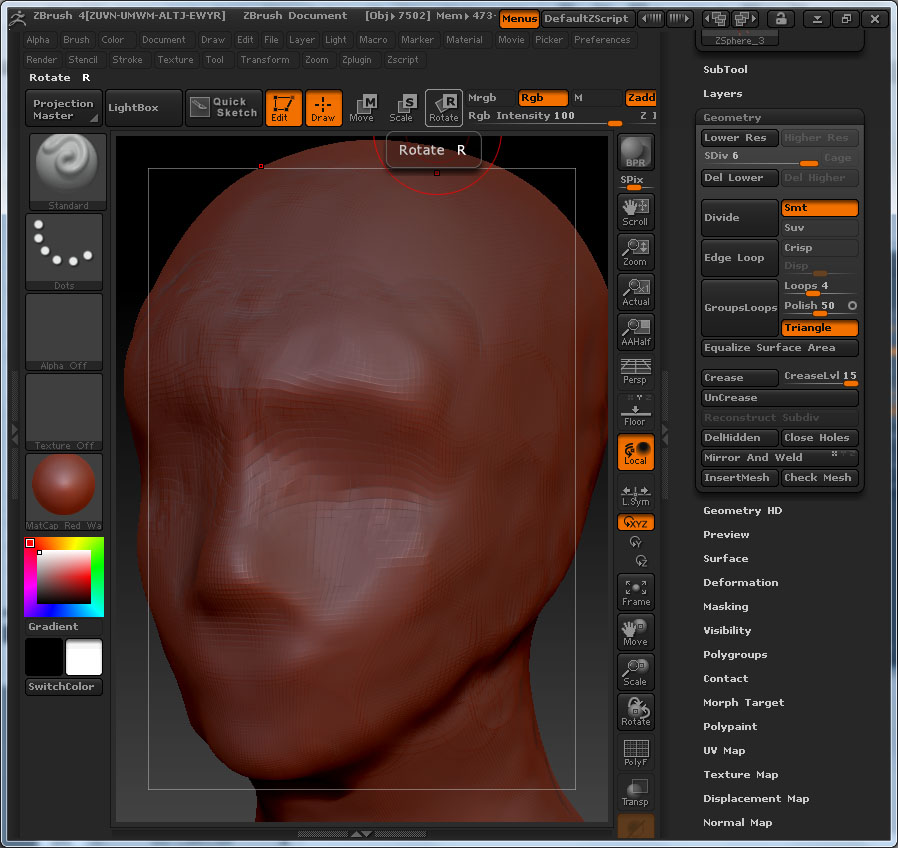
How can I add more points(geometry?) to the eye area?
As you can see in the image, I need more points only in the eye area not in the whole head.
The best way would be to retopologize the whole head so all your poly’s are the same size(roughly).
I wouldn’t recommend the following usually but, you can also draw a mask around the eye areas, blur a bit then invert the mask, then subdivide some more and only the unmasked portion will be subdivided.
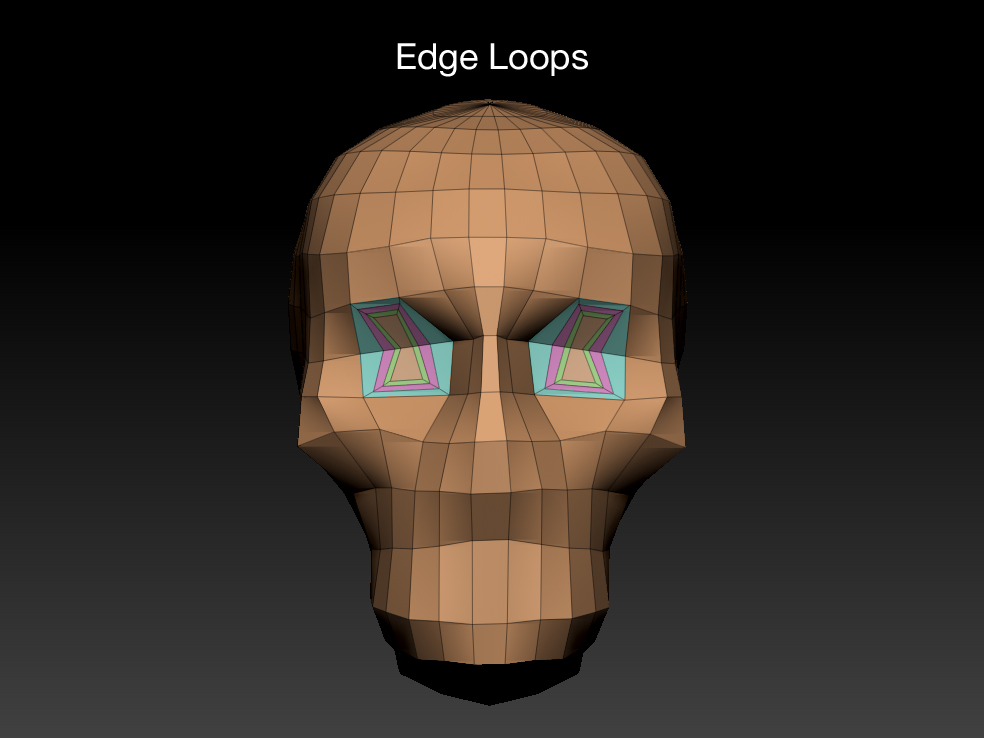
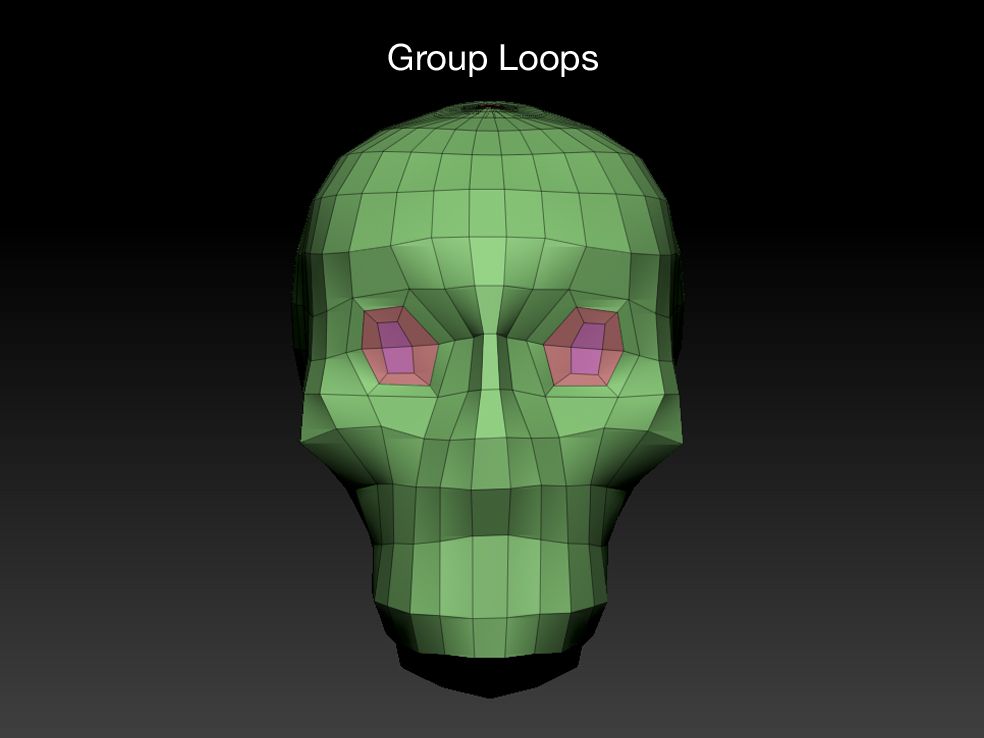
You can also add new geometry to your mesh by using the ‘Edge Loop’ or ‘Group Loop’ commands found in the “Geometry” palette. These commands will create geometry without triangles.
Hope this helps!