Now that I am gettin my model along, how do I color it etc after I have finished teh texture and fine details of the sculpt ?
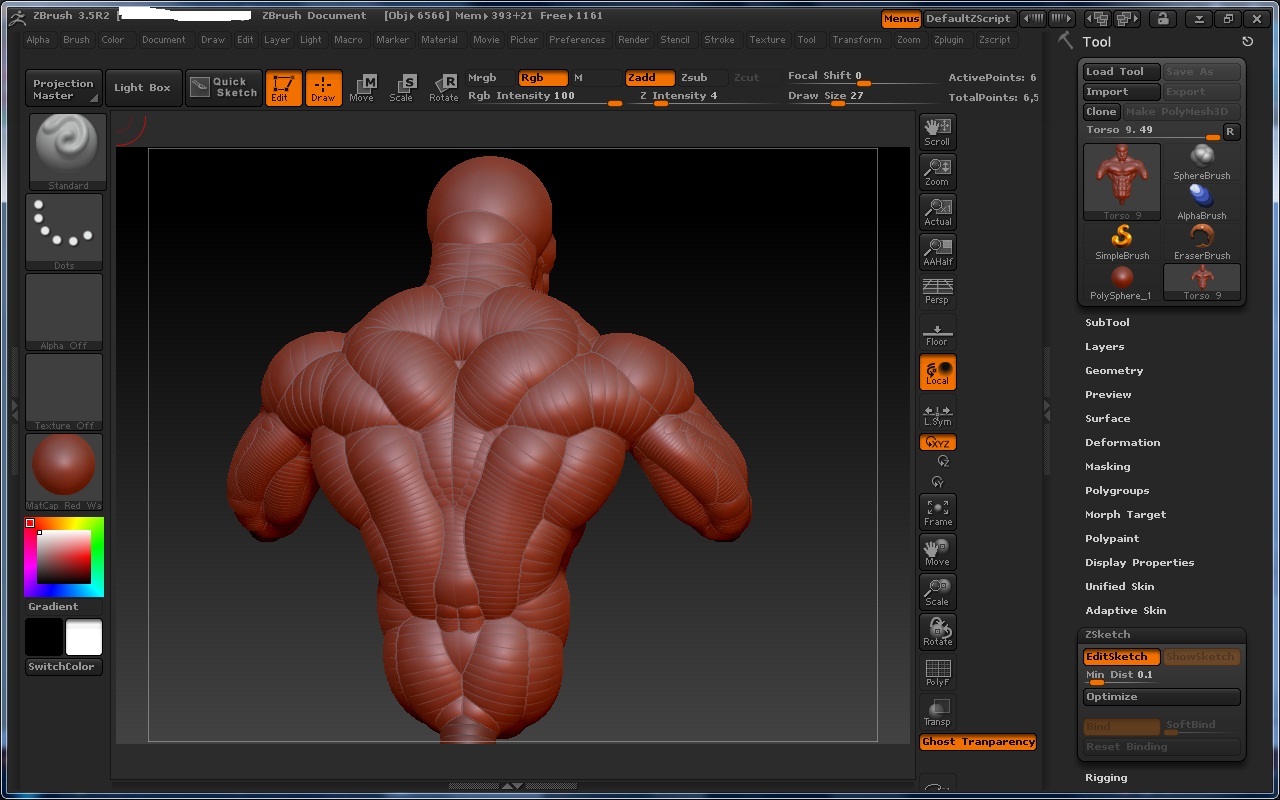
I gotta thank everyone for helping me get this far. here is a screenshot of the back and front so far
Attachments
Now that I am gettin my model along, how do I color it etc after I have finished teh texture and fine details of the sculpt ?
I gotta thank everyone for helping me get this far. here is a screenshot of the back and front so far
Front 
Very rough obviously but im gettin the hang of it and I LOVE this program
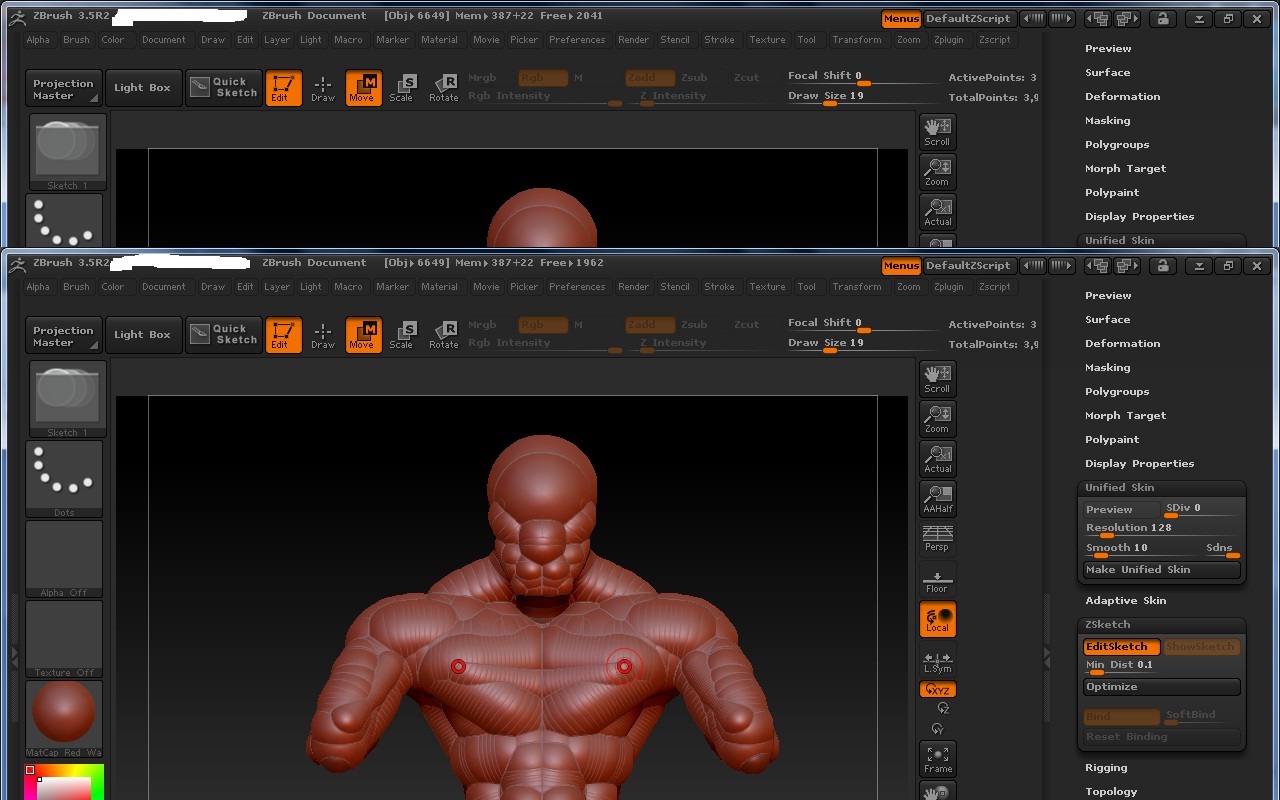
Also, how do I increase the polygons or whatever, to get finer detail ? Geometry right now for me is grey’d out…??
I want a higher res image.
You are currently in Zketching mode. You need to convert that into unified skin. Than you begin to sculpt again and then poly paint.
Hey there,
when you are still in ZSketch mode, you need to create a unified skin (Tool/Unified Skin/Make Unified Skin). After that you have a sculptable and poly-paintable mesh that can also be subdivided and what not 
Just remember that ZSpheres or ZSketch models need to be skinned before you can use all the sculpting tools.
Hope that helps.
P.S.: it would be smart to save the ZSketch model before you make the unified skin. Just in case you want to go back …
By “amke them skinned” You mean make unified skin right ?
Well … unified or adaptive skin, but that’s another story, for now just stick to the unified skin when it comes to ZSketch …