Hello,
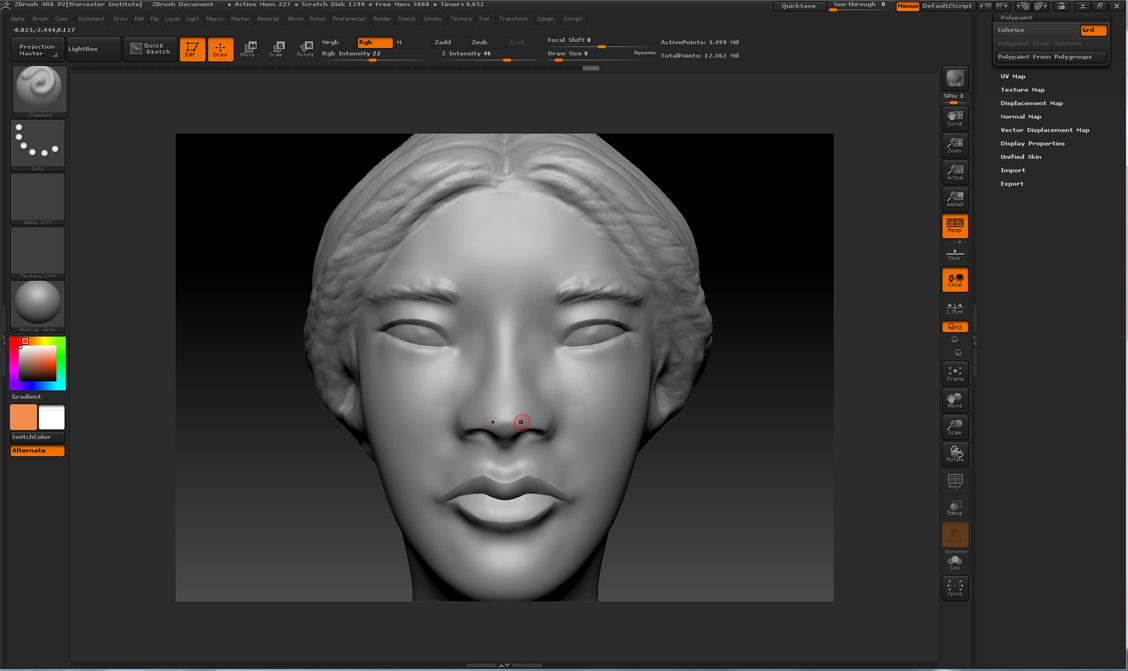
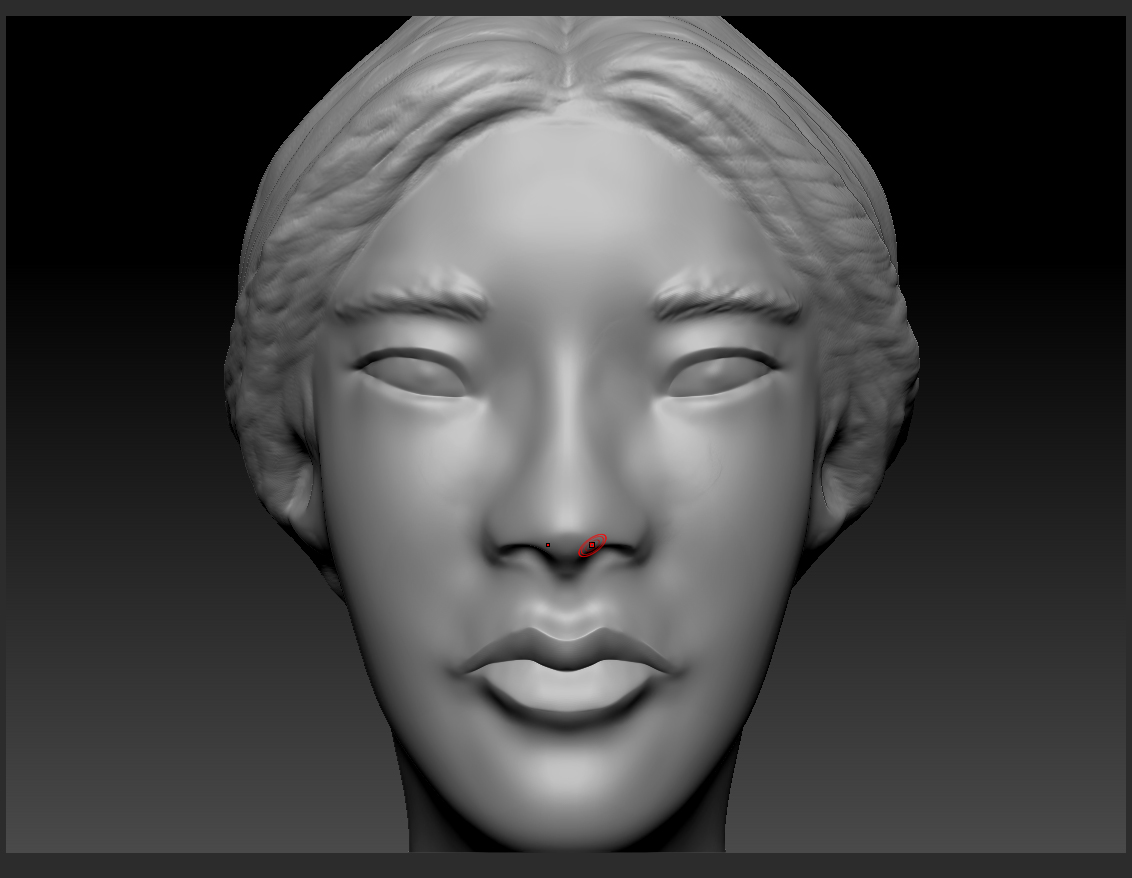
I am having symmetry issues. Specifically, I noticed the symmetry appears to be slightly off while I’m working on the face. I looked this up earlier and it seems it might have been caused by sculpting with symmetry off at one point and then sculpting with it on. Symmetry was on the entire time when I worked on the face, but I did turn symmetry off the last time I sculpted the hair. Just to clarify, the hair and face are both part of the same subtool. Can anyone confirm whether switching in and out of symmetry while sculpting offset the symmetry? And is there anything I can do to realign the symmetry without using Mirror and Weld (I want to preserve the asymmetrical hair).
Here are a couple of screenshots:
A close-up of the head. The symmetry is very slightly off:
On another note, I moved onto painting the model so right now it doesn’t appear to be a big deal, but will the slight asymmetry cause problems when I attempt to ZRemesh and/or create UVs? (This is going to be a game character.)
Attachments