Hi I like this picture alot this is exactly how I would like hair to be done on my models. Does anyone know a way to do this in Zbrush? [attach=230628]hairhowto.JPG[/attach]
Attachments
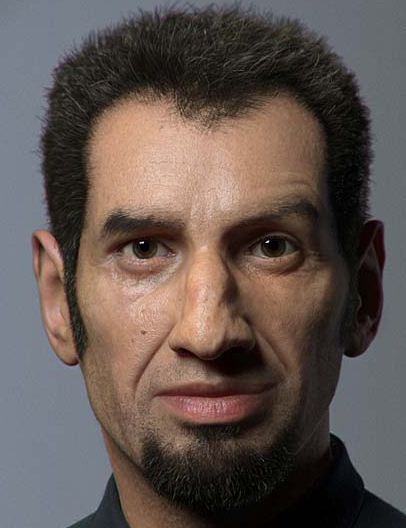
Hi I like this picture alot this is exactly how I would like hair to be done on my models. Does anyone know a way to do this in Zbrush? [attach=230628]hairhowto.JPG[/attach]
It can’t be done in Zbrush
have you tried the fibers cherub_rock i think with enough finagling it could be done.
hair…like done in that image can’t be done within Zbrush. SSS, Transparency, Variation, Coloring, etc. would be extremely time consuming…maybe it can be done. But it could be done way faster in an engine that is meant to render hair and has a system set up to help you do it.
So the real question is…should I do hair in Zbrush?
With the new fibers rendering capabilities on zb4 you could get a nice result but the real challenge is to comb hair; I could be wrong but I couldn’t find any way to very precisely comb hair as you would do in Shave&Haircut for example. I found some topics here where people experimented using strand made of cilinders, imported as subtool and posed with zsphere but I don’t think it could be a solution…
Hope someone could tell us a magic trick to do what you’re looking for in zbrush!
the hair in that picture is done with hairfarm. a plugin for 3dsmax.
if I were you, I d credit the artist also. you dont have to, but it is a nice thing to do .
Hi , If you want a realistic hair
you sould use some 3d software like autodesk maya or 3ds studio max
try to search at these sites about some dvds about Hair
( Gnomon Workshop , Digital tutors )
Good luck man
I don’t know where the original quote came from, but I tried all of those steps and it covered the entire sphere with hair. Is there a way to limit where the hair appears?
Masking off an area seems to have no effect. What am I missing here?
@ Zorro70…Yes, you are definately missing something. The operative word in step #5 is “paint”. In step #3, don’t “FillObject” with Fibers1 material. Use a different material instead. After you “FillObject” with a different material, then select the Fibers1 material and “paint” an area.
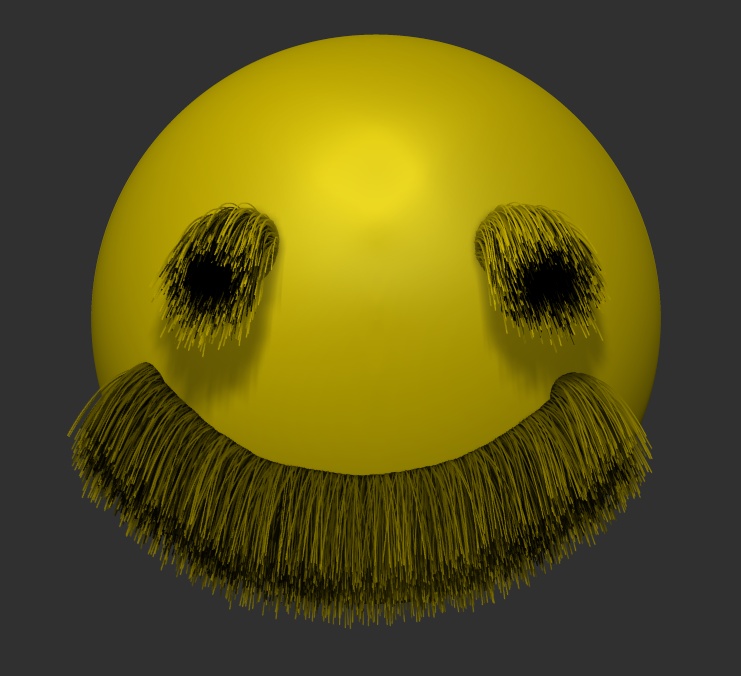
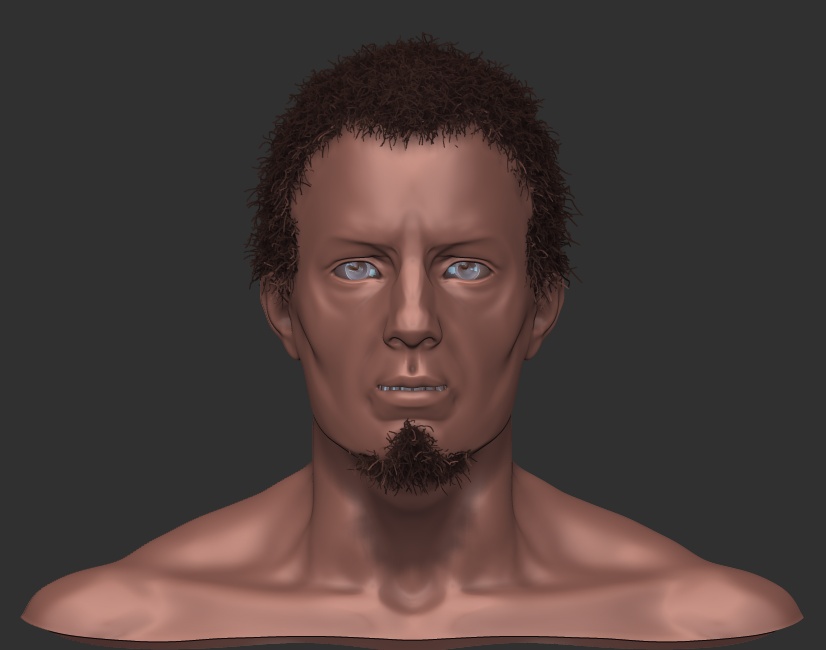
If however, you get overwhelmed by your lack of progress, filling the item might be just the ticket to return you to a happy mood:

:lol:
Nice, thank you very much!
Just seeing those put me in a better mood. In fact, I’m saving them for future bad moods! :lol:
-Z