ZBrushCentral

How do you see a Polypainted Subtool thru a Transparent Subtool?

Hi,

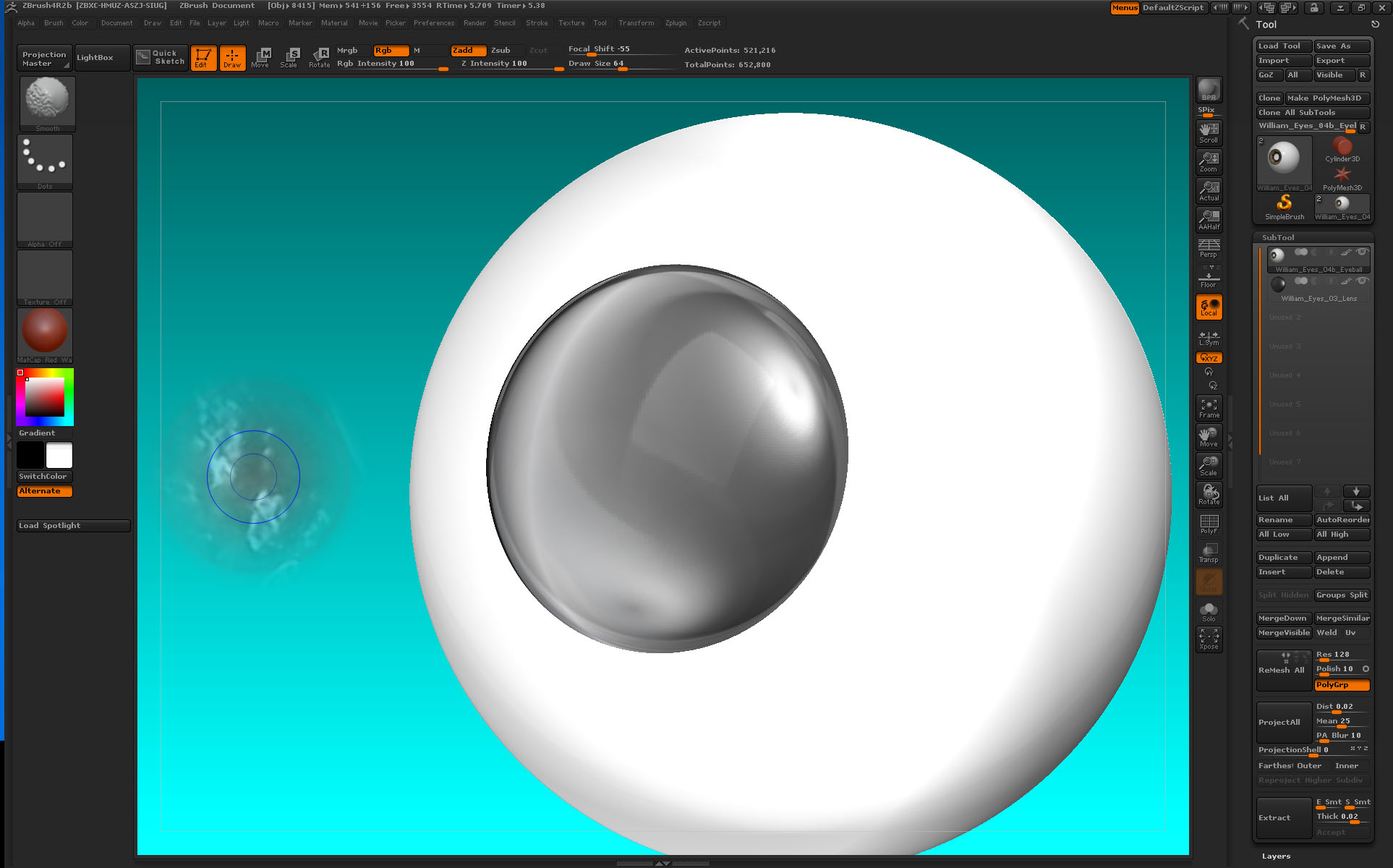
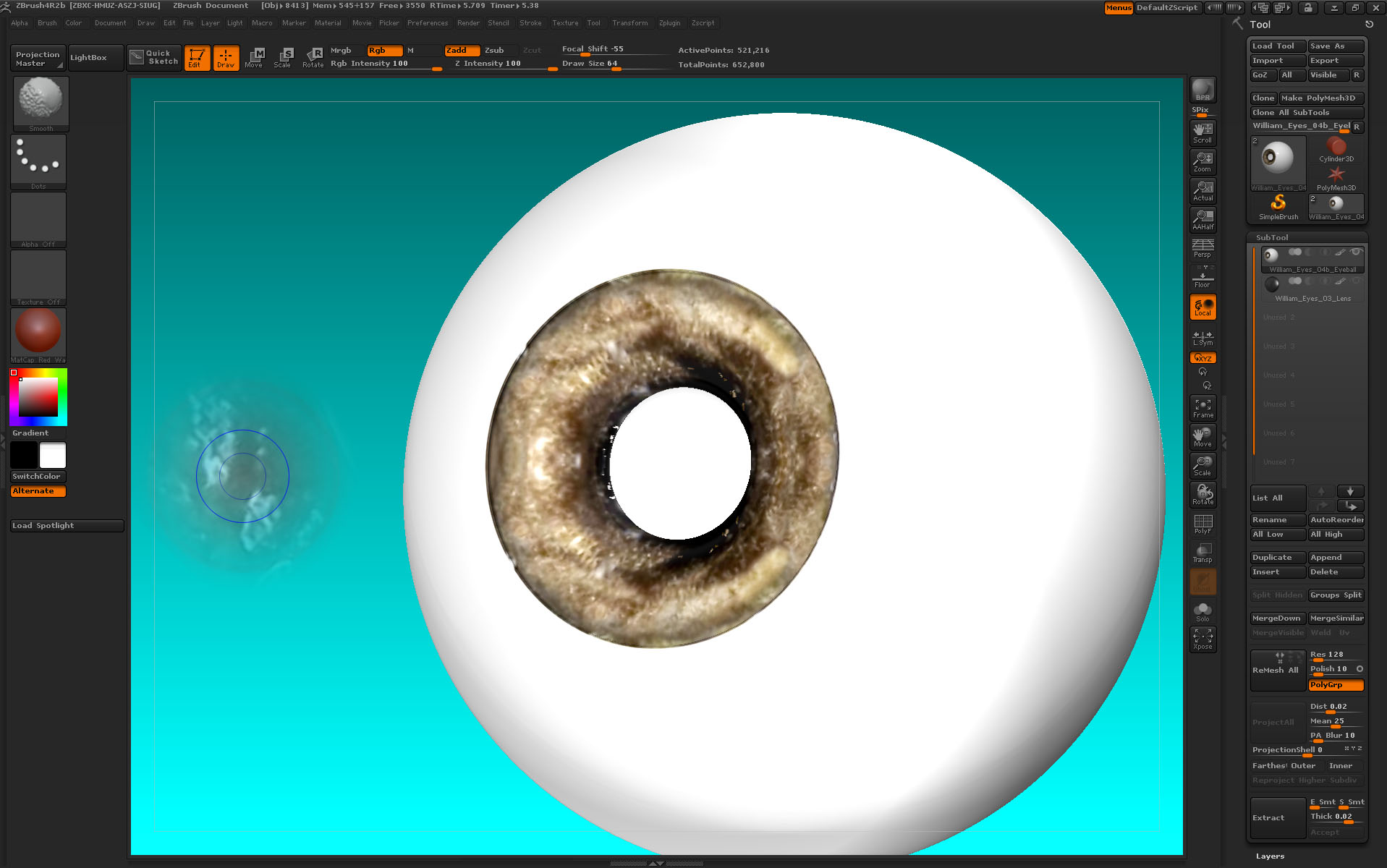
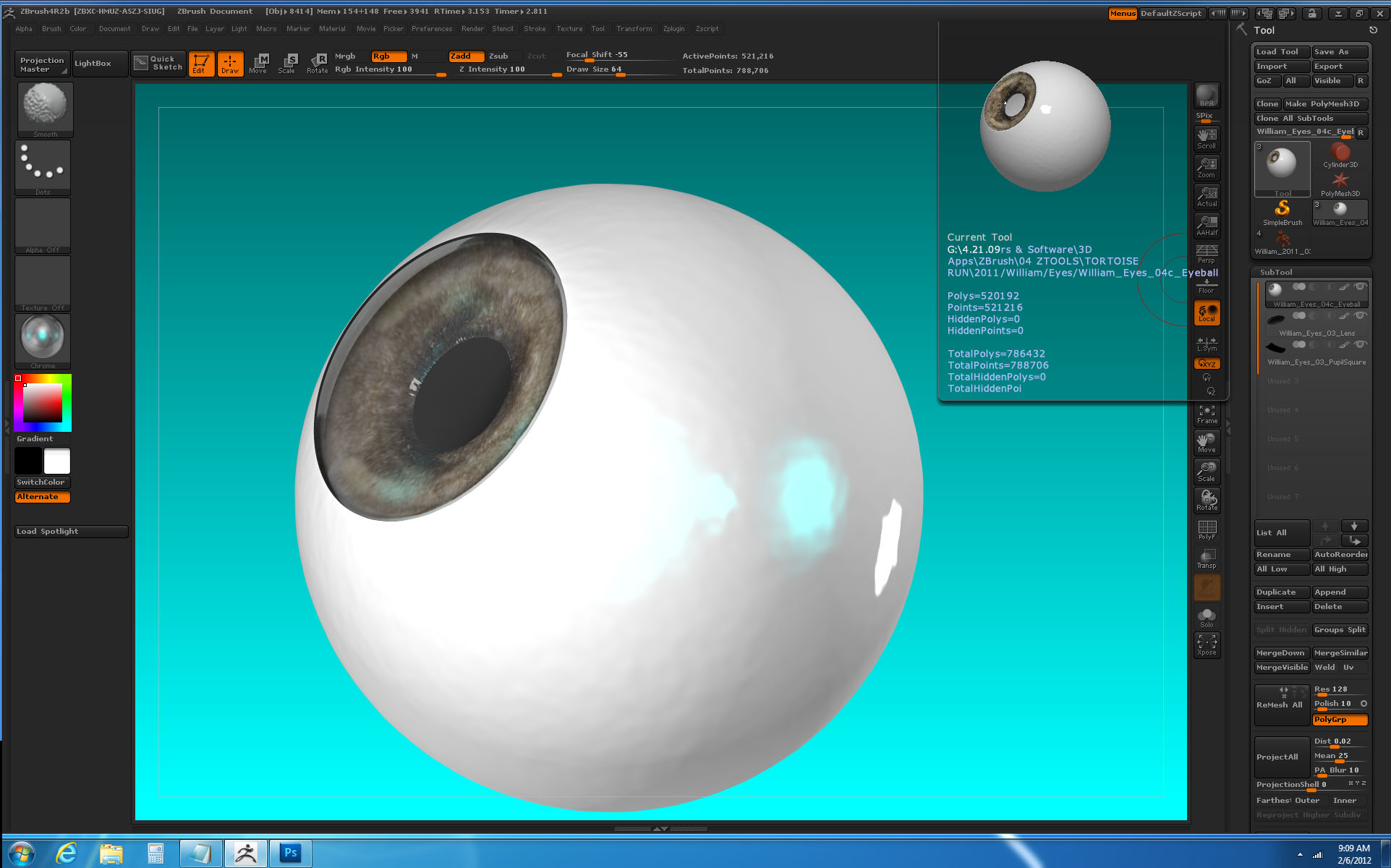
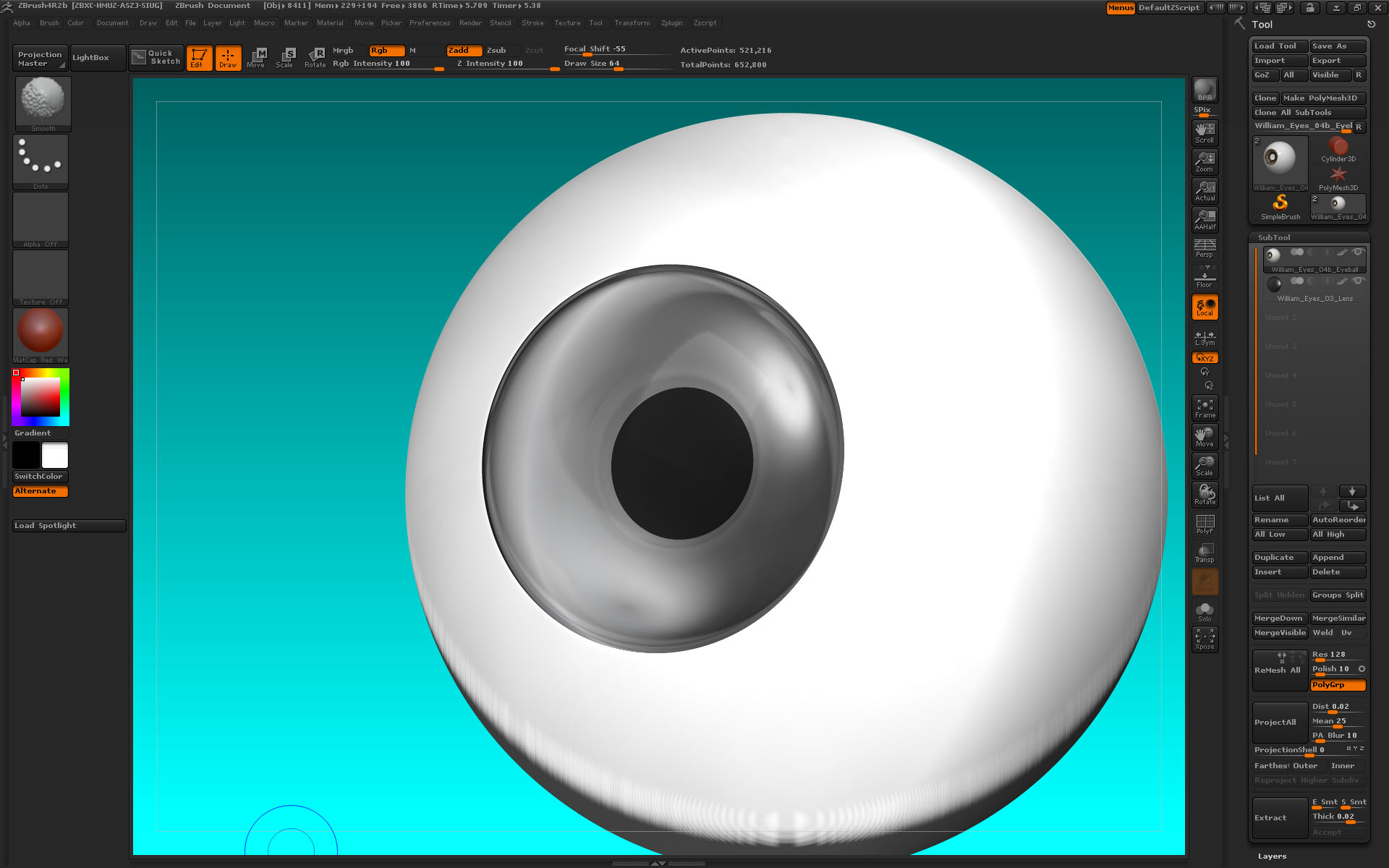
I would like to build an eye in ZBrush with a transparent corneal bulge. I have a two-part model: an eyeball tool with a lens subtool. The lens material for this render is ‘Chrome’ and when I use the BPR button it renders transparent and you can see the eyeball tool thru it as you can see in the first image. The second image shows the opaque lens before applying BPR. The third image shows the iris paint done with Spotlight from a photo. However, when I use the BPR button, the painting disappears beneath the transparency of the corneal bulge. I can see the eyeball model through the lens, as in the first image, but there is no color. How do I see the iris paint through the transparency? The first image contains the colored iris, you just can’t see it.

Thanks!

~S.~

Attachments
ZberEye_01.jpg

ZberEye_02.jpg

ZberEye_03.jpg

You shouldn’t be having a problem seeing the polypaint through the lens. Is your lens a squashed sphere? Try selecting the front half of the lens (Ctrl+Shift) then DelHidden to delete the back half.

Can you post a pic of the rendered result of both the eyeball and lens so we can see what you mean. [edit] nm, I see it’s the first pic.

Below, I have the same thing you do without any problems

eyeball.JPG

Zber,

Thanks. You’re always ready to help. I know everyone here appreciates your input.

The model is in two parts. The ‘Eyeball’ began as a primitive sphere where I used the ‘Initialize’ sliders to flatten one end to the size of a cornea and then this was converted into a polymesh 3D. The ‘Lens’ began also as a primitive sphere where the ‘Initialize’ sliders were used to create its basic shape. The Deformation panel was used to ‘Size’ and ‘Scale’ and ‘Offset’ it to fit the eyeball and then it was also converted to a polymesh and then appended to the ‘Eyeball’.

I hadn’t fully understood the need to individually turn on the BPR Transparency button for
each subtool in a model - having it on for the specific transparent tools but off for all
the rest. My settings were incorrect but they work now as you can see in the images. I used
‘Noise’ to ripple the surface and Lightcap for the blue kick.

I have a related question to all this: ‘Real-Time’ transparency in ZBrush.

I have attached a link to a short, silent video (under 2 min.) where someone builds an eye
in ZBrush that seems to have a transparent corneal bulge. However, when he rotates the model, the corneal
bulge stays transparent even while it’s moving. It doesn’t revert to an opaque subtool. Can
you tell me what they’re up to?

http://www.youtube.com/watch?v=kiuO_ZOuRjI

~S.~

Attachments

ZberEye_04.jpg

ZberEye_05.jpg

ZberEye_06.jpg

The cornea in that video is polypainted and is not transparent

Ah.

T’anks. Upon closer review I can see that now.

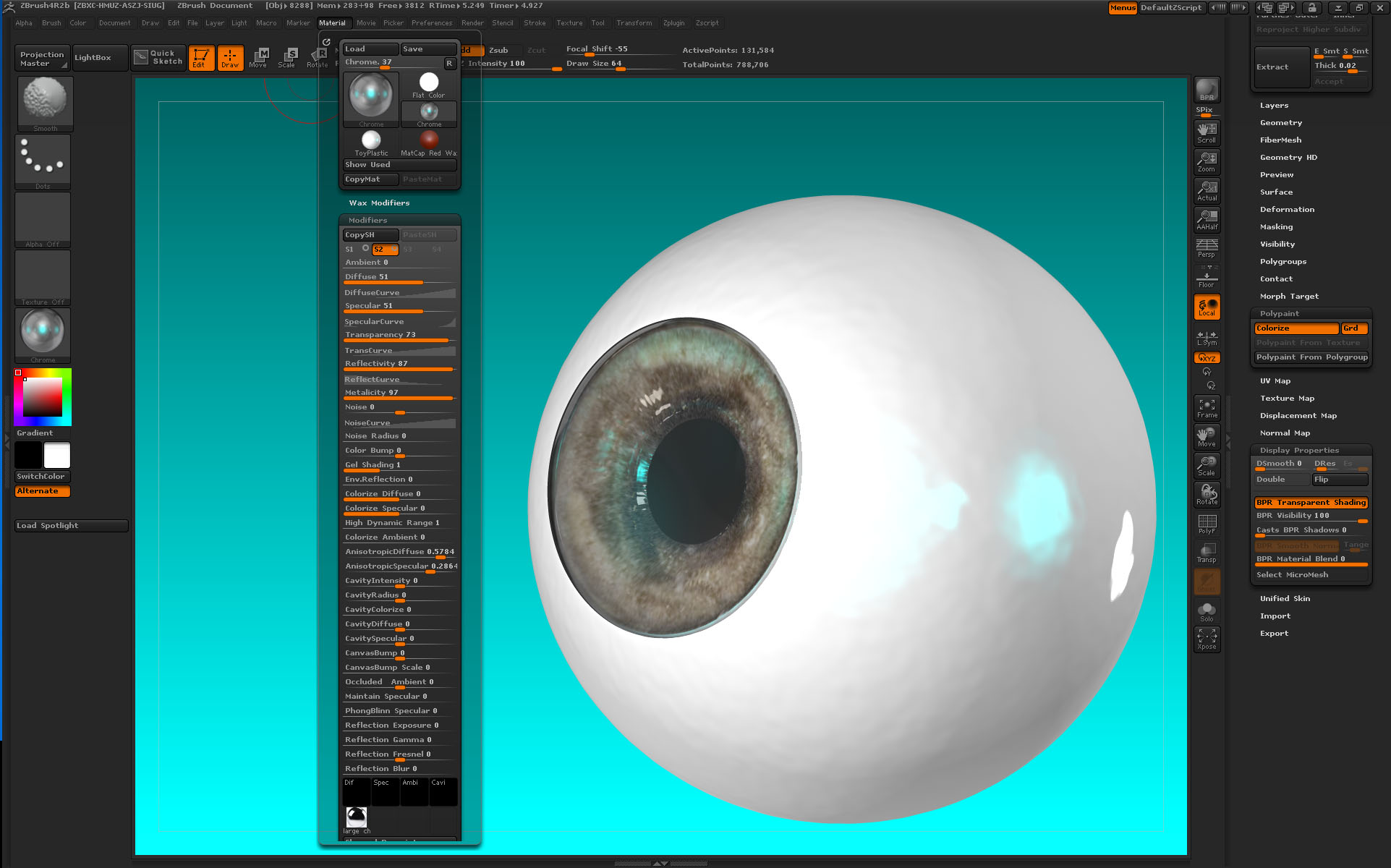
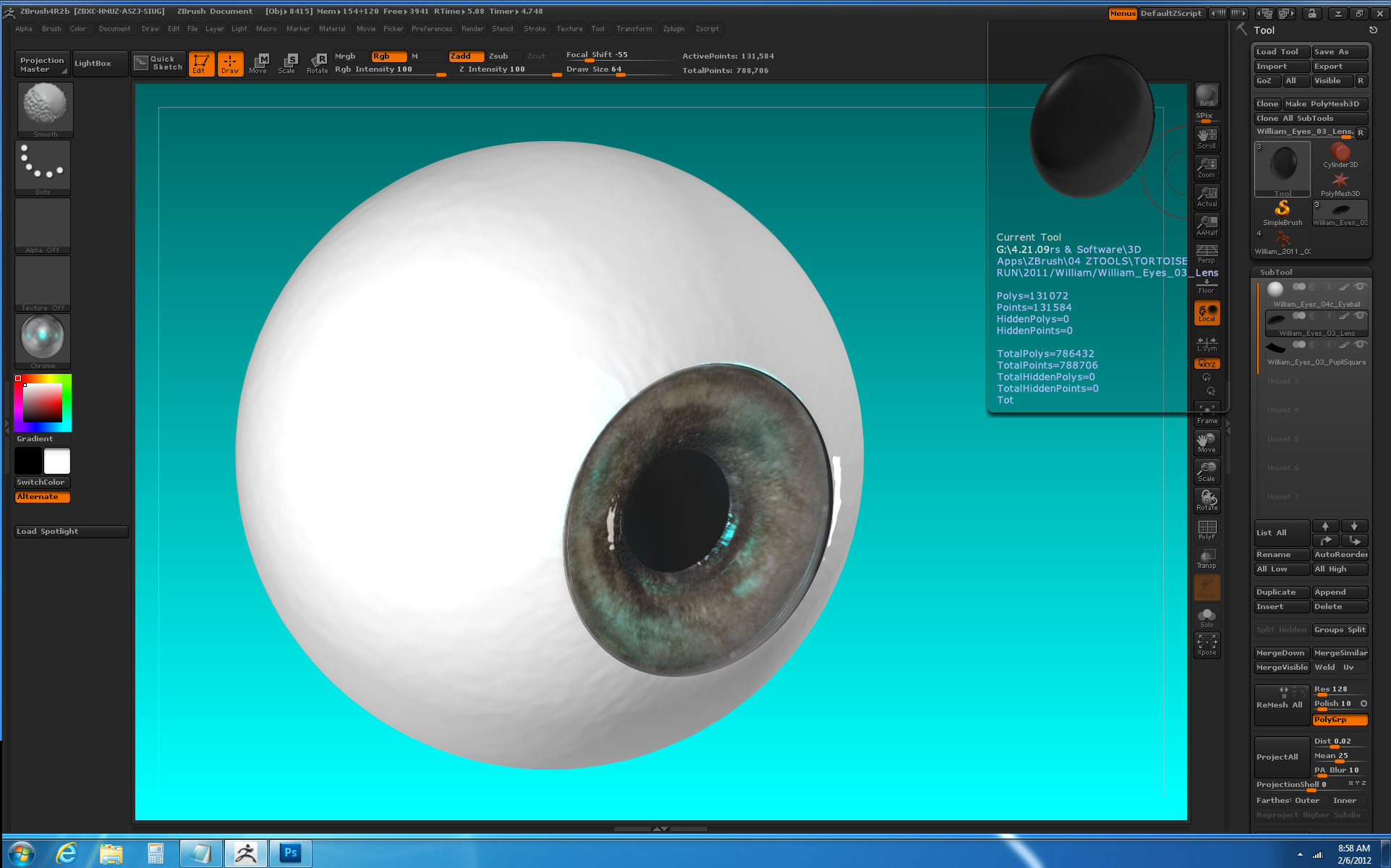
Could you review my last 3 images? You will notice that even though the separate lens subtool is transparent, there are almost no internal optical artifacts to show that it is there. It is too transparent. Except around the edges. When I adjust material sliders they seem to have no effect. Can you suggest some approaches for a transparent but visibly ‘present’ cornea? I have tried (so far) Chrome, GelShader and Jelly Bean.

~S.~

Keep in mind that it is just transparency and not like a glass render would be with a raytrace render. Try experimenting with different materials. Maybe a material you can add a reflection map to like ReflectedMap material in Standard materials and changing options in slot 1 of that material.

Thanks, Zber!

I will experiment.

~S.~

Zber,

Now that I have this three-part eyeball, how do I append it to a character so that I still have the separate lens and its transparency? Do I really have to append the eyeball to the character separately from the lens, position the eyeball, append the lens and then locate the lens as a separate subtool every time I turn the character’s head? And there are two eyes and two lenses. That’s a lot of hand work. Should I forget trying to have transparency in ZBrush eyeballs and save that work for the Maya render? Make eyeballs in Maya?

~S.~

Yes, unfortunately, the lens has to remain a seperate subtool if you want the transparency to work on it in zbrush. If you are going to be rendering in Maya, then it is probably better to make the eyeballs there. If you are moving things in ZBrush, you can try the ‘Repeat to Active’ and ‘Repeat to Other’ buttons in the Deformation subpalette.

Thanks, Zber.

I will make simple, single tool eyes in ZBrush for sculpting and save the effort on more detailed eyes for the Maya render.

~S.~