ZBrushCentral

How do you remesh but maintain existing polygroups?

I’ve got myself into a bit of a fix. I’m fairly happy with the sculpt so far, but I want to make some changes to the texture. What is the best way to remesh the model but maintain the polygroups? Any help would be very much appreciated. My PC has been struggling and z-brush has crashed a couple of times when I have tried to ZRemesh polygroups individually.

Attachments
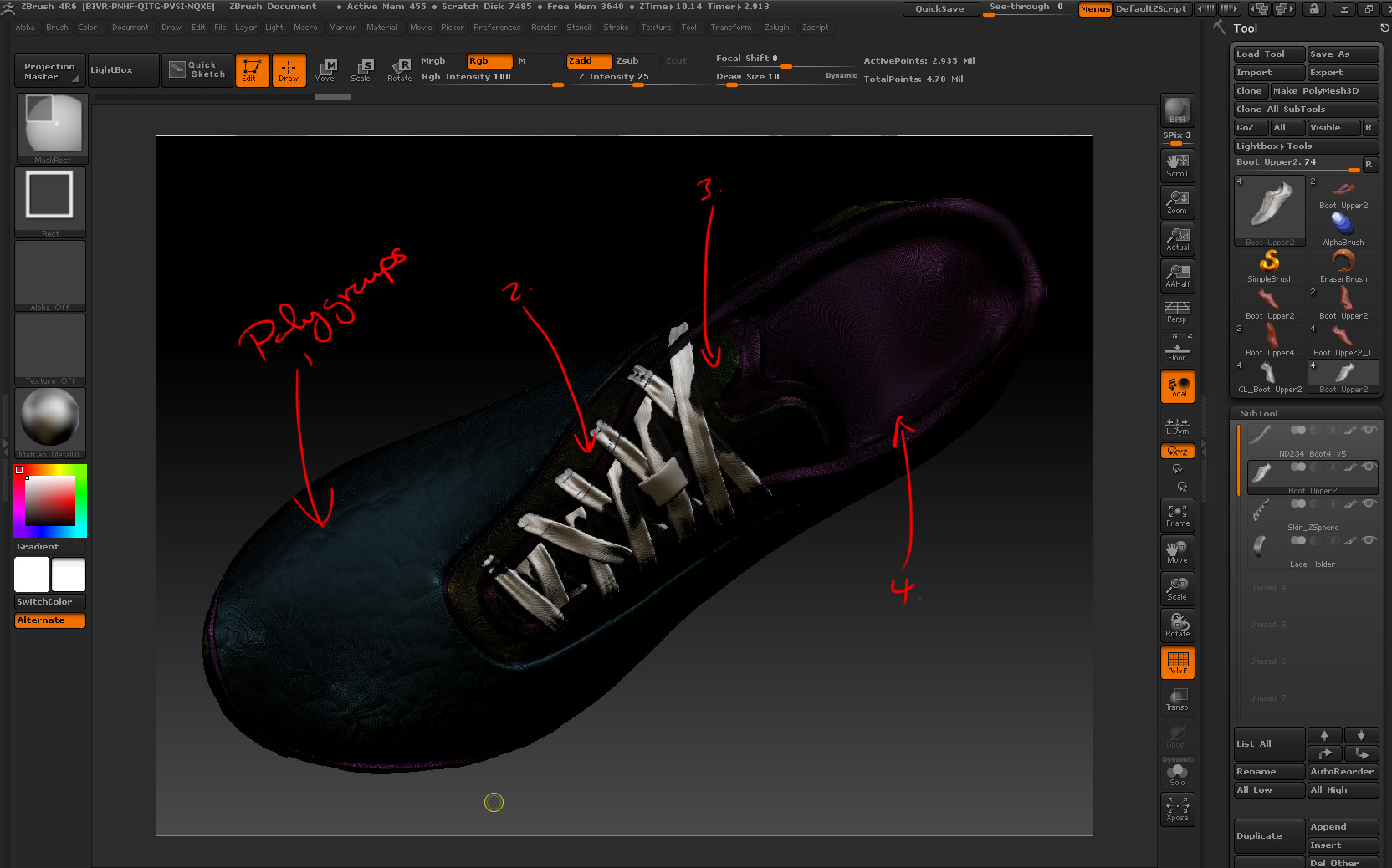
Boot1.jpg

Maybe you’ll have to use Decimation Master first, ZRemesher should do what you want, maybe hit fix mesh first, duplicate your tool first to re-project the color information. You should update your copy of ZBrush to 4R6 P2. Under geometry there’s Dynamesh and a button for Group.

Hi Doug,

Done as you suggest. The Dynamesh groups makes each polygroup into a separate piece within one subtool. I pretty much want the same single shell, polygrouped model that I have now, but with lower subdivisions, so I can work with uv master and modify the textures. Have I overlooked a setting in Dynamesh?

Maybe cloning it and just working on the clone once created would work better, Have you tried hiding part of Shoe Upper2 and doing a ZRemesh on parts of it?

Hi Doug,

I got a workable result from the following:

Copy Sub Tool > Decimate > ZRemesh > Poject original mesh inc. polypaint groups > Polygroup from polypaint

It’s not perfect but at least I can carry on.

Thanks for your help! :slight_smile: