I’m responding mostly because you didn’t got any response in a similar post before. I don’t consider myself an expert in this topic and I’m sure other people can give better responses than me.
It is not an easy topic because each engine and program can handle the normals in different way with lots of variables. You need to match the needs of that engine or program or the model won’t look good. That means that what looks ok in one program won’t look ok in other.
You probably know polycount.com, that focus a lot more in this topic that this forum. There is a loooong post about this:
http://www.polycount.com/forum/showthread.php?t=107196
There they tell you some ways to match it and probably will easily reply to questions like this.
Zbrush doesn’t smooth normals when exporting and this is a problem for lots of programs. But you can smooth them in, for example, blender. Baking the normals in Zbrush can be ok if you match the settings when you bake them with the target destiny, for example tangent. Adaptive is not necesarily a good thing in all cases. Some programs invert the green channel of the normal map and others not, and this is only an example of the variables:
Max, Cryengine and UDK X+ Y- Z+
Maya, Quixel and Marmoset X+Y+Z+
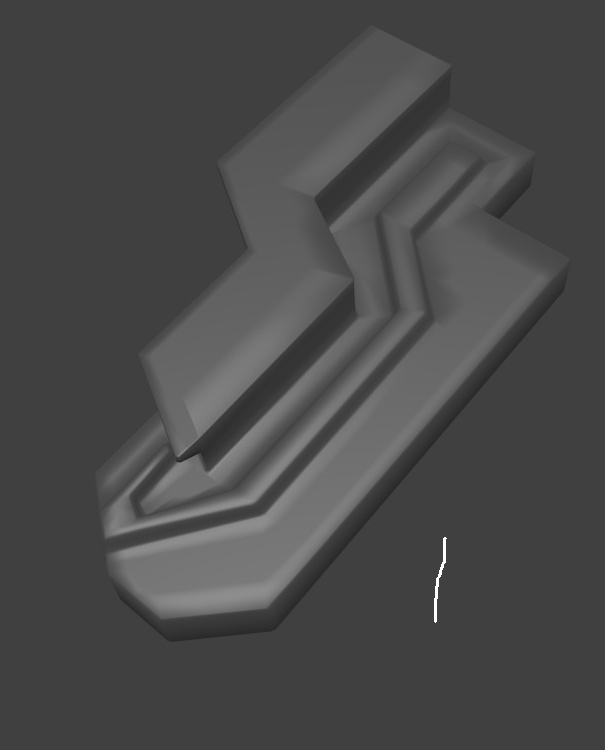
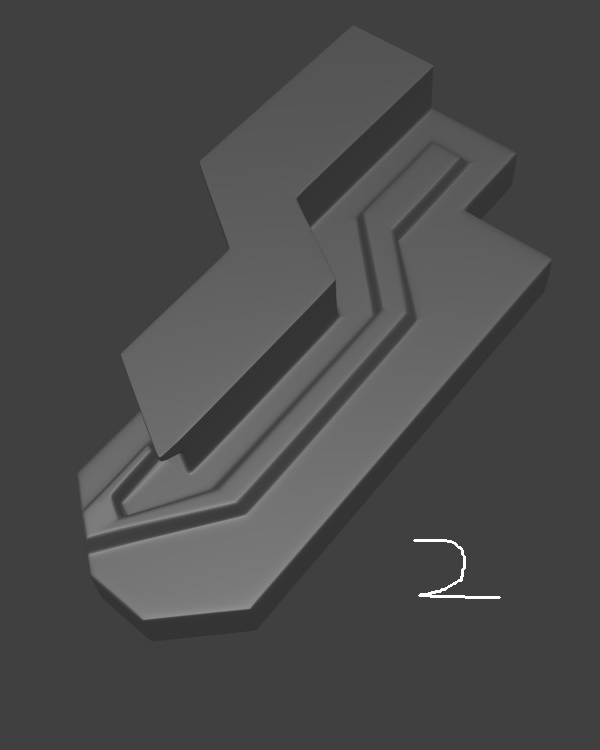
Exactly that example you are sending, hard edges with low poly, is the more problematic as the hard edges will look wrong if the settings are not correct.
You will have less problems if the baking is done in the target program as obviously will be in sync, for example baking in Substance painter the model from Zbrush will look perfect in painter as it will work in relation with the needs of painter. The same with Max, that can also bake etc.
There is a just posted video tutorial from susbtance painter that talks about the tangent normals needs for Unity and Unreal and the pipeline related to it. But that is not related to Blender, that is what you are using, and will have his own settings and needs.
For example if you export the models to Blender and bake the normals in Blender it will look ok (low and high res models will be needed) Check also if the low poly model needs first the normals to be smoothed or not


 small_orange_diamond