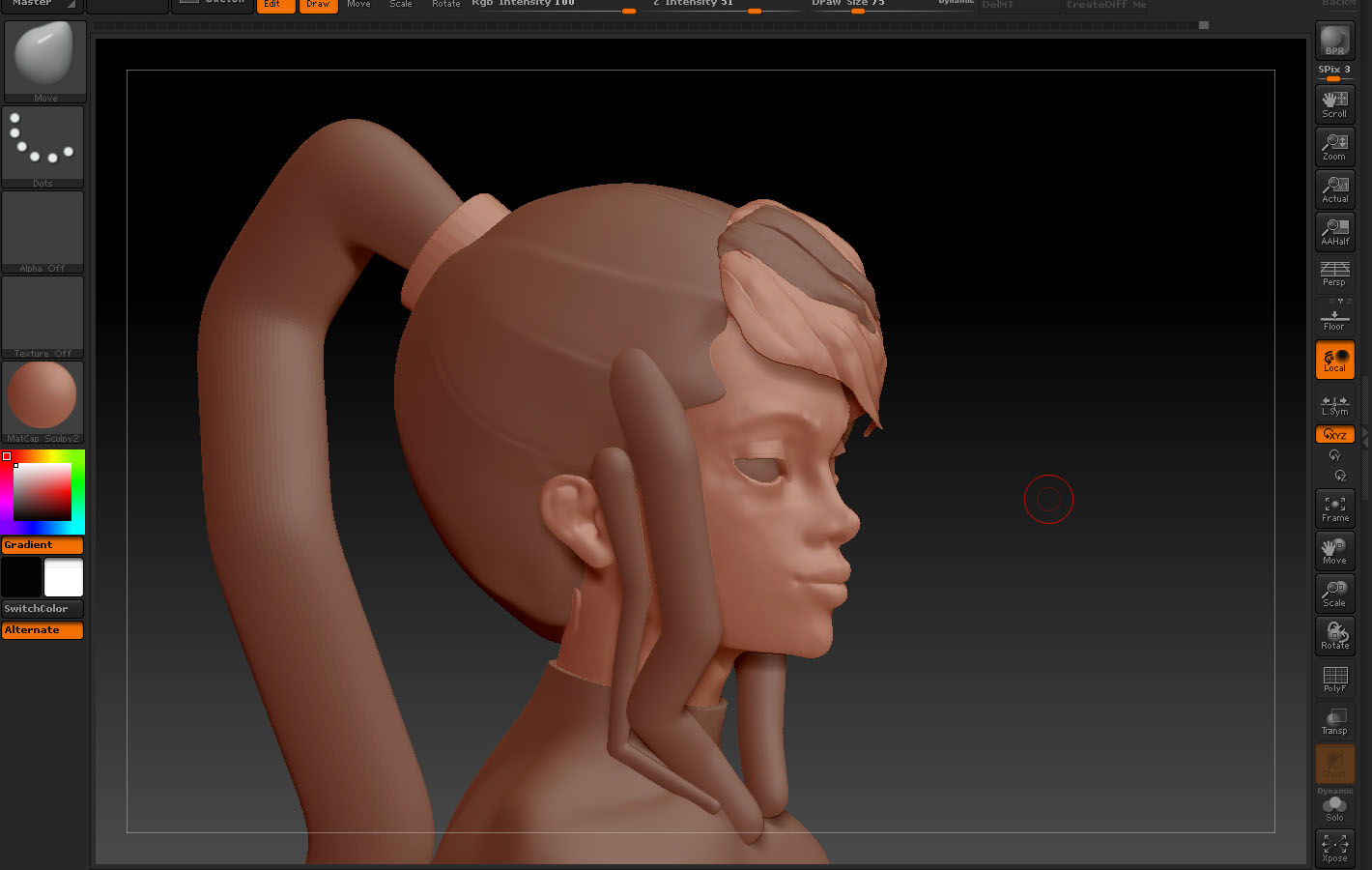
One way to help keep your model clean is to keep in mind what move you are making and what subdevsion level is best to make the move in. If you want to move the jaw around, or the over all shape of he hair, it is best to keep it at a low sub level because those are global changes. Don’t move to higher sub levels until you are puttig the details in.
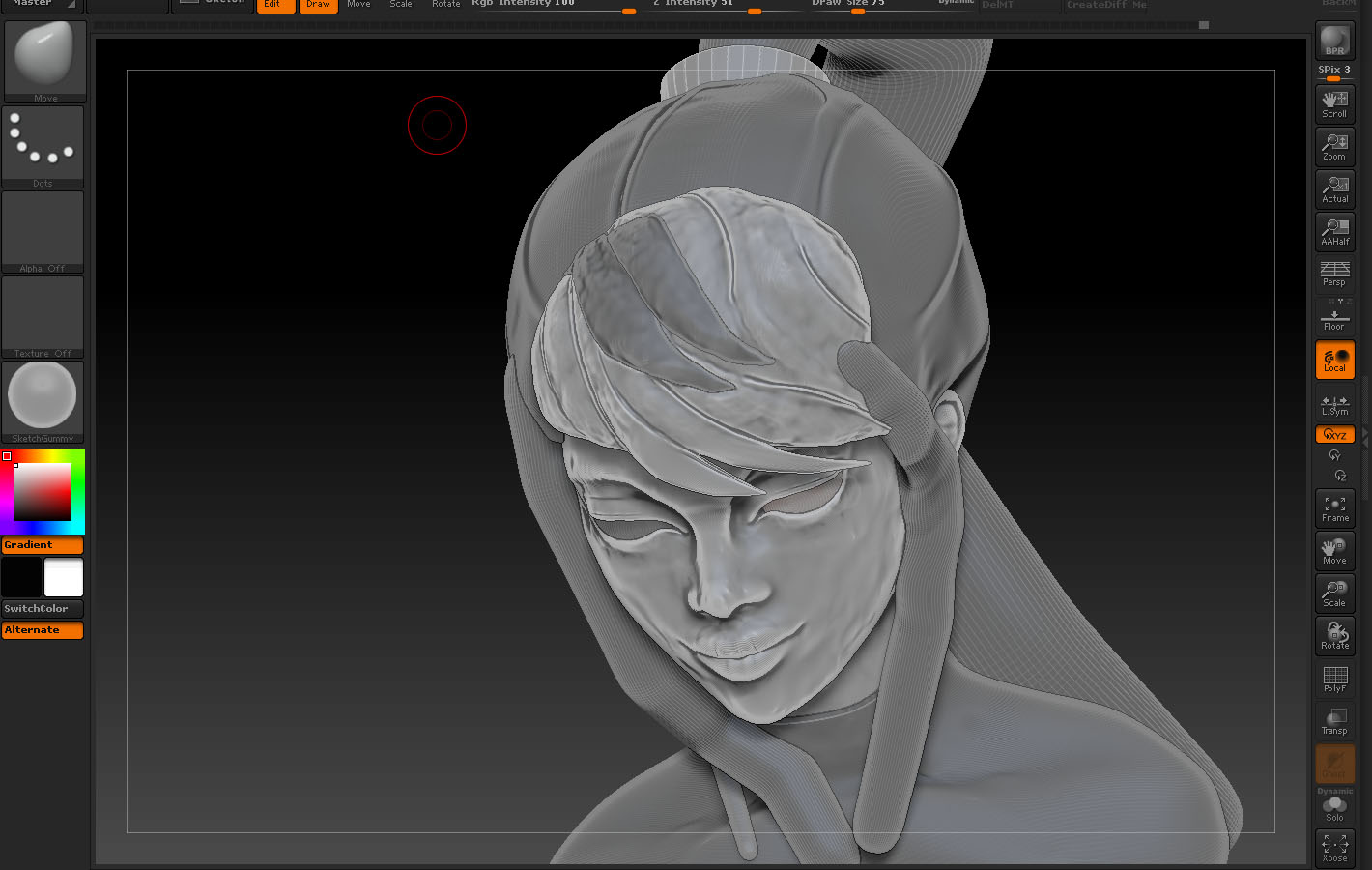
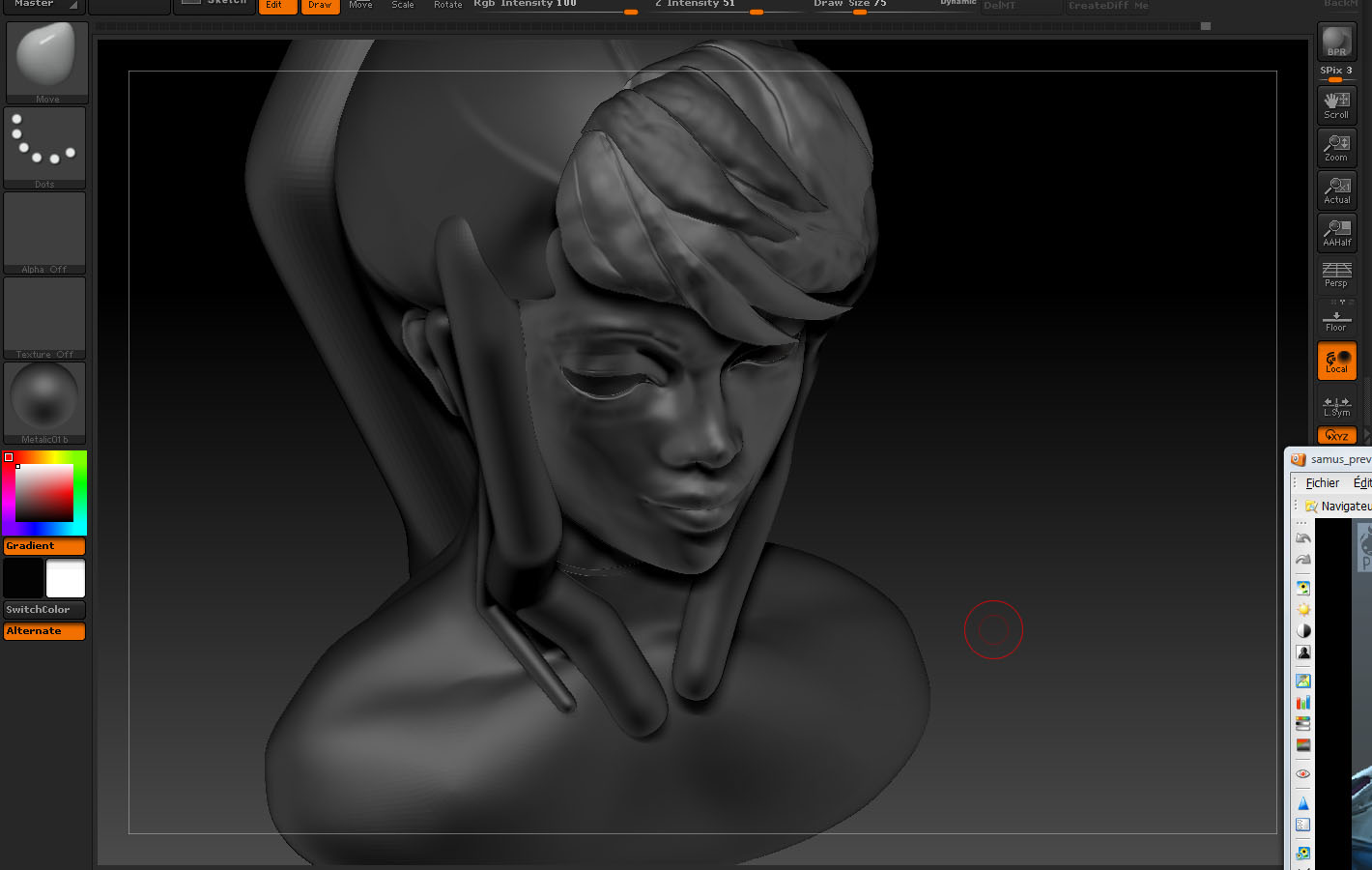
As as far as material goes, I prefer to work in mat cap grey or pearl. Grey is nice because there is good shadow contrast, but pearl will help you spot some of the little flaws that you might miss.
If your model is starting to look lumpy, step down in your sub levels and delete higher. It will smooth out the model and you can always put the details bak in if you started that process. You will get it!!! Keep up the good work 
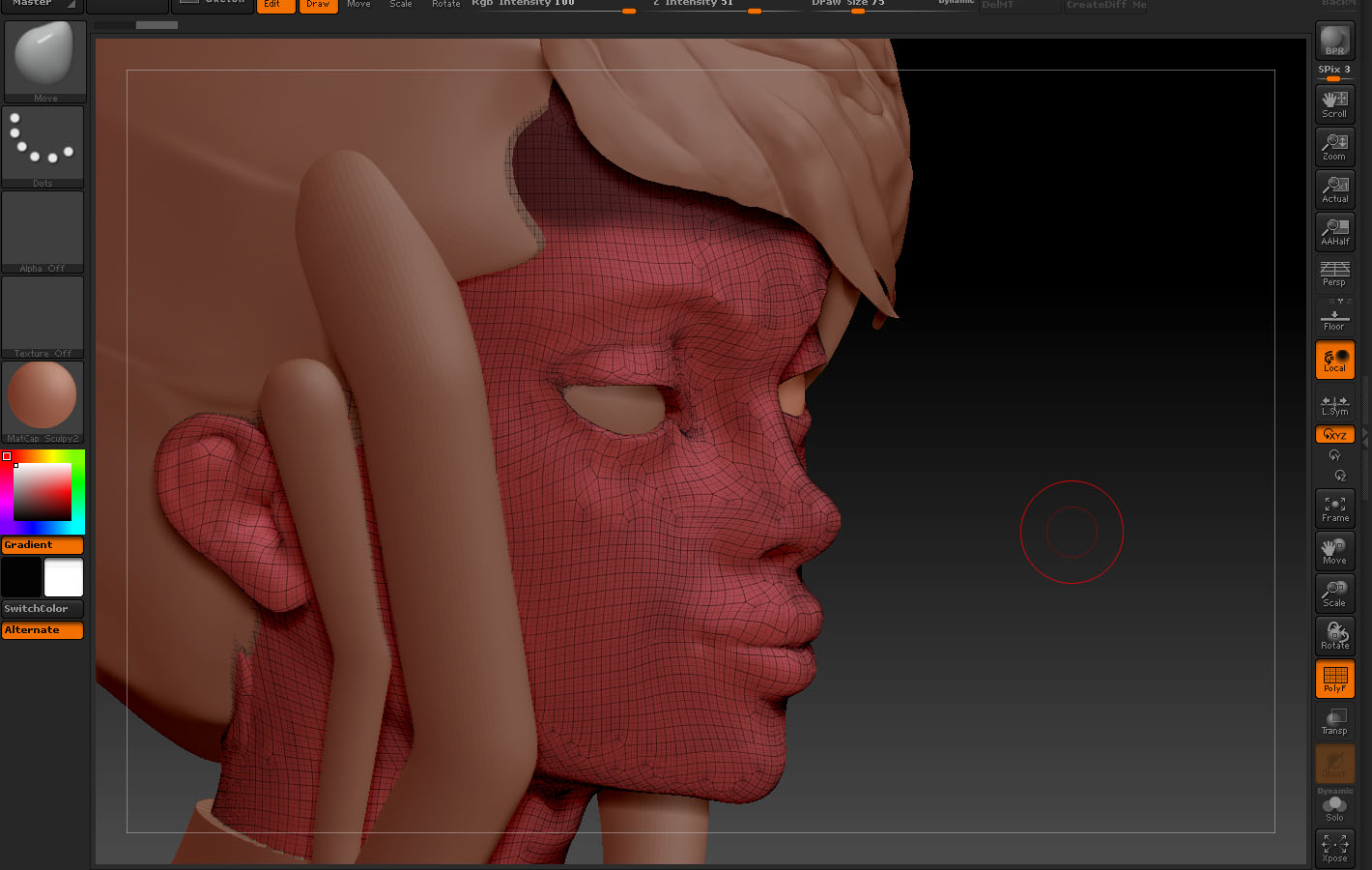
Update: I was looking at the images on my phone before, and now I can see what one of the big issues is. The way your mesh is laid out, you have areas where it will just pucker. There is not mush you can do about it, except re-mesh. It will really help you out to clean up those sections where the mesh is bunching up. Mostly near the chin. Anywhere you see your edge loops gathering in one area, that is going to be nearly impossible to smooth out.
Look at some of the meshes that come with the software to get some ideas of how to lay out the face. Dynameshing to do a little clean up, and then Zremeshing might be a way to solve your problem, with out having to retopologize the whole thing. Good luck!!!