Ok guyz heres how it is, Ive used UVMaster 4 the first time, as the pics show. But I’m not sure how I get to texture my model to send it into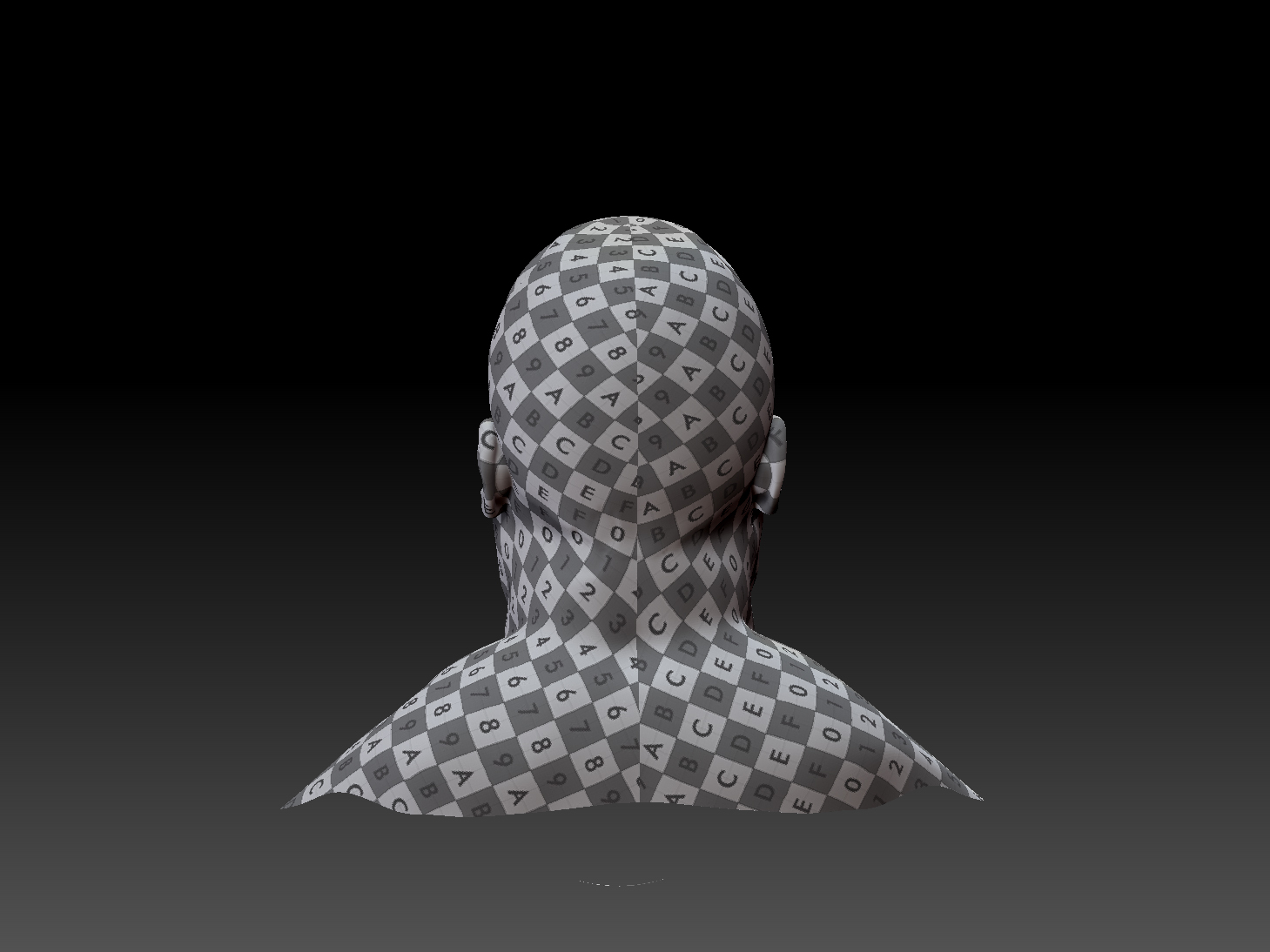
Attachments
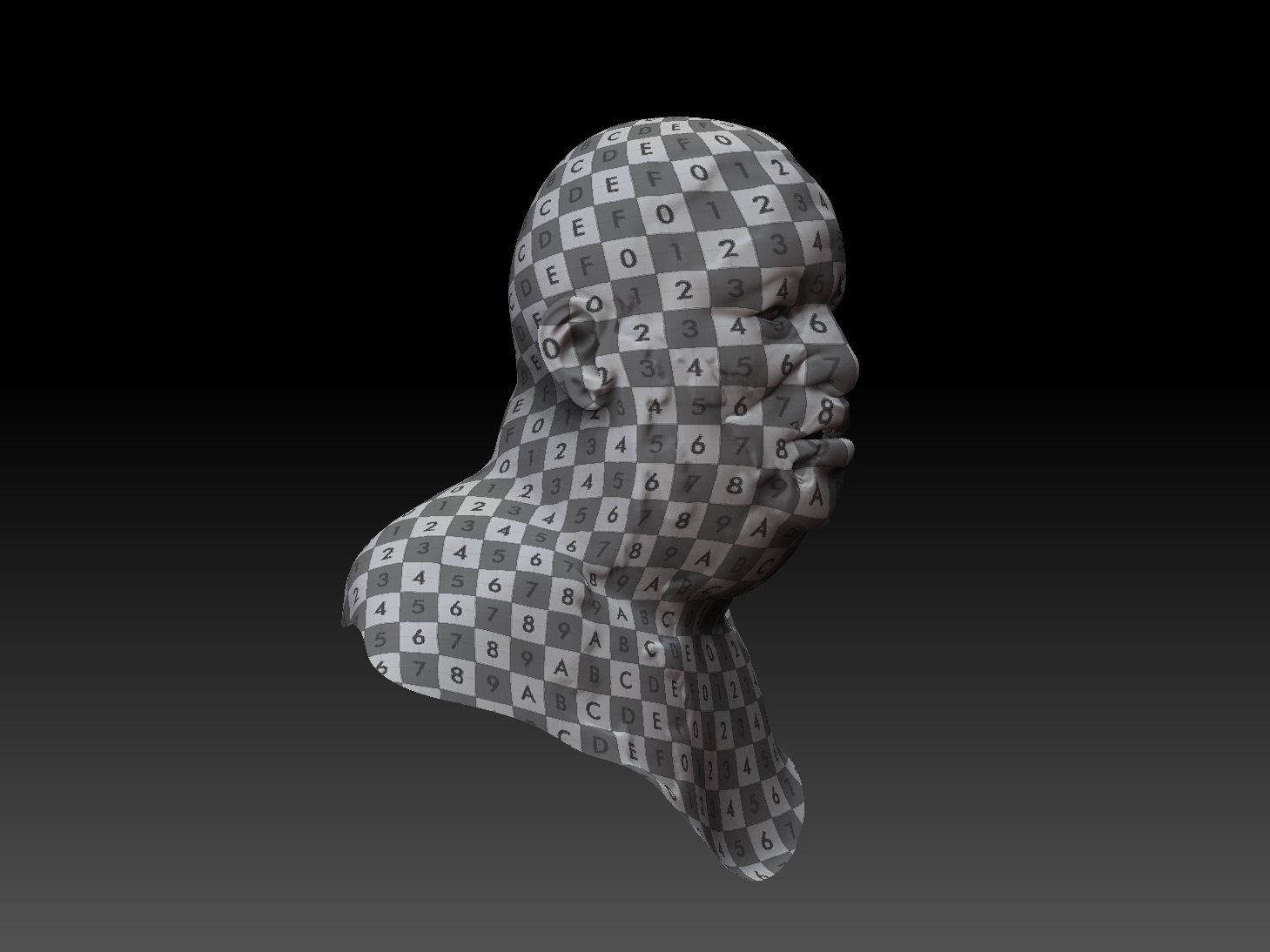
Ok guyz heres how it is, Ive used UVMaster 4 the first time, as the pics show. But I’m not sure how I get to texture my model to send it into
Turn off the texture in the Texture Map panel.
Make sure Colourize is on in the Tool / polypainting panel. Select RGB, deleselect ZAdd/ZSub, select a brush like the standard brush, select a colour, select the Rgb intensity and paint.
When you have completed painting, select Tool / Texture Map / new from Polypaint. This will create a testure from your polypaint. Select Clone Txtr to transfer this to the texture palette where you can export it.
Richard
Hey there,
just switch off the checkered texture in Tool/Texture Map, grab a brush, make sure RGB is on and paint your heart out ;).
Once done go to Tool/Texture Map and click on New from Polypaint. Click on clone and from the Top Menu Texture flipV and export you texture out.
Or use GoZ :D:D
Hope that helps.
dsoellbuster:Thanks!
Richard Marklew:Thanks!
PERFECTO!