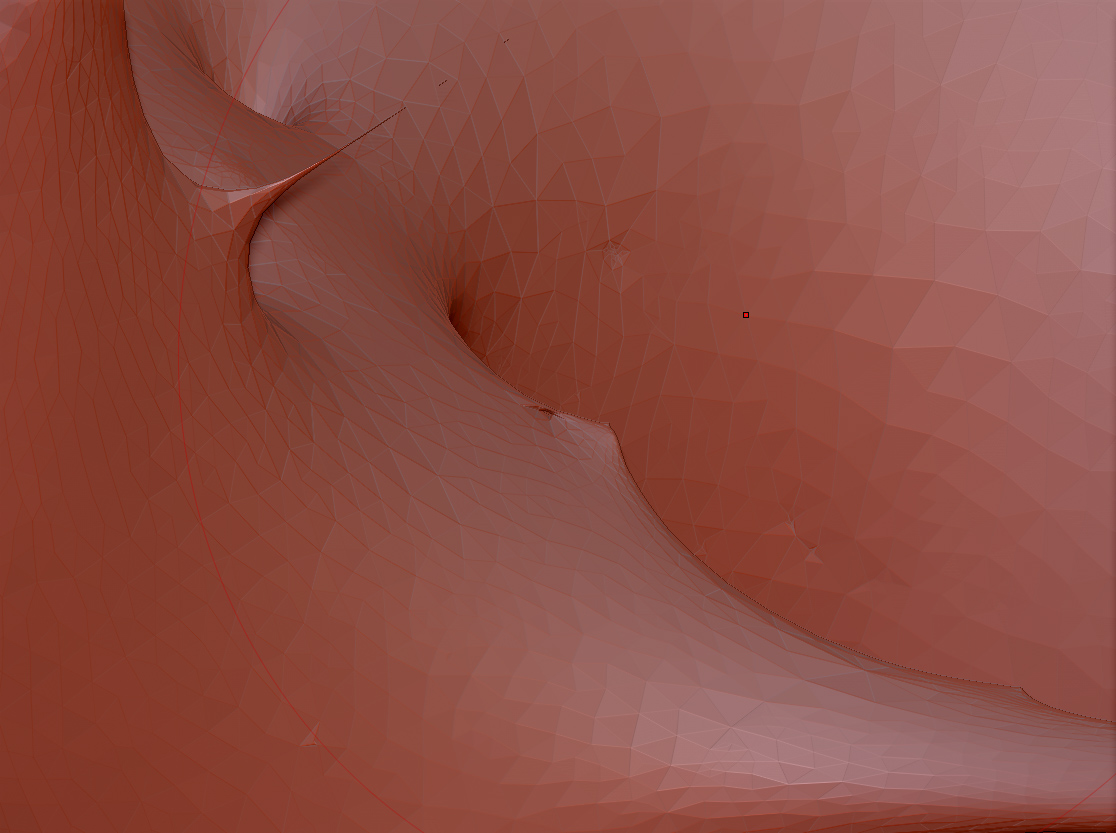
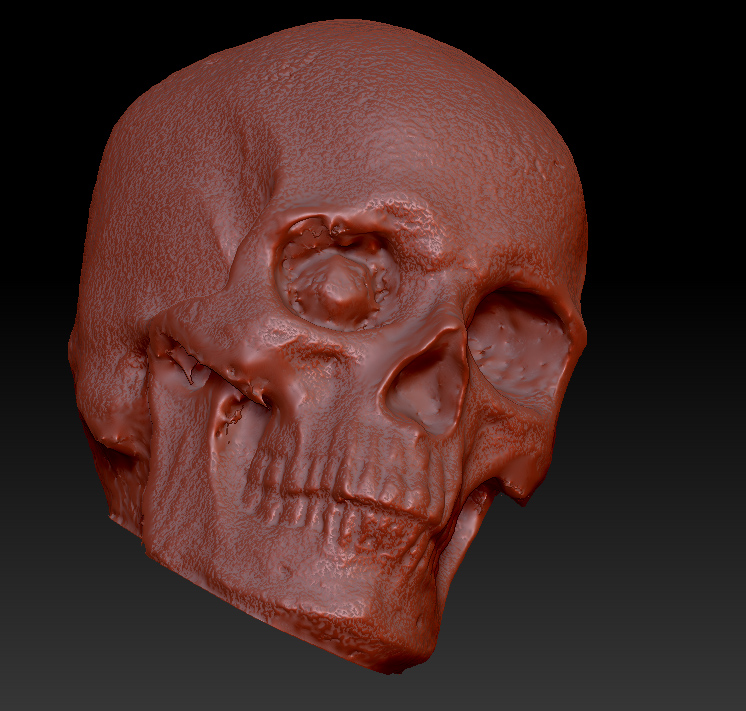
Well, you could simply lasso-hide the problem spikes, delete them ( Tool> Geometry> Modify Topology> Delete Hidden), then close the holes (geoemtry> Modify Topology> Close Holes). You’re resurfacing anyway, so the ugly geometry shouldnt make a difference.
On a spot by spot basis, you might get some mileage out of subtle application of the planar brush to force flatten the peaks. At the very least this might help you isolate the exact polys that need deleting.
If you want to roll the dice a bit, you could also just run it through a high resolution dynamesh, or Zremesh and project detail onto the subdivided re-mesh. It may eleminate many of these defects, or at least turn them into more manageable geoemtry that is more responsive to smoothing. In the cases of extreme spikes it runs the risk of creating unwelded polygons that will in turn create artifacts or holes in any subsequent remeshings. But you can usually spot these from their side effects, and track them down.