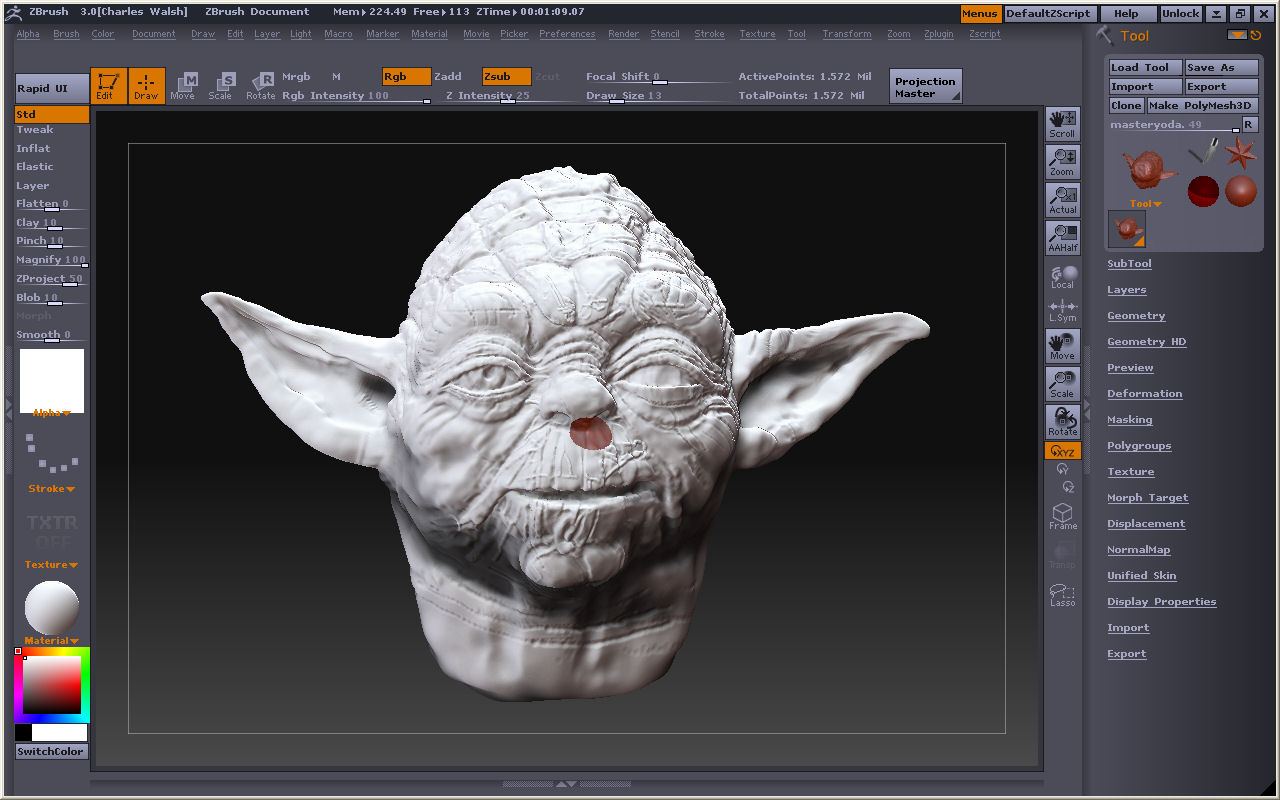
I’m not sure if you’ve already tried this…if so then nevermind…but if you choose the material that the rest of your model is made up of, you can “paint” the material over that spot…just make sure you have only MAT button pressed, not the RGB and not the MRGB. Also, make sure ZADD and ZSUB are off, or you will end up altering the geometry. This should do the trick. Also, you may want to try, to make it that much simpler, select a single material and color (any, it doesn’t matter), and press FillObject in the Color menu. This will fill the entire head with the color and material you have chosen. This might be better, since you don’t know for sure if there are other tiny areas like the one that is so obvious. After that…save your tool. Shouldn’t have any problems after that.