How do I control the retopology in situations like this?
It seems random wich quads are closed and wich becomes a hole…

How do I control the retopology in situations like this?
It seems random wich quads are closed and wich becomes a hole…
I get the same issue all the time. I believe that you have some points doubled up in the hole areas. Try selecting the vertices bounding the holes one by one and moving them away from the underlying lines to see which ones have are not part of the underlying line.
I think that if that finger part had 5 sides instead of 4 the holes would disappear. I’m just guessing though. I’m pretty new at this too.
Dana is right, that is definitely an n-gon. Just delete that point and redo it and you should be fine. When when connecting your vertices, make sure the cursor is a circle and not a square. Also if you switch on Wireframe mode you should be able to see the strange Geometry.
Hope that helps.
This is what I meant.
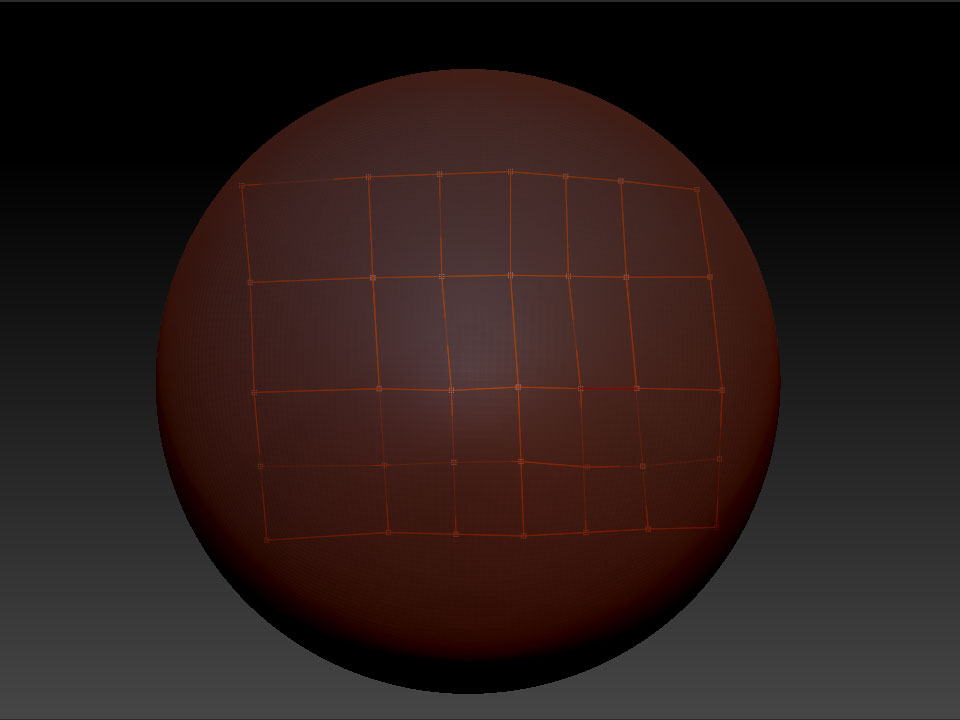
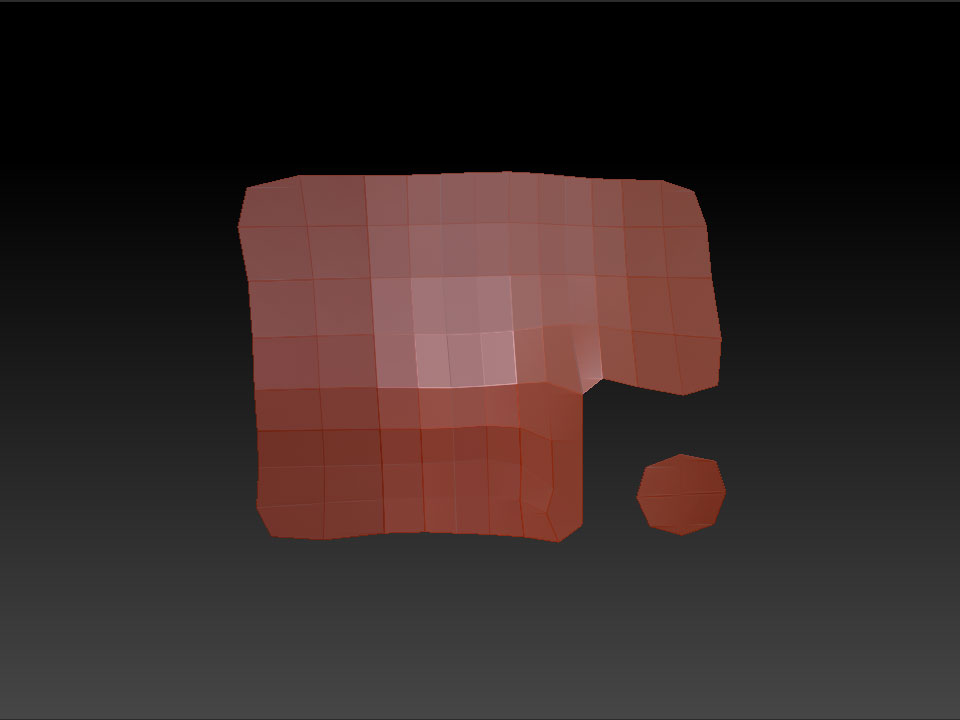
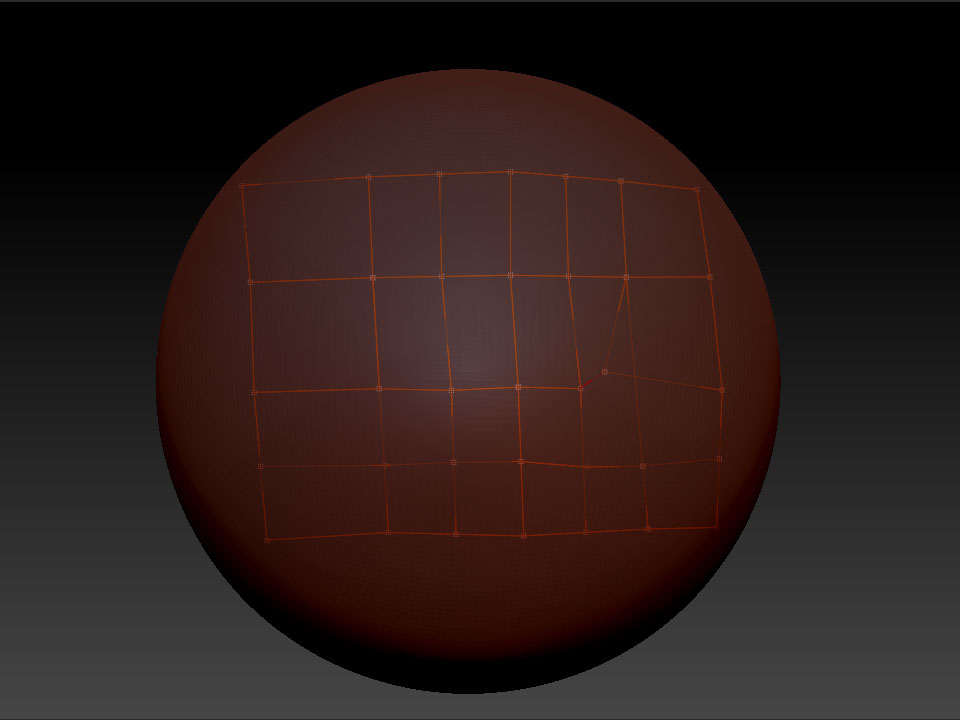
lol yeah, couldn’t get worse 
Thanks for your help guys. It was a little bit of everything. 
DanaArts was the most spot-on though.
I made absolutely sure that I had no errors and still zbrush had trouble figuring
out what I wanted to do, until I put in a fifth row of verts and it closed the
mesh up nice and clean (see messy screengrab below).
Thanks again 
Oh, and sorry about posting in the wrong forum… :o
