ZBrushCentral

How do I avoid exporting the inside of my mesh?

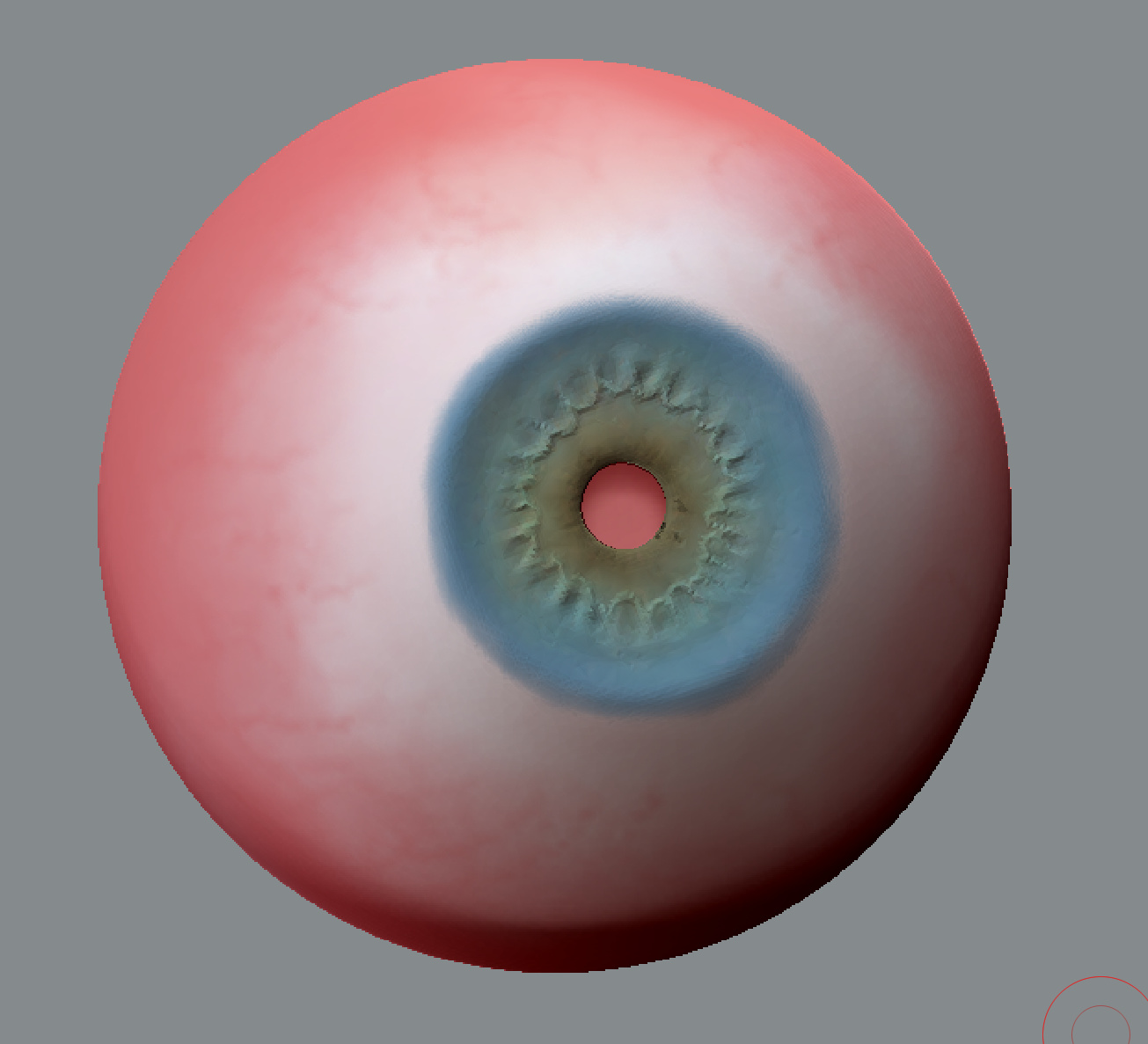
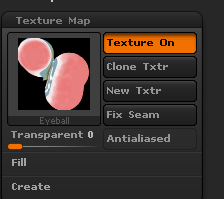
Hey, I’m fairly new to zbrush and in the proces of sculpting an eye. When I try to export the painting as a UV map, I’m getting the inside of my model along. You can see the red inside in the center. How can I avoid this?
eyeball.PNG.jpg

This is what the material looks like with the inside exported.
inside-mesh.PNG

Attachments

eyeball.PNG.jpg

ZBrush see’s pure black (rgb 0,0,0) as transparent. Try something like rgb 2,2,2 for black.

If I flip the mesh and paint on the inside, the black also applies to the outside. Can you explain it a little more?

The image you show of the eye is in ZBrush I presume as I can see the ZBrush cursor. Anything you paint with pure black which is rgb 0,0,0 is going to be transparent, but this is only in ZBrush. If you export the Texture Map to another app, it should be OK. I presume that you painted the pupil of the eye with pure black and that is why you can see right through it.